Running a scan
Scanning a repository
Ten checks across dependencies, secrets, code patterns, containers, infrastructure and AI usage.
Two ways to do it
Connect a read-only token and let the platform clone the repository, or scan it on your own machine with the CLI so the code never leaves it. Both produce the same findings; the second is the right answer for anything you are not willing to send anywhere.
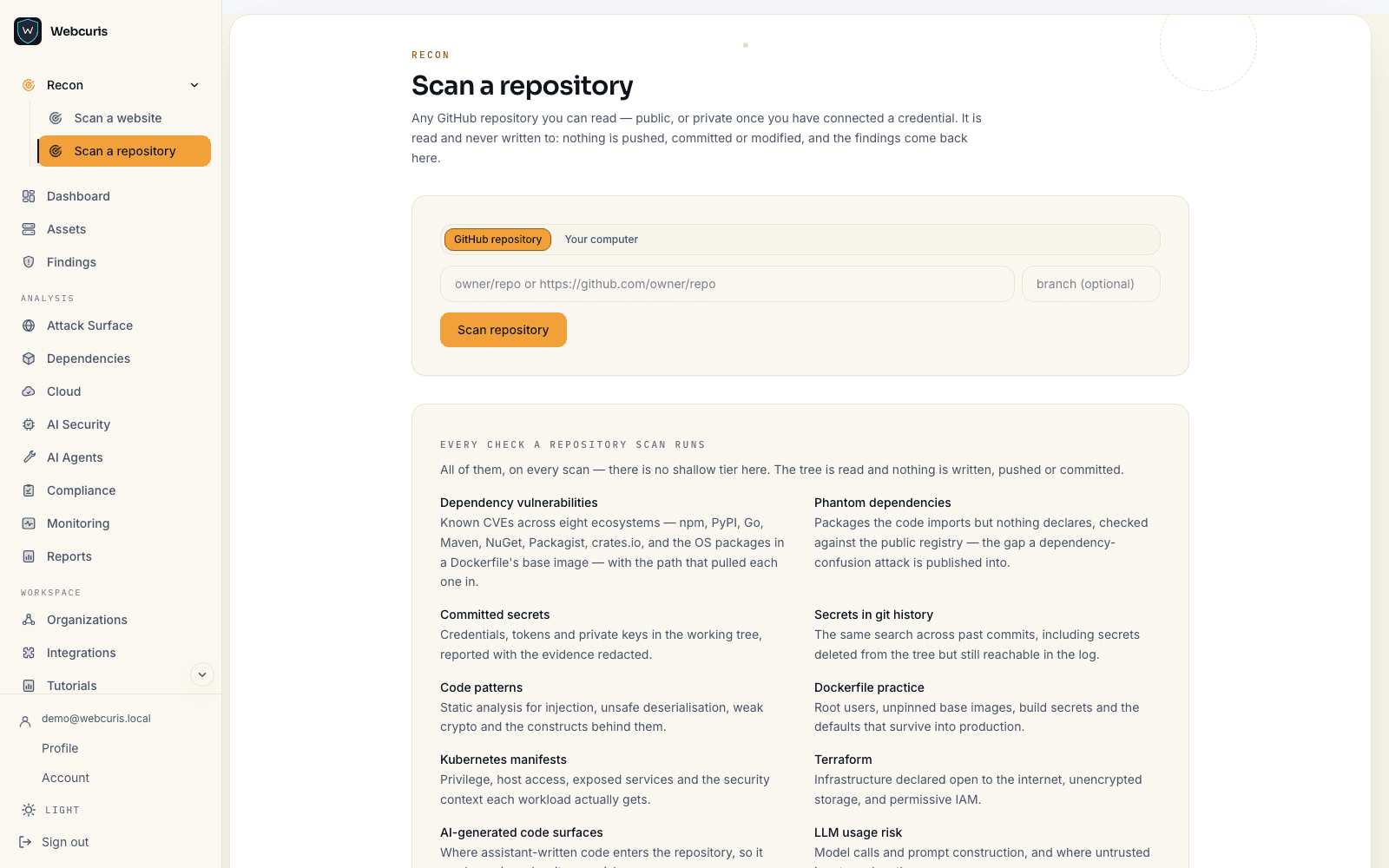
What it checks
- Dependency vulnerabilities — known advisories across eight package ecosystems, matched against the resolved tree rather than the manifest.
- Phantom dependencies — packages imported by the code but absent from the manifest, which no lockfile audit will ever see.
- Committed secrets, and secrets in git history — a key removed in a later commit is still a key anyone who clones the repository can read.
- Code patterns — a rule set over the source for the classes of bug that are visible statically.
- Dockerfile practice, Kubernetes manifests, and Terraform — the infrastructure that ships alongside the code.
- AI-generated code surfaces, and LLM usage risk — where models and agent frameworks are wired in, and what they are allowed to reach.
Git history matters
Secrets are searched for across history, not just the current checkout. This is the check that most often finds something real in a repository that has been audited before, because removing a secret in a later commit does not remove it from the repository.