Security Monitoring for SaaS Startups: What Enterprise Buyers Check Before They Ever Talk to You
Before the first call, somebody on the buyer's side points a scanner at your domain. What they see, the questionnaire answers passive monitoring writes for you, and the posture ladder to climb before paying for an audit.

Webcuris Research
Security Engineering
·2 min read
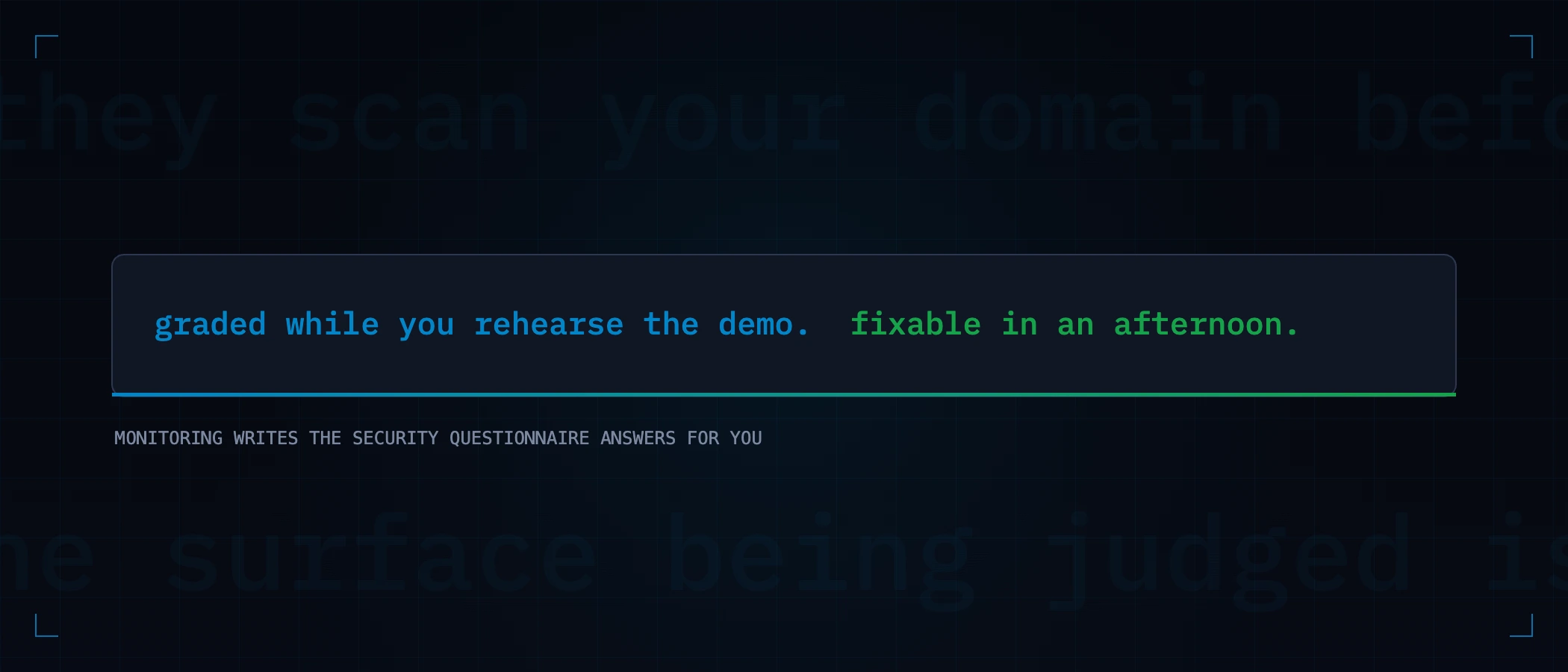
At some point in every SaaS company's life, a deal gets big enough that the buyer's security team gets involved — and their first move happens before the first call: someone points a scanner at your domain. Your headers, TLS, DNS and email authentication are graded while you are still rehearsing the demo. For a five-person startup this is actually good news, because the surface being judged is exactly the one you can fix in an afternoon and keep fixed with monitoring.
What the buyer sees before you know they exist
Everything on this list is readable by anyone, from outside, without sending your site a single hostile request:
- Security headers on your app and marketing site — a missing HSTS or a decorative CSP on the login page is the first impression.
- TLS configuration and certificate hygiene — an expired staging certificate reads as "they don't notice things".
- SPF, DKIM and DMARC — weak email authentication on the domain that will send their users' notifications.
- Your subdomain estate via certificate transparency — including
dev.,staging.and the abandoned experiment you forgot was public. - Version disclosures — what your responses volunteer about frameworks and servers.
None of this proves your product is secure. All of it is read as a proxy for whether anybody is minding security — which, at the pre-audit stage, is the actual question.
Questionnaire answers monitoring writes for you
| The questionnaire asks | With continuous monitoring you answer |
|---|---|
| Do you perform regular security assessments? | "External posture is scanned daily; findings are tracked with severity and remediation state" — with the dashboard to show |
| How do you detect misconfigurations? | "Regressions alert the day they appear, keyed to deploys" |
| How do you manage TLS? | "Automated renewal, independently monitored, with expiry alerting" |
| Email spoofing controls? | "SPF, DKIM and DMARC, monitored for drift" |
| Evidence? | Scan history — a dated trail of posture over time, which is what an auditor later wants anyway |
The ladder, in order of cost
- Fix the free surface — headers, TLS, DMARC. An afternoon, and it is what the pre-call scan grades.
- Turn on monitoring so the afternoon's work survives future deploys — posture that only holds until the next release impresses nobody twice.
- Write the trust page stating what you do — honestly, including what you do not do yet. Buyers discount claims; they respect inventories.
- A scoped pentest when a deal justifies it — active testing of your actual application logic, which is a different discipline from monitoring.
- SOC 2 when the pipeline demands it — arriving with a year of monitoring history makes the evidence-collection phase dramatically shorter.
See your domain the way the buyer's security team will: run the free scan and read it as a stranger. Fix what it finds, keep it fixed, and the next questionnaire starts from evidence instead of adjectives.
Keep reading
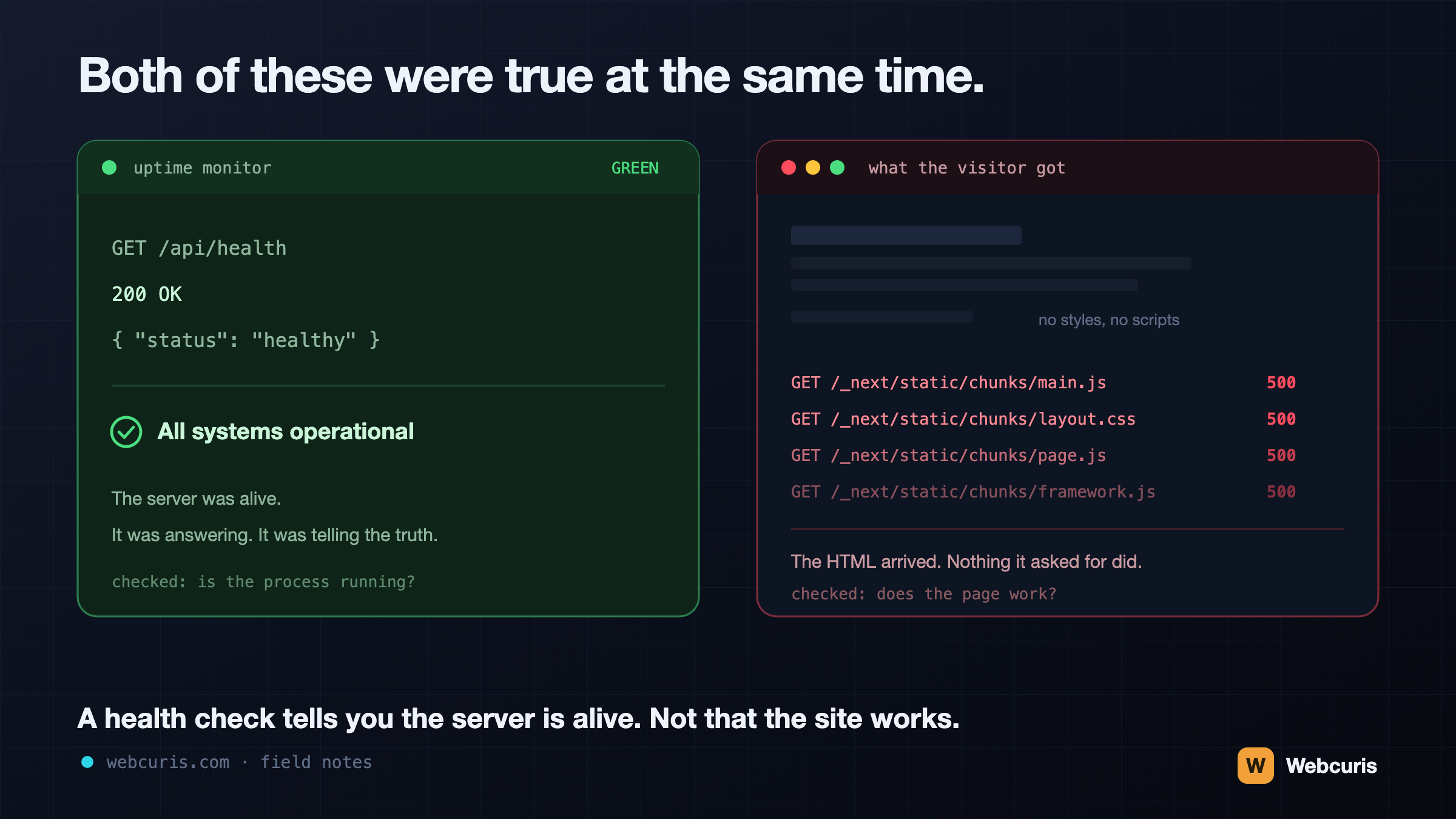
Your monitoring is watching the wrong end of the request
Our uptime monitor was green while every visitor saw an unstyled page. It was the second time every server-side signal agreed the site was fine while the browser disagreed — and the two incidents share a shape worth naming.
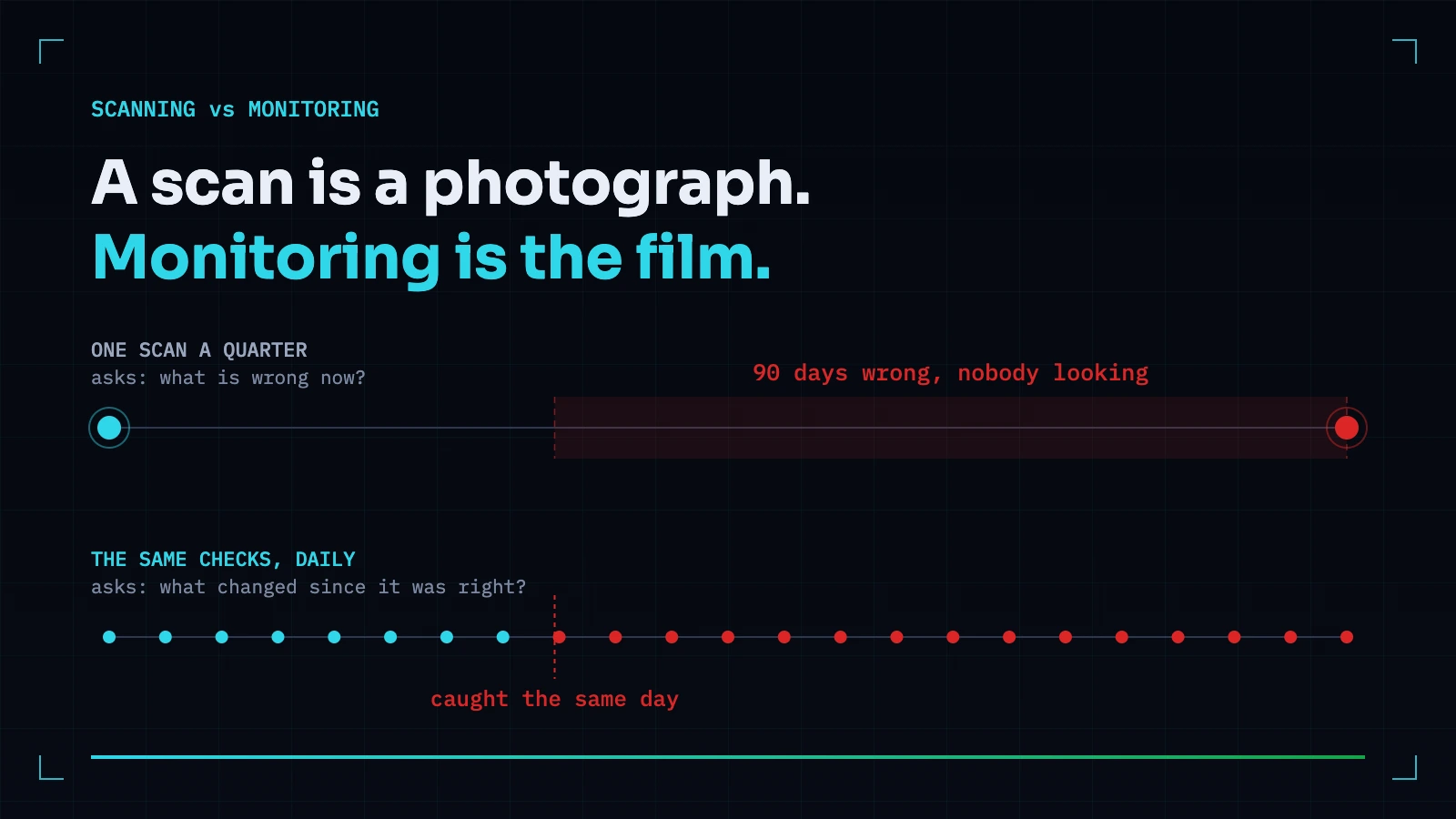
Vulnerability Scanning vs Security Monitoring: You Probably Need the One You Don't Have
A scan answers what is wrong now. Monitoring answers what changed since it was right. Most teams buy the first and need the second — because the expensive incidents are almost always something that used to be correct.
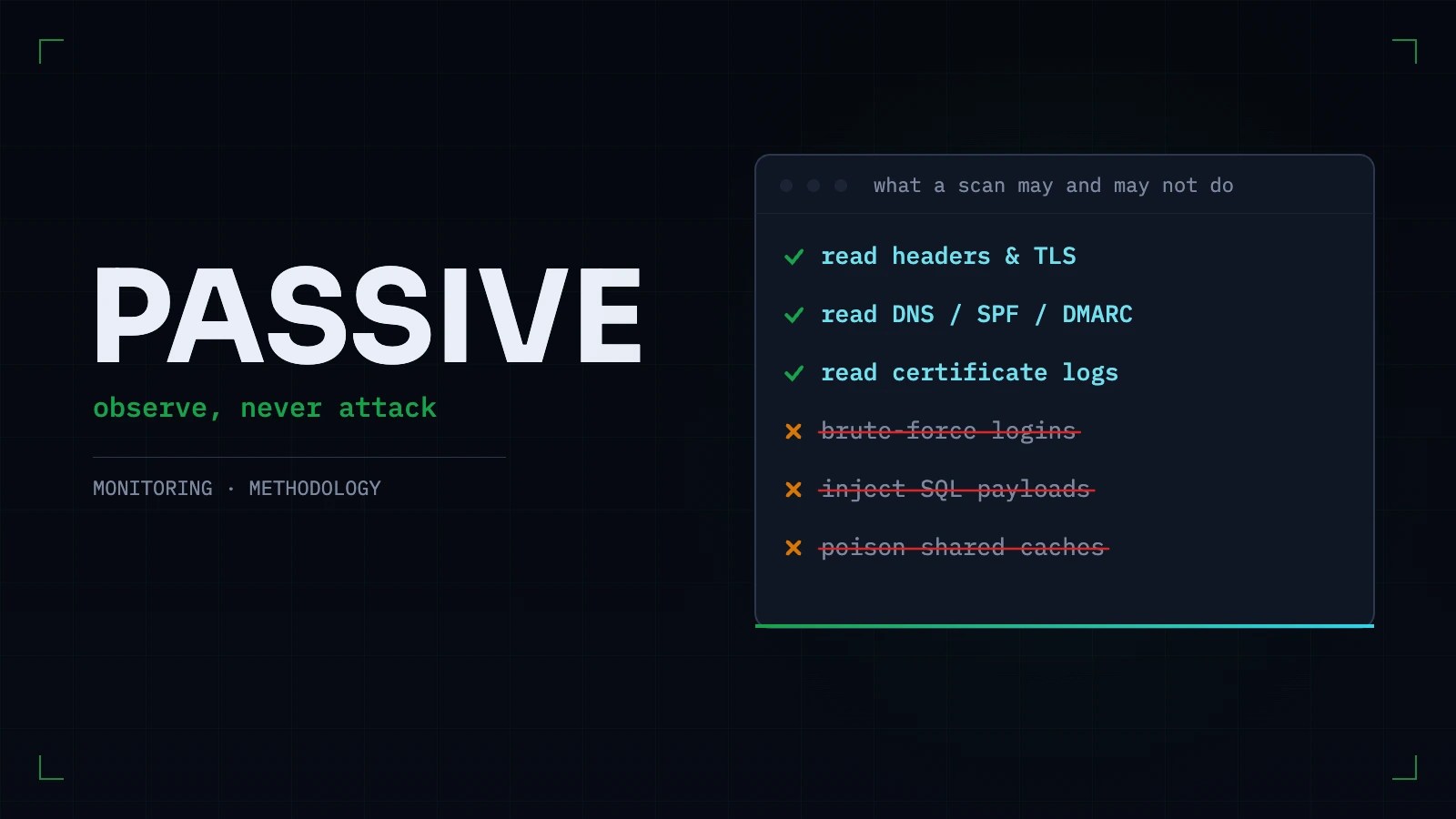
Passive vs Active Security Scanning: What a Scanner Should Refuse to Do to Your Site
The line between observing a site and attacking one is sharper than vendors make it sound. What passive scanning can honestly find, what genuinely needs active testing, and the tests we refuse to run — with reasons.
Everything this article describes is what Webcuris checks continuously — scan one page free, no signup.