What Is Continuous Website Security Monitoring? (And When a One-Time Scan Is Enough)
Two very different things are sold under one name. What posture monitoring actually watches, what a regression looks like, which checks belong on a schedule — and the honest cases where a single scan is all you need.

Webcuris Research
Security Engineering
·4 min read
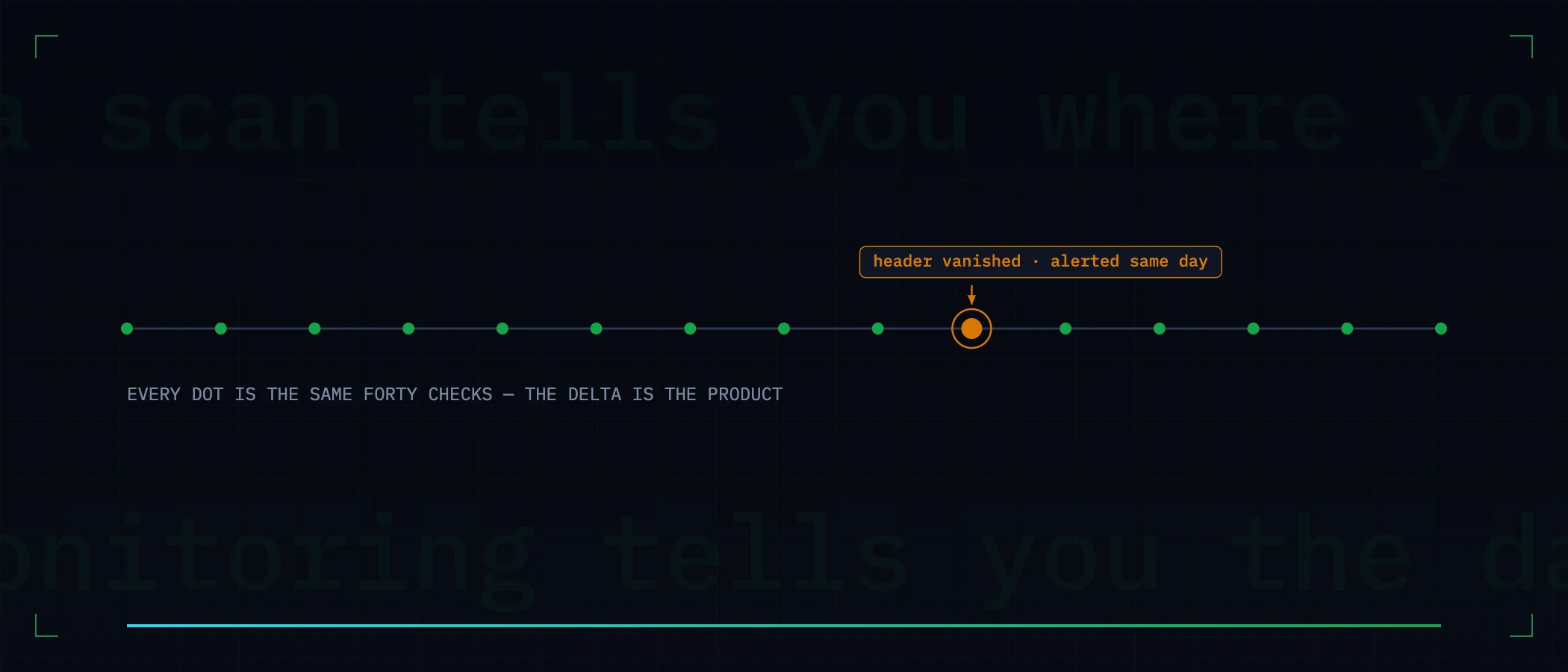
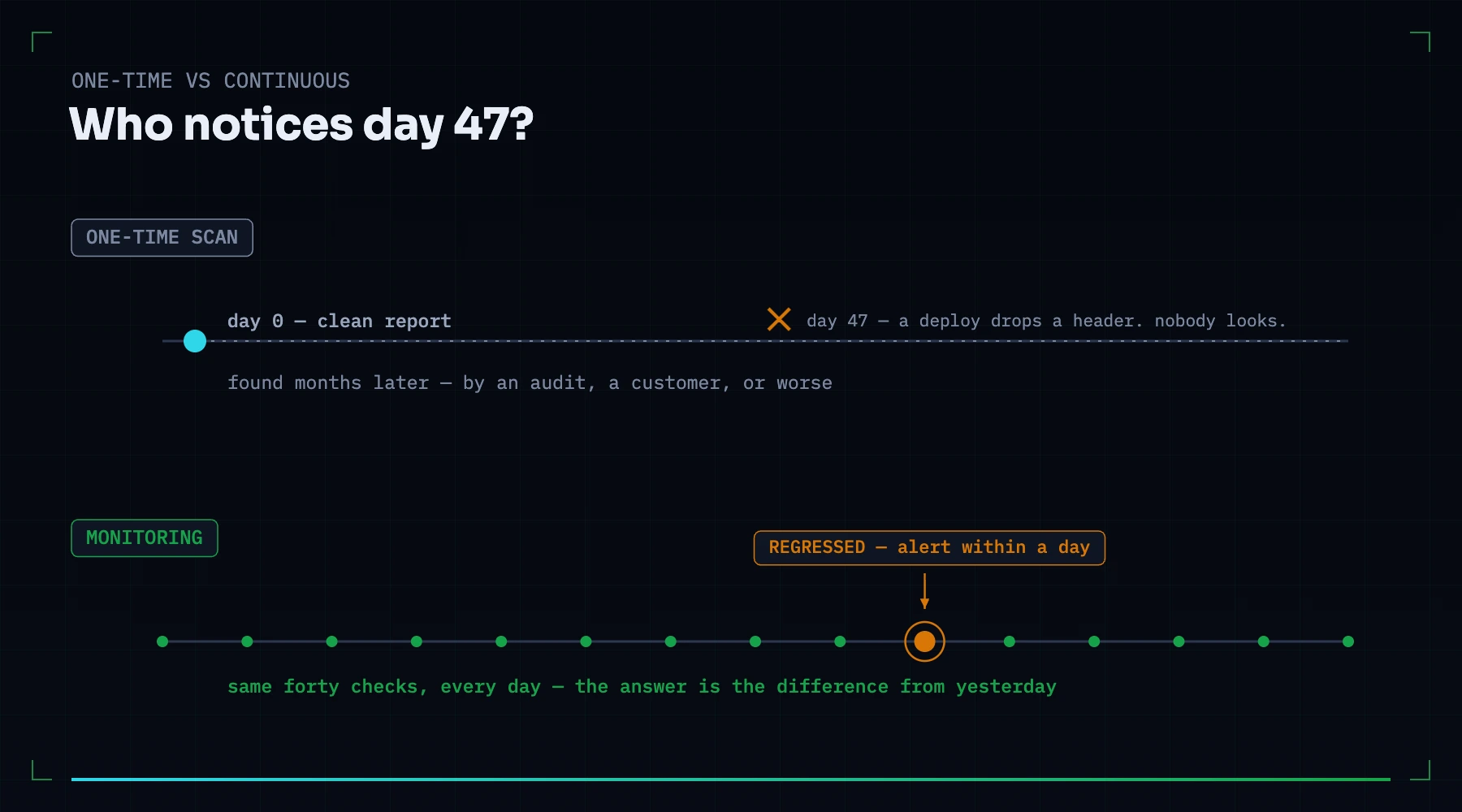
Continuous website security monitoring is the practice of re-checking your site's security posture on a schedule — headers, TLS, certificates, DNS, cookies, dependencies — and alerting you when something that was right becomes wrong. It exists because posture does not stay fixed: it drifts with every deploy, migration and DNS edit, usually without anyone intending to change security at all.
Two different things are sold under this name
Search for "website security monitoring" and most of what you find is compromise detection: services that scan your pages for injected malware, check whether you have landed on blocklists, and watch for defacement. That is legitimate and answers a real question — has my site already been hacked? This article is about the other discipline, posture monitoring, which answers an earlier question: is my site drifting toward being hackable, and would I notice?
| Compromise detection | Posture monitoring | |
|---|---|---|
| The question | Is my site infected right now? | Did my defences silently degrade? |
| Typical finding | Injected script, blocklist entry | Dropped header, expiring certificate, new vulnerable dependency |
| When it fires | After the incident | Before it — the misconfiguration is the precondition |
| What you do about it | Incident response, cleanup | A config change, usually one line, usually today |
Why posture changes when nobody touches security
- A deploy rewrites server config. A refactored nginx block or a new framework version quietly drops a header — most missing-HSTS findings on established sites are regressions, not omissions.
- Infrastructure moves. A CDN migration or a new load balancer becomes the layer that talks to browsers, and nobody configured headers there.
- Certificates expire on their own schedule, which is indifferent to yours.
- Marketing edits DNS. A verification TXT record here, a new SaaS CNAME there — each one a small change to who can send mail as you or serve content under your name.
- Advisories land overnight. Your dependency did not change; what the world knows about it did. Yesterday's clean scan is simply out of date.
What a regression actually looks like
Monitoring is only useful if it distinguishes news from noise. A raw re-scan every day produces the same fifty findings every day; what matters is the delta. Webcuris tracks every finding's identity across scans and reports each one in exactly one of four states:
| State | Meaning | The right reaction |
|---|---|---|
| New | First time this finding has existed on this asset | Triage it — this is the alert that deserves attention |
| Persisting | Known, still present | Whatever you decided last time still stands |
| Regressed | Was fixed, is back | Find the deploy that resurrected it — this is the most informative state a finding can have |
| Fixed | Gone since the last scan | Confirm it was your fix and not an accident of timing |
What to monitor, and how often
| Check | Cadence | Why that cadence |
|---|---|---|
| Security headers & cookie flags | Daily, and after every deploy | Deploys are when they vanish; a day is the most you want to not know |
| Certificate validity & expiry | Daily, alerting 14+ days out | The failure is total and the fix takes minutes if you are early |
| TLS configuration | Daily | Changes rarely, breaks loudly — cheap to watch |
| DNS: SPF, DKIM, DMARC | Daily | Edited by more people than any other security surface |
| Dependency advisories | Daily | The advisory feed moves whether you deploy or not |
| Subdomain inventory (via certificate transparency) | Weekly | New certificates reveal new surface — including surface you forgot |
Can you build this yourself?
Partially, and honestly: yes. One header on one host is a cron job:
curl -sI https://example.com | grep -qi strict-transport-security \
  || mail -s "HSTS header vanished on example.com" you@example.com <<< "check the last deploy"
What the cron job does not give you is everything around it: knowing which of the forty other checks matter, severity that reflects exploitability rather than presence, regression tracking so the same finding does not alert daily, evidence stored from the moment of detection, and one view across every site and repository you are responsible for. Scripts scale linearly with your patience; the patience is usually the first thing to regress.
When a one-time scan is genuinely enough
- A pre-launch check — you want a list of what to fix before the site exists publicly.
- A point-in-time deliverable — an audit, a due-diligence answer, a compliance snapshot.
- A site that truly never changes — no deploys, no DNS edits, no team. Rarer than believed: certificates and advisories move without you.
Everything else deploys, and everything that deploys drifts. Run the free scan to see where you stand today; if what you find is worth fixing, it is worth knowing the day it comes back — that is what monitoring is for.
Keep reading
Your monitoring is watching the wrong end of the request
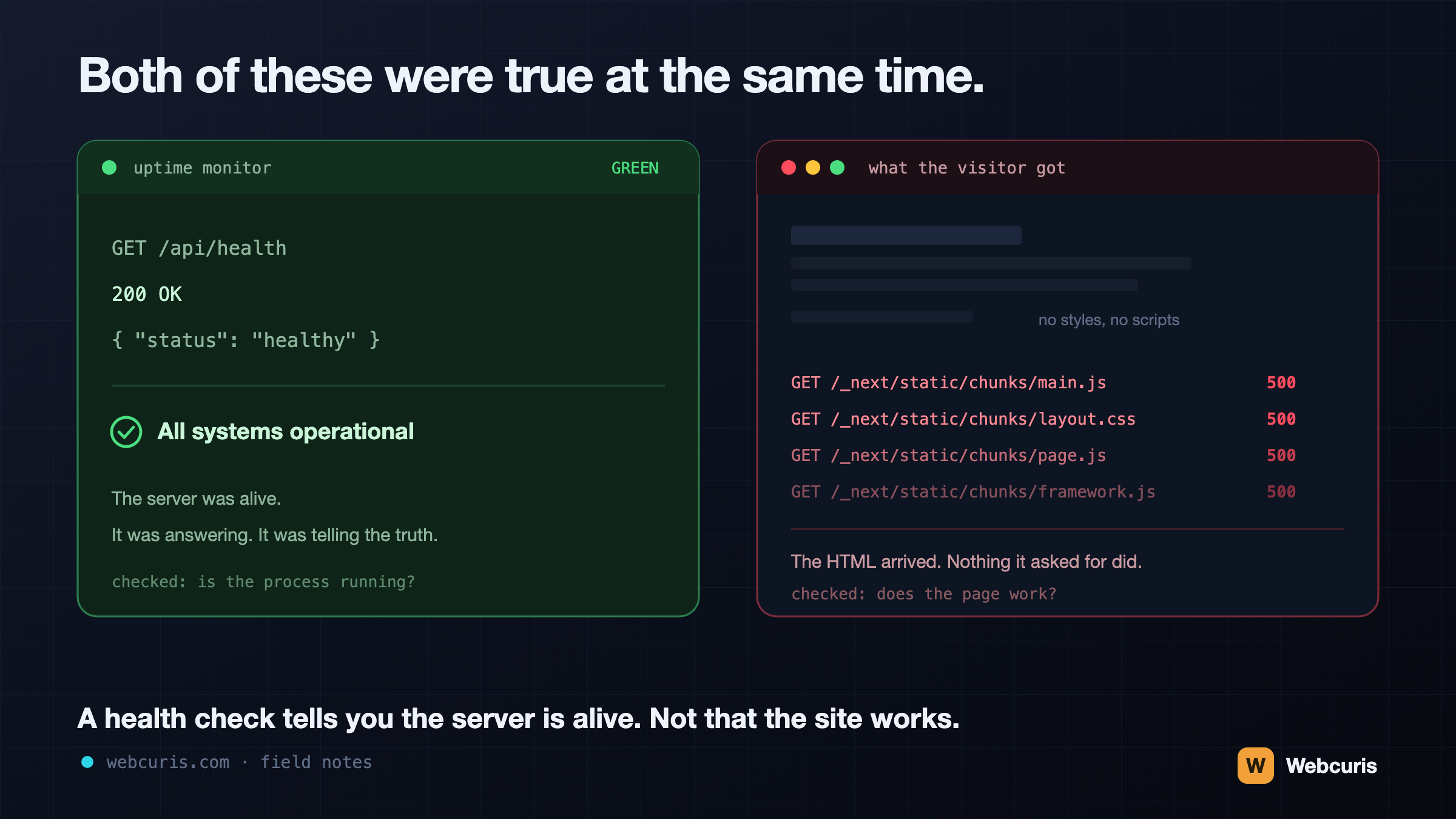
Our uptime monitor was green while every visitor saw an unstyled page. It was the second time every server-side signal agreed the site was fine while the browser disagreed — and the two incidents share a shape worth naming.
Vulnerability Scanning vs Security Monitoring: You Probably Need the One You Don't Have
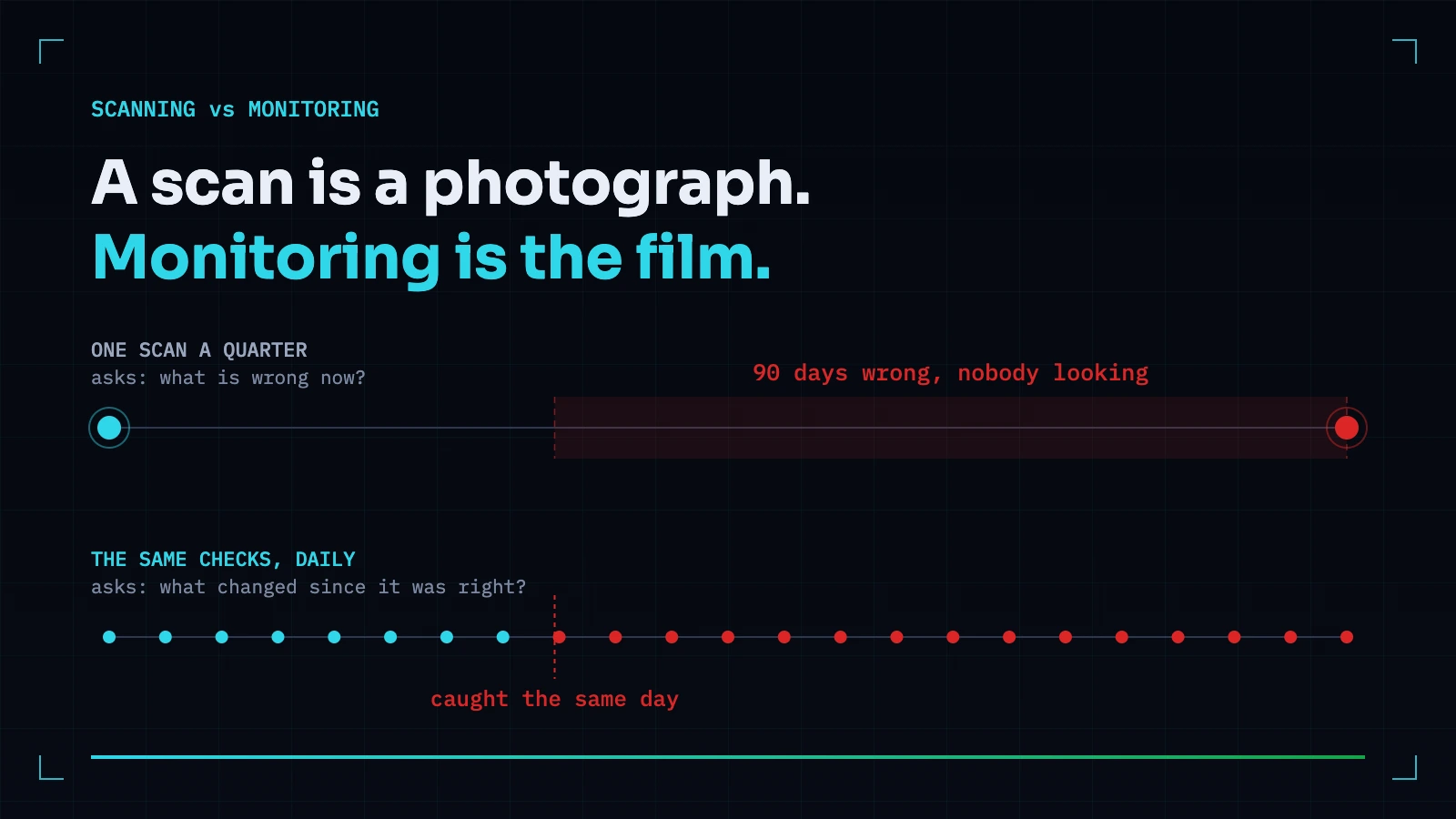
A scan answers what is wrong now. Monitoring answers what changed since it was right. Most teams buy the first and need the second — because the expensive incidents are almost always something that used to be correct.
Passive vs Active Security Scanning: What a Scanner Should Refuse to Do to Your Site
The line between observing a site and attacking one is sharper than vendors make it sound. What passive scanning can honestly find, what genuinely needs active testing, and the tests we refuse to run — with reasons.
Everything this article describes is what Webcuris checks continuously — scan one page free, no signup.