How to Check Your Website's Security Headers (and What Each One Actually Stops)
One curl command shows you every security header your site sends. This guide is the decoder: what each header stops, what its absence costs, and the three that matter most.

Webcuris Research
Security Engineering
·2 min read
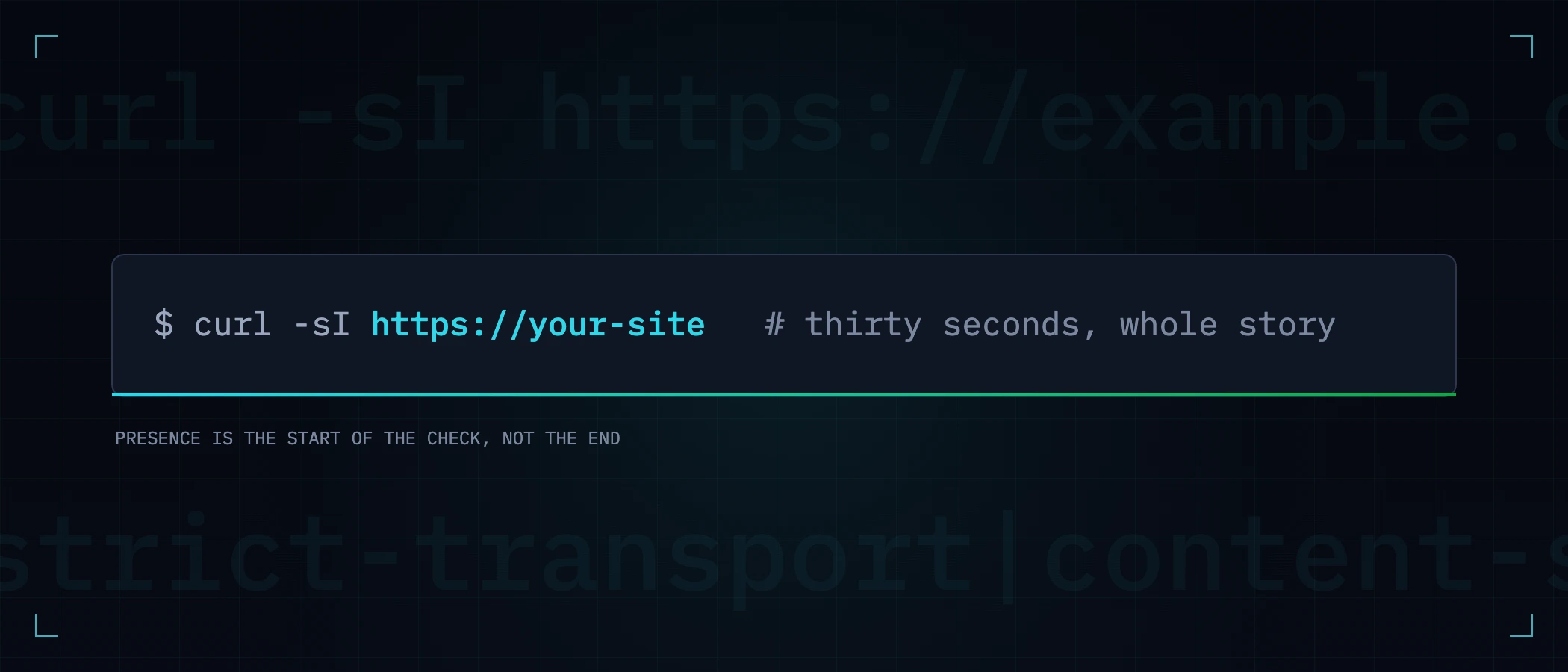
Checking your website's security headers takes one command and thirty seconds. Understanding what came back is the part every checklist skips — which header stops which attack, which absences are urgent, and which are noise. This guide is the decoder.
The thirty-second check
curl -sI https://example.com | grep -iE \
'strict-transport|content-security|x-content-type|x-frame|referrer-policy|permissions-policy|set-cookie'What each header actually stops
| Header | The attack it stops | If it is missing |
|---|---|---|
| Strict-Transport-Security | SSL stripping — intercepting the first plaintext request | One coffee-shop network between you and a user is enough (full guide) |
| Content-Security-Policy | Injected scripts executing (XSS) | Any reflected or stored injection runs — and note that a CSP containing 'unsafe-inline' stops almost nothing |
| X-Content-Type-Options: nosniff | Browsers reinterpreting a response as a richer type | An upload served as text can be sniffed into something executable |
| X-Frame-Options / frame-ancestors | Clickjacking — your UI framed invisibly under someone else's buttons | Your logged-in pages can be embedded and overlaid anywhere |
| Referrer-Policy | Full URLs leaking to third parties | Path and query strings — tokens included — travel in the Referer header |
| Permissions-Policy | Injected or third-party code using camera, mic, geolocation | Powerful APIs stay available to every script on the page |
Cookies are headers too
The Set-Cookie line carries its own security surface, and it is worth reading attribute by attribute:
Set-Cookie: session=…; Secure; HttpOnly; SameSite=Lax; Path=/- Secure — never sent over plain HTTP. Without it, one non-HTTPS request exposes the session.
- HttpOnly — invisible to JavaScript. Without it, any XSS reads the session cookie directly, turning a script bug into full account takeover.
- SameSite — not attached to cross-site requests. Without it, other sites can ride the session (CSRF).
Reading the result honestly
Presence is the start of the check, not the end of it. A Strict-Transport-Security with max-age=300 protects a visitor for five minutes. A CSP whose `script-src` includes `'unsafe-inline'` reports as present and defends against approximately nothing. Two questions for every header you find: is the value strong enough to do its job, and is it on every response — including error pages, which are exactly where several servers quietly drop custom headers.
Then stop checking by hand
The curl command answers today. Headers regress: a config refactor, a CDN migration, a new load balancer — most missing-header findings on established sites are things that used to be there. A free Webcuris scan reads every header above, judges the values rather than the presence, and shows the exact fix for each gap; monitoring re-checks daily and tells you the day a deploy drops one.
Keep reading
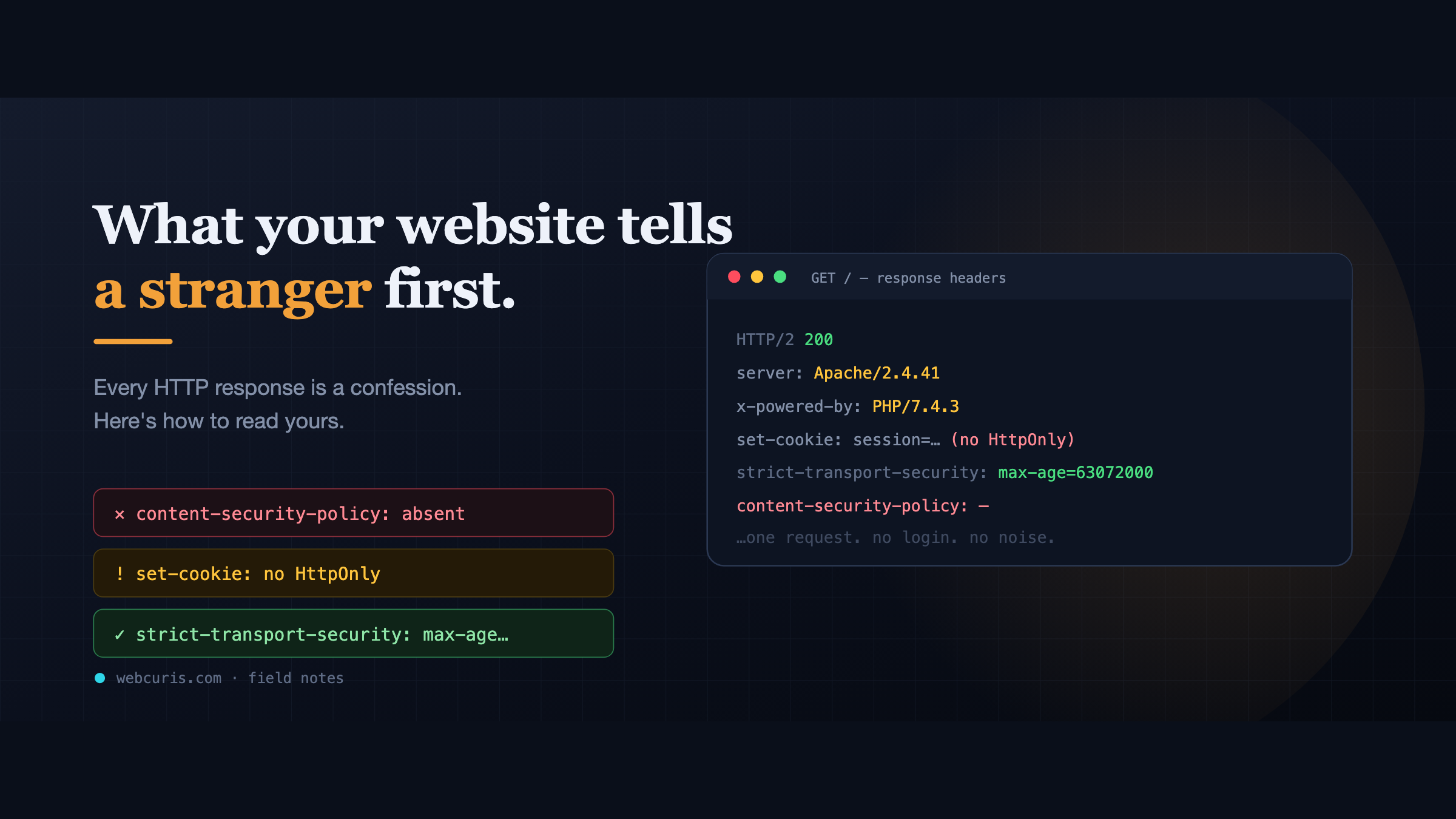
What your website tells a stranger before they load the page
Before a single pixel appears, your server has already made a statement about how seriously it takes security. Attackers read it first — here's how to read yours.
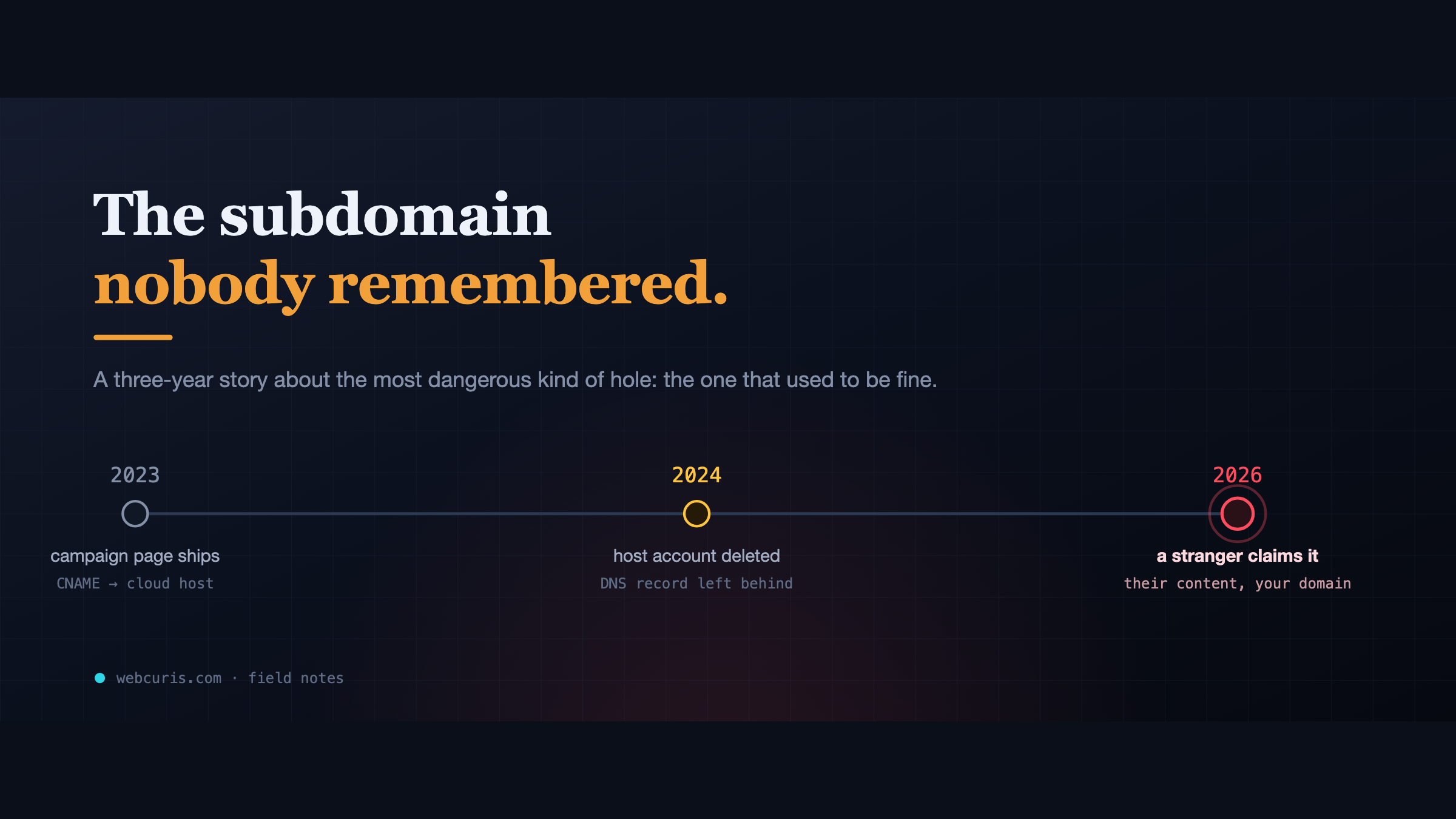
The subdomain nobody remembered
In 2023 a marketing team pointed a subdomain at a cloud app. In 2024 the app was deleted. The DNS record wasn't. In 2026, a stranger claimed it.
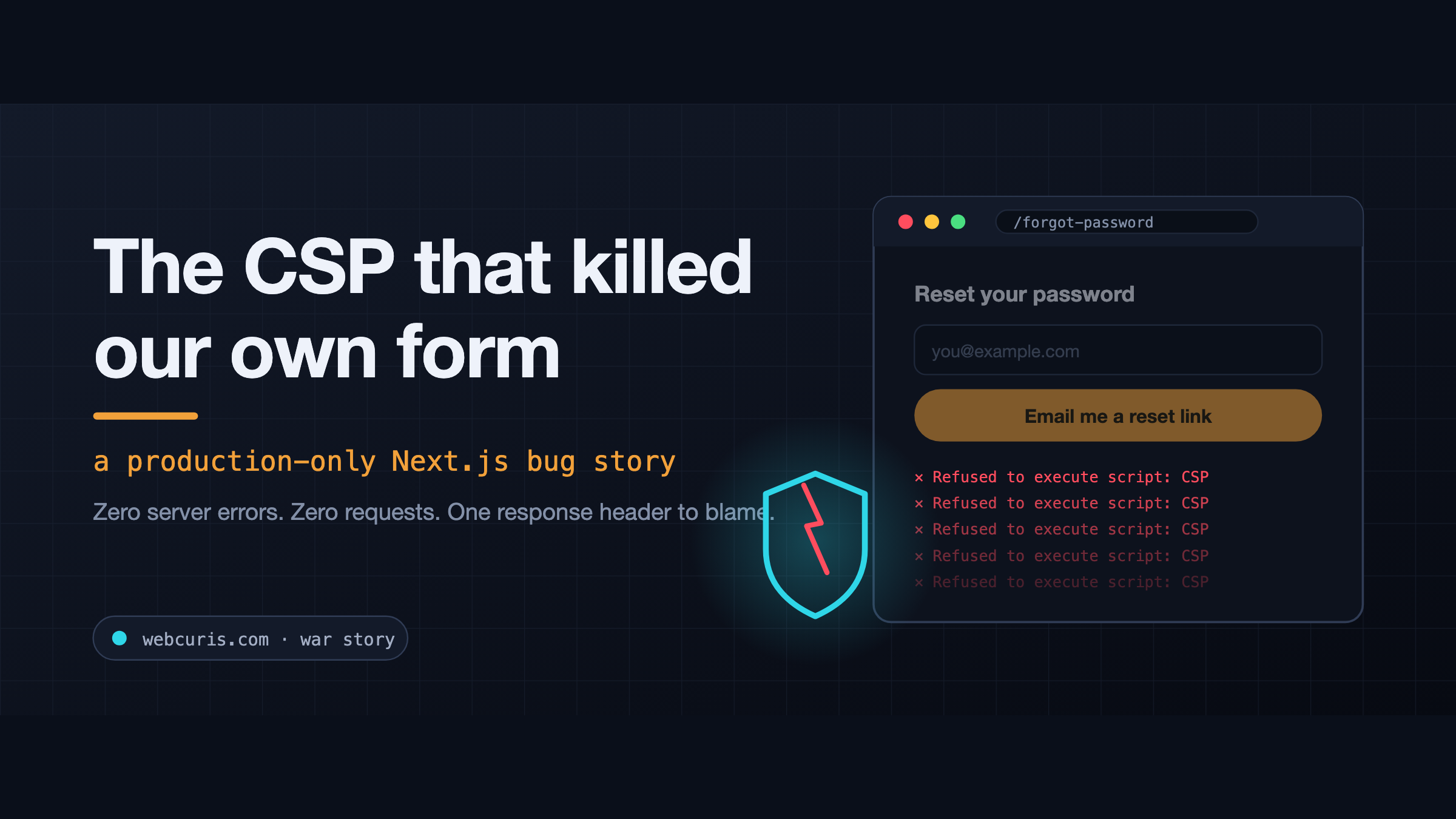
The CSP that killed our own form (a production-only Next.js bug)
The forgot-password form is not working at all. Not "it's slow." Not "I got an error." Not working at all. So we did what you do. Checked the error tracker: clean. Checked the…
Everything this article describes is what Webcuris checks continuously — scan one page free, no signup.