The CSP that killed our own form (a production-only Next.js bug)
The forgot-password form is not working at all. Not "it's slow." Not "I got an error." Not working at all. So we did what you do. Checked the error tracker: clean. Checked the…
Webcuris Research
Security Engineering
·4 min read
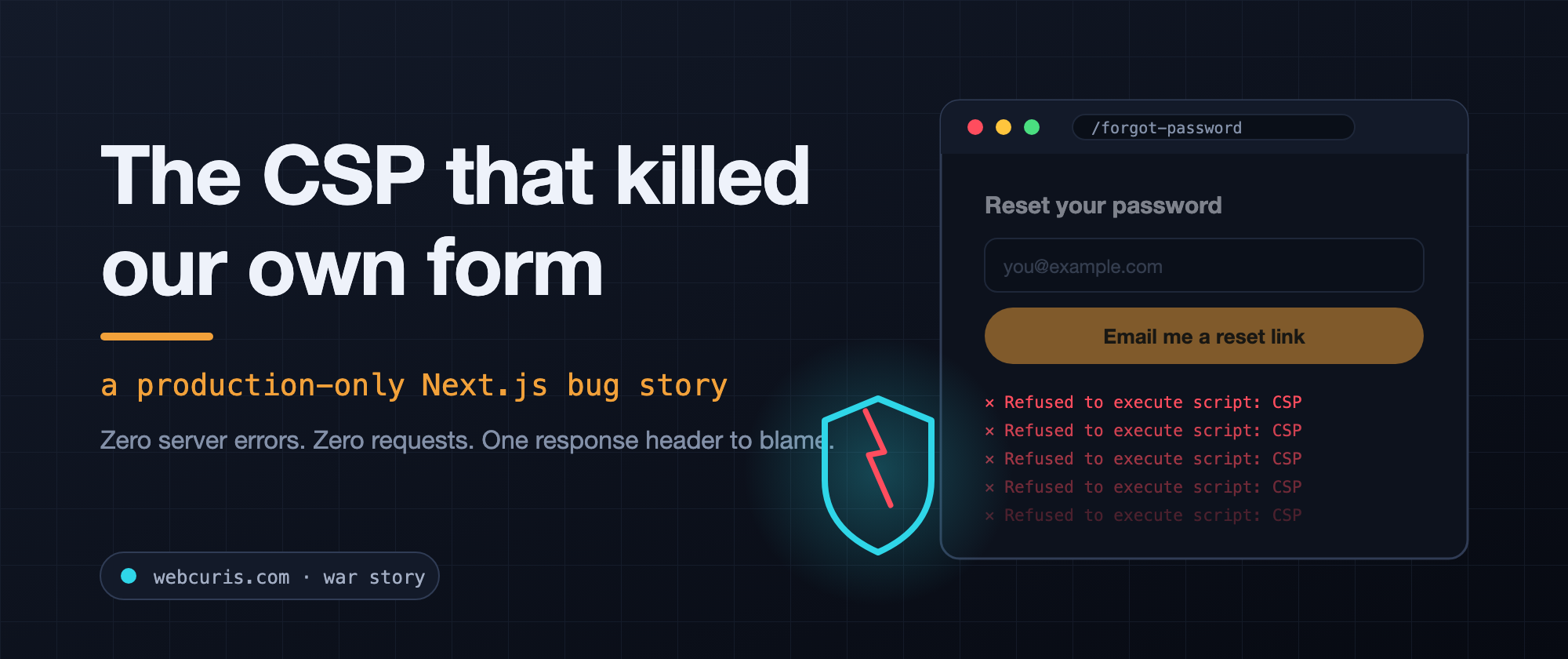
The forgot-password form is not working at all.
Not "it's slow." Not "I got an error." Not working at all.
So we did what you do. Checked the error tracker: clean. Checked the server logs: clean. Checked the audit log that records every password-reset request: zero requests, ever. The endpoint worked perfectly from curl. The page returned a healthy 200. Every test in a 3,500-test suite was green.
And the form was completely dead in production.
Here is the story of why — and why this class of bug is invisible in development, invisible in CI, and invisible to every server-side monitor you own.
The setup: a CSP we were proud of
Our site ships a strict Content-Security-Policy. No unsafe-inline for scripts — instead, every response gets a fresh cryptographic nonce, stamped into the header by middleware:
export function middleware(request: NextRequest) {
  const nonce = Buffer.from(crypto.randomUUID()).toString("base64");
  const csp = buildCsp(nonce); // script-src 'nonce-...' 'strict-dynamic' ...

  const headers = new Headers(request.headers);
  headers.set("x-nonce", nonce);
  headers.set("content-security-policy", csp);

  const response = NextResponse.next({ request: { headers } });
  response.headers.set("content-security-policy", csp);
  return response;
}
Next.js plays along beautifully: it reads the nonce out of the script-src directive and stamps it onto every script tag it injects for hydration. The browser sees matching nonces, scripts run, the page hydrates. This is the textbook setup — a security company can hardly ship unsafe-inline.
The trap: one page quietly went static
In the App Router, pages that don't read request-time data get statically prerendered at build time. That's normally a gift: free speed. You can see which is which in the build output:
├ ○ /forgot-password      ← static  (prerendered at build time)
├ ƒ /login                ← dynamic (rendered per request)
├ ƒ /reset-password       ← dynamic
See it? Our /forgot-password page — a page with a form, a bot-check widget, client-side validation — was the one interactive page in the whole build that went static. Its HTML was baked once at build time. And at build time there is no request, so there is no nonce.
The page shipped script tags with no nonce at all, into responses whose CSP header demanded one. The browser did exactly what we had asked it to do:
Refused to execute script '.../_next/static/chunks/main-app.js'
because it violates the following Content Security Policy directive ...
Refused to execute script '.../_next/static/chunks/app/layout.js' ...
(× every single chunk on the page)
Every script on the page: blocked. By our own security header.
Why "not working at all" was the perfect description
With zero JavaScript executing:
- React never hydrated. No component ever mounted.
- The bot-check widget never rendered. It is loaded by script.
- The submit handler never attached. So the button fell back to what a button inside a form does natively: submit-and-reload. Click → flicker → the same page. To a user, that is precisely "not working at all".
- No request ever left the browser. Which is why every server-side signal was spotless. You cannot log a request that was never made.
And the cruelest part: next dev renders everything dynamically, so the bug cannot exist in development. curl doesn't execute JavaScript, so the page 200s all day. Unit tests don't run a browser against the production build with the production CSP. The only place this bug existed was the one place we weren't looking: a real browser, pointed at the production build, with the console open.
The two-minute diagnosis
Opening the production page with DevTools showed a wall of red CSP violations. Then one comparison nailed it — count nonced scripts per page:
// in the console, on each page:
[...document.scripts].filter(s => s.nonce).length
// /login:            15  ✅
// /pricing:          19  ✅
// /forgot-password:   0  ❌  ← there's your dead page
Cross-checked against the build route table: /forgot-password carried the ○ static marker. Its sibling /reset-password was dynamic — because someone had once added the magic line there and not on the twin page.
The fix: one line, plus the part that actually matters
// Under a nonce CSP, a statically prerendered page ships un-nonced
// scripts and the browser blocks all of them. This line is load-bearing.
export const dynamic = "force-dynamic";
Rebuild: ○ becomes ƒ, nonces flow, the widget renders, the form lives. But a one-line fix for a silent, production-only, whole-page failure deserves more than one line. Two things we added:
1. A regression test that names the failure class, not the instance — every auth page is pinned to force dynamic rendering, because under a nonce CSP a static auth page is a dead form waiting for a user to find it.
describe("no auth page may be statically prerendered", () => {
  for (const page of ["login", "signup", "forgot-password", "reset-password"]) {
    it(`${page} forces dynamic rendering`, () => {
      const source = readFileSync(`app/(auth)/${page}/page.tsx`, "utf-8");
      expect(source).toContain(`export const dynamic = "force-dynamic"`);
    });
  }
});
2. A QA rule we now follow on every release: at least one pass through the production deployment, in a real browser, with the console open. A page can return 200, look pixel-perfect, and be completely dead. Your server cannot tell you about requests that never happen — only the browser knows.
Takeaways
- Your security controls are part of your attack surface — against yourself. A strict CSP is worth it, but every hardening measure needs a test that proves the product still works under it.
- Static vs. dynamic rendering is a security-relevant decision in the App Router, not just a performance one. If your CSP uses nonces, an interactive page that goes static is broken by construction.
- Absence of errors is not evidence of health. Every monitoring signal we had was green while 100% of users hit a dead form. The failure lived client-side, before the first request.
- Read your build output. That little ○/ƒ column is a security audit nobody performs.
This bug shipped in our own product — which is exactly why Webcuris exists: continuous security assessment that re-reads what your site actually serves, from CSP and TLS to dependencies, and tells you whether last month's fix actually held. You can scan one page free, no signup, and our security posture is published before you create an account.
Keep reading
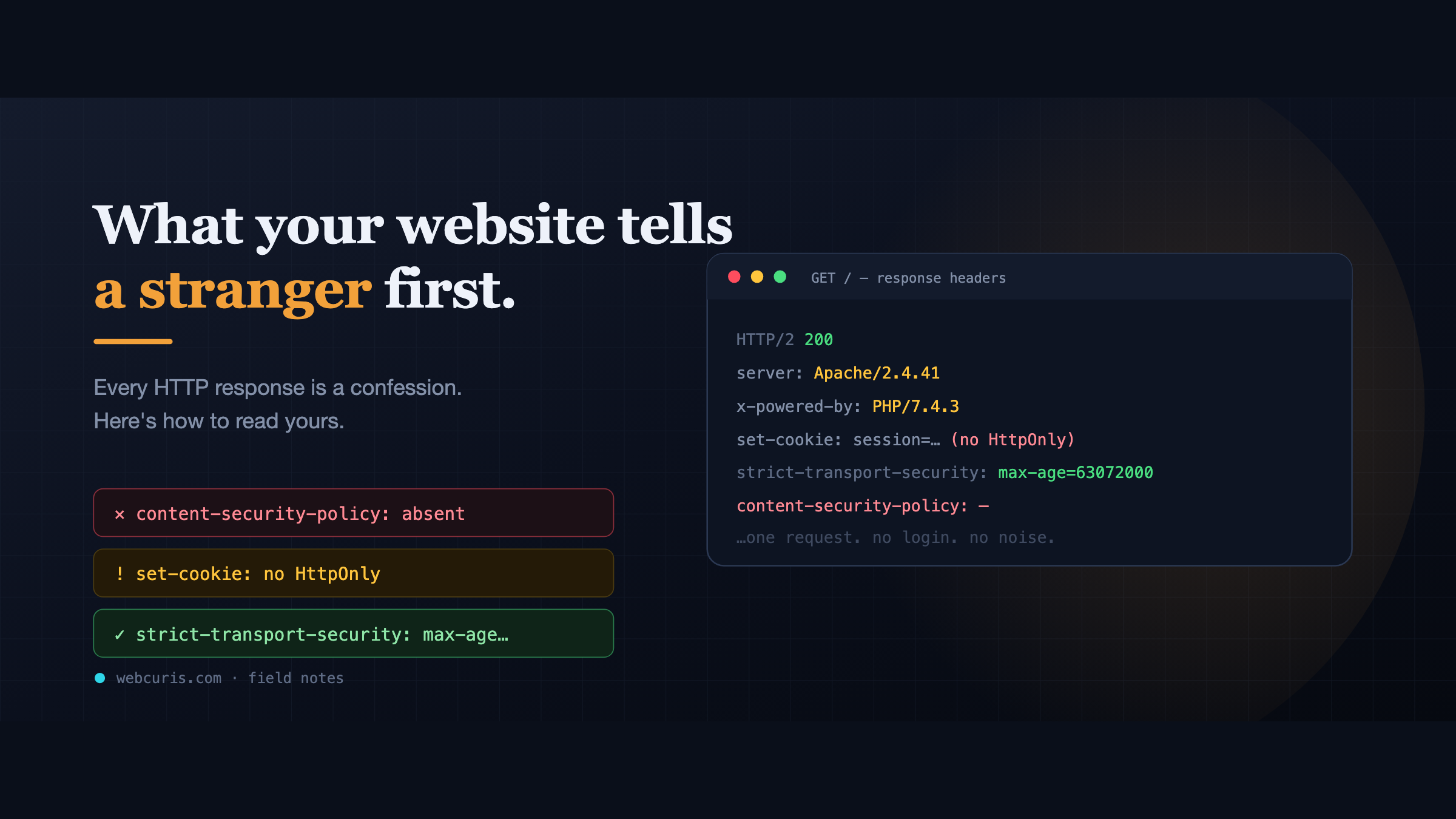
What your website tells a stranger before they load the page
Before a single pixel appears, your server has already made a statement about how seriously it takes security. Attackers read it first — here's how to read yours.
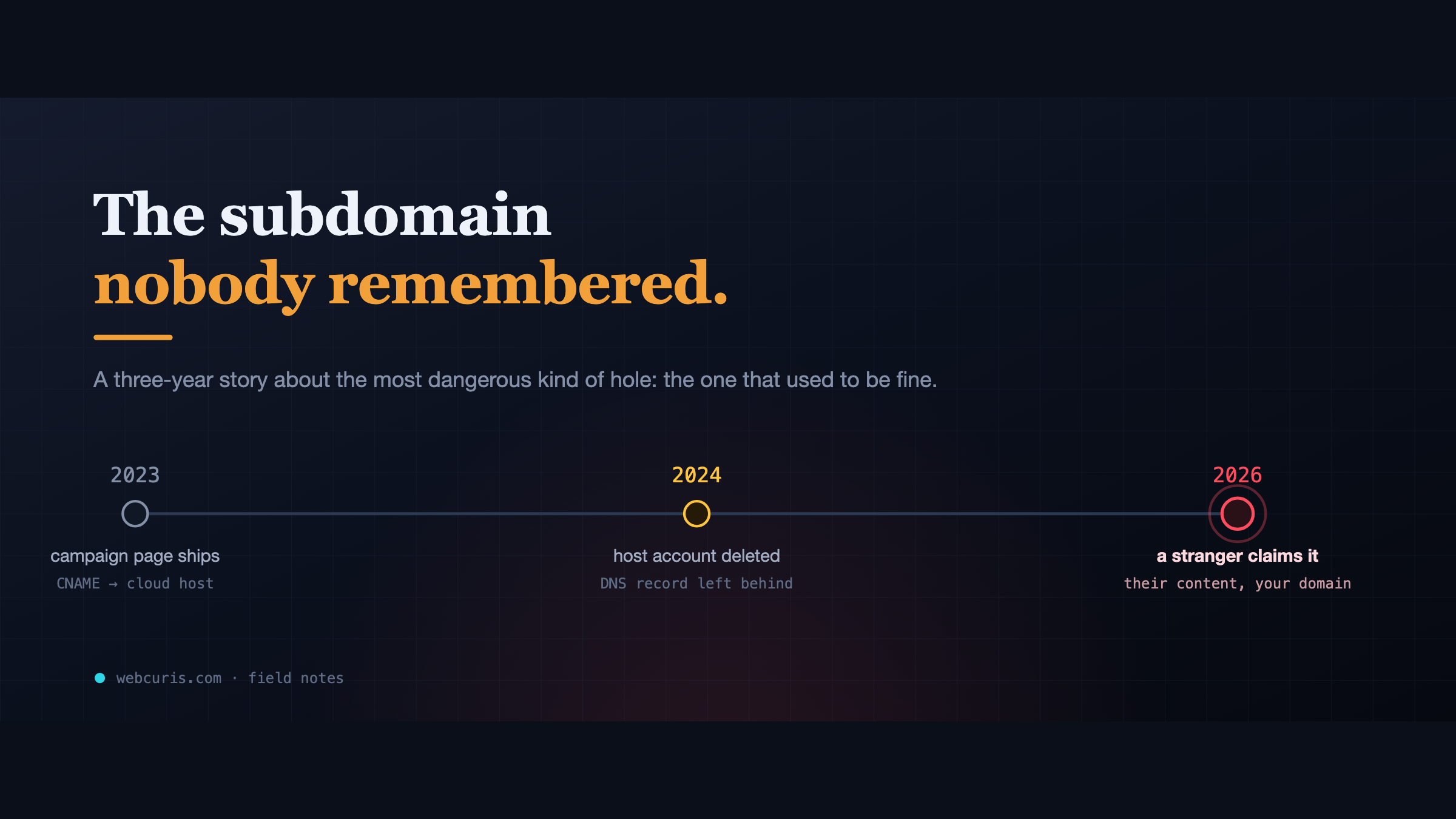
The subdomain nobody remembered
In 2023 a marketing team pointed a subdomain at a cloud app. In 2024 the app was deleted. The DNS record wasn't. In 2026, a stranger claimed it.
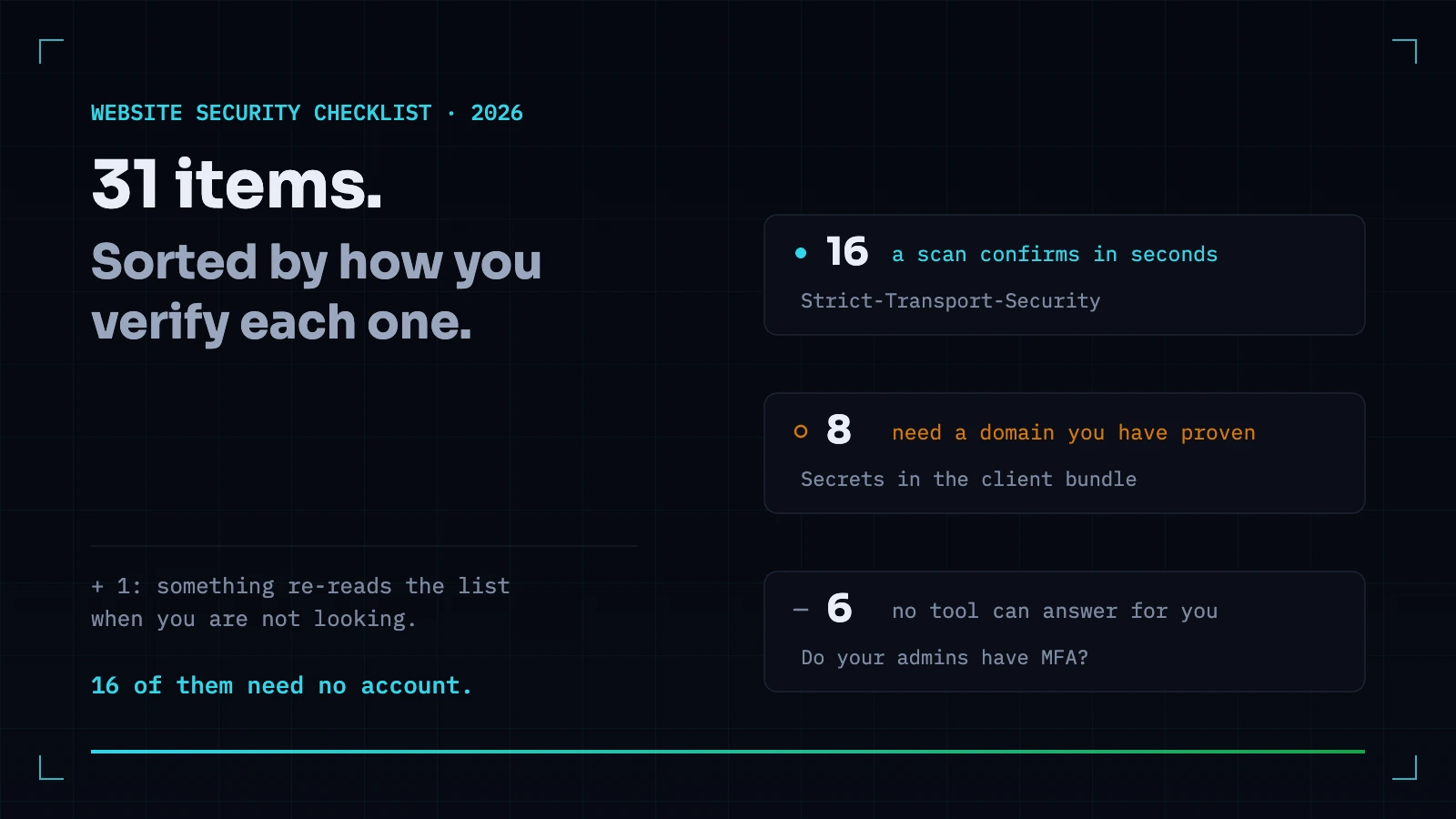
The Website Security Checklist for 2026 — Sorted by How You Actually Verify Each Item
Most checklists tell you what to do and leave you no way to know whether it is already done. This one is sorted by how each item is verified: what a scanner confirms in seconds, what needs a person, and what no tool can answer for you.
Everything this article describes is what Webcuris checks continuously — scan one page free, no signup.