What your website tells a stranger before they load the page
Before a single pixel appears, your server has already made a statement about how seriously it takes security. Attackers read it first — here's how to read yours.
Webcuris Research
Security Engineering
·4 min read
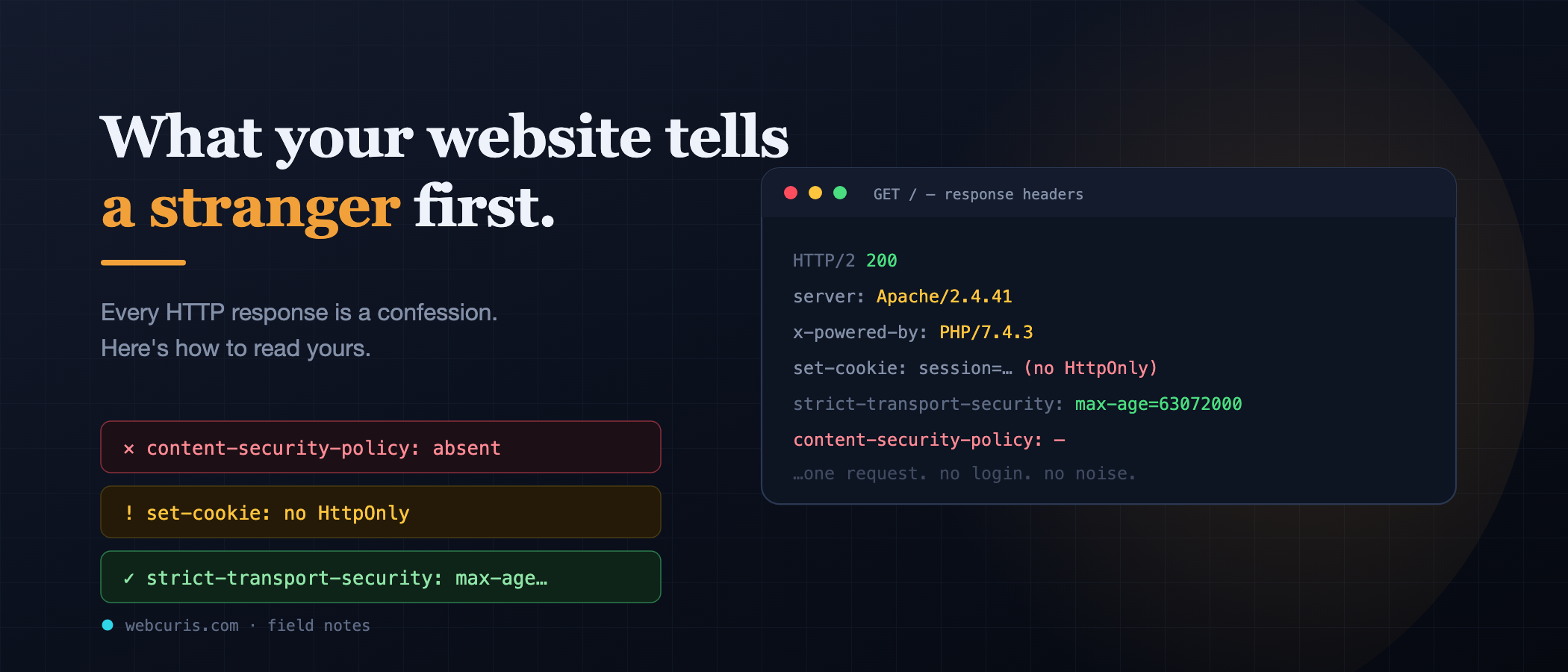
Type a domain, press enter, and before a single pixel appears, your browser and the server have already had a short conversation. The server sends back a set of headers — metadata about the response — and those headers are, to anyone who knows how to read them, a remarkably candid statement about how seriously that site takes its own security.
Attackers read them first. Not because headers are glamorous, but because they're free: no login, no exploit, no noise in anyone's logs. One request tells them whether a site is worth further attention. Let's read them the way they do.
Strict-Transport-Security: does HTTPS actually mean anything here?
You have a certificate. The padlock shows. But consider what happens when someone types your domain without the https:// — as everyone does. The browser makes a plaintext HTTP request first, and your server (correctly) redirects it to HTTPS. That first request, though, travelled unencrypted. On a hostile network — a café, an airport, a compromised router — an attacker sitting in the middle can intercept it and simply never deliver the redirect, keeping the victim on a plaintext connection they don't notice.
HSTS closes this. The header tells the browser: for the next N seconds, never contact this domain over HTTP at all — go straight to HTTPS, even if the user typed otherwise. After one secure visit, the downgrade attack stops being possible.
Reading it: no HSTS header means every first visit is interceptable. A max-age far below a year is a weak commitment. Missing includeSubDomains means the protection stops at the apex. The HTTP Archive's 2025 crawl of 16.2 million sites found HSTS on about 36% of pages — meaning most of the web still leaves that first request in the open.
Content-Security-Policy: what happens when something gets injected?
This is the most consequential header, and the least deployed. A CSP tells the browser which sources of script, style, and other content it is allowed to execute. Anything else — including a script an attacker manages to inject through a comment field, a compromised third-party widget, or a supply-chain attack on a dependency — is refused by the browser itself.
Its absence isn't a vulnerability on its own. It's the absence of the safety net under every other mistake you might make. With a good CSP, an XSS bug is often an annoyance. Without one, the same bug is a full compromise of the page.
That same crawl found only 21.9% of sites send a CSP at all — meaning roughly 78% of the web has no net.
Reading it: no header is the common case. A header containing unsafe-inline in script-src is the next most common, and it substantially undoes the protection — it permits exactly the inline execution injection relies on. A nonce or hash-based policy is the real thing. It's more work. That's why it's rarer.
Set-Cookie: how carefully is the session handled?
Your session cookie is the credential that is the logged-in user. Three attributes decide how hard it is to steal:
HttpOnly— JavaScript cannot read it. Without this, any script injection can exfiltrate sessions directly.Secure— never sent over plaintext HTTP.SameSite— restricts sending the cookie on cross-site requests, the core defence against CSRF.
Reading it: a session cookie missing HttpOnly tells an attacker that a single XSS gets them accounts, not just defacement. It's a strong signal that the site's security was configured casually — and casual configuration is rarely limited to one place.
Server, X-Powered-By, and friends: what are you running?
Many stacks announce their software and exact version by default. Server: Apache/2.4.41. X-Powered-By: PHP/7.4.3.
To an attacker this is a shortcut: instead of probing, they can look up known vulnerabilities for that exact version. Removing these headers is not a real defence — a determined attacker fingerprints you other ways — but publishing them narrows their work from hours to seconds, and version strings also reveal, at a glance, whether you're running something years out of date.
The meta-signal: what the pattern says
Here's the part that matters more than any single header. An attacker reading your response isn't just collecting individual weaknesses. They're forming a judgment about the people who run this site. Headers are cheap to add — most are one line of config. A site with HSTS, a real CSP, and properly flagged cookies is telling them: someone here thought about this, and probably thought about the harder things too. A site with none of them says the opposite, before any deeper probing begins.
Read your own in the next five minutes
Open your browser's developer tools, go to the Network tab, reload your site, click the first request, and read the response headers. Ask four questions:
- Is
Strict-Transport-Securitythere, with a longmax-age? - Is there a
Content-Security-Policy— and does it avoidunsafe-inlinefor scripts? - Does the session cookie carry
HttpOnly,Secure, andSameSite? - Are you advertising exact software versions you don't need to?
Whatever you find, remember it's the same thing a stranger sees on their first request — the difference being that they've already looked.
These headers are among the first things [Webcuris](/) reads on any scan, along with TLS configuration, email authentication, and exposed subdomains. You can [check your site free, no signup](/scan) — or use the developer tools you already have. The point isn't the tool. The point is that this conversation is happening on every request, and it's worth knowing what your side of it says.
Keep reading
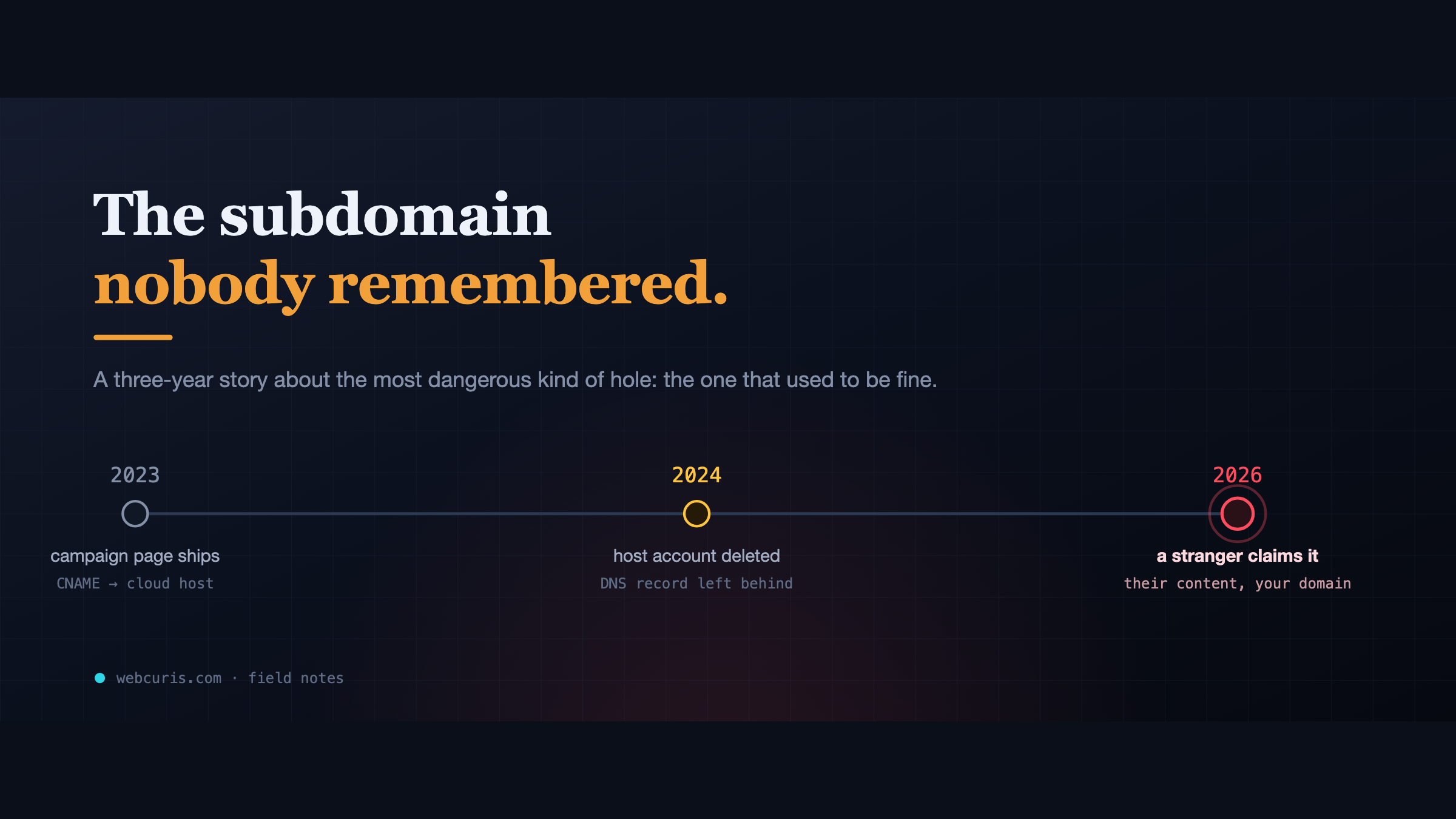
The subdomain nobody remembered
In 2023 a marketing team pointed a subdomain at a cloud app. In 2024 the app was deleted. The DNS record wasn't. In 2026, a stranger claimed it.
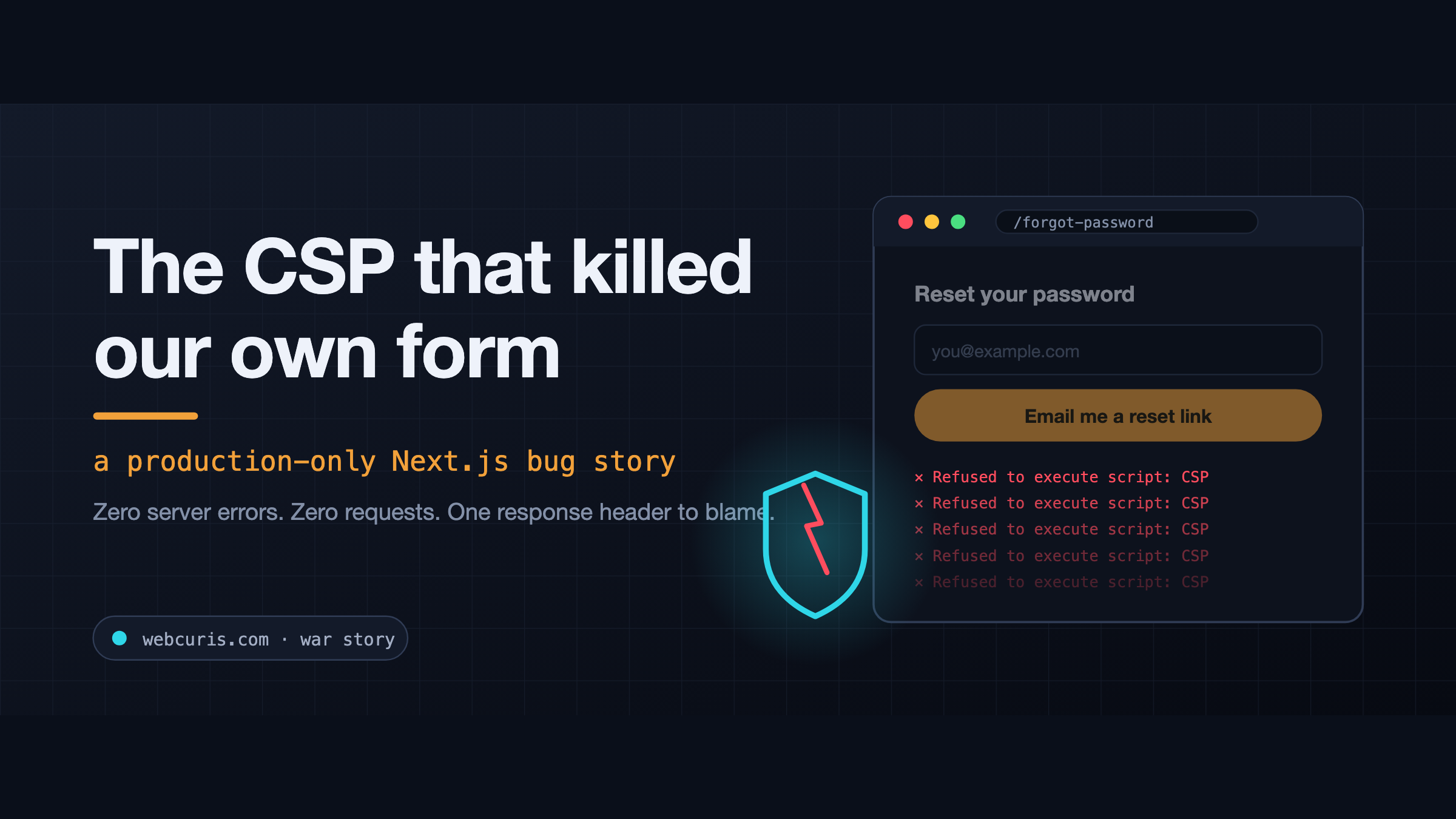
The CSP that killed our own form (a production-only Next.js bug)
The forgot-password form is not working at all. Not "it's slow." Not "I got an error." Not working at all. So we did what you do. Checked the error tracker: clean. Checked the…
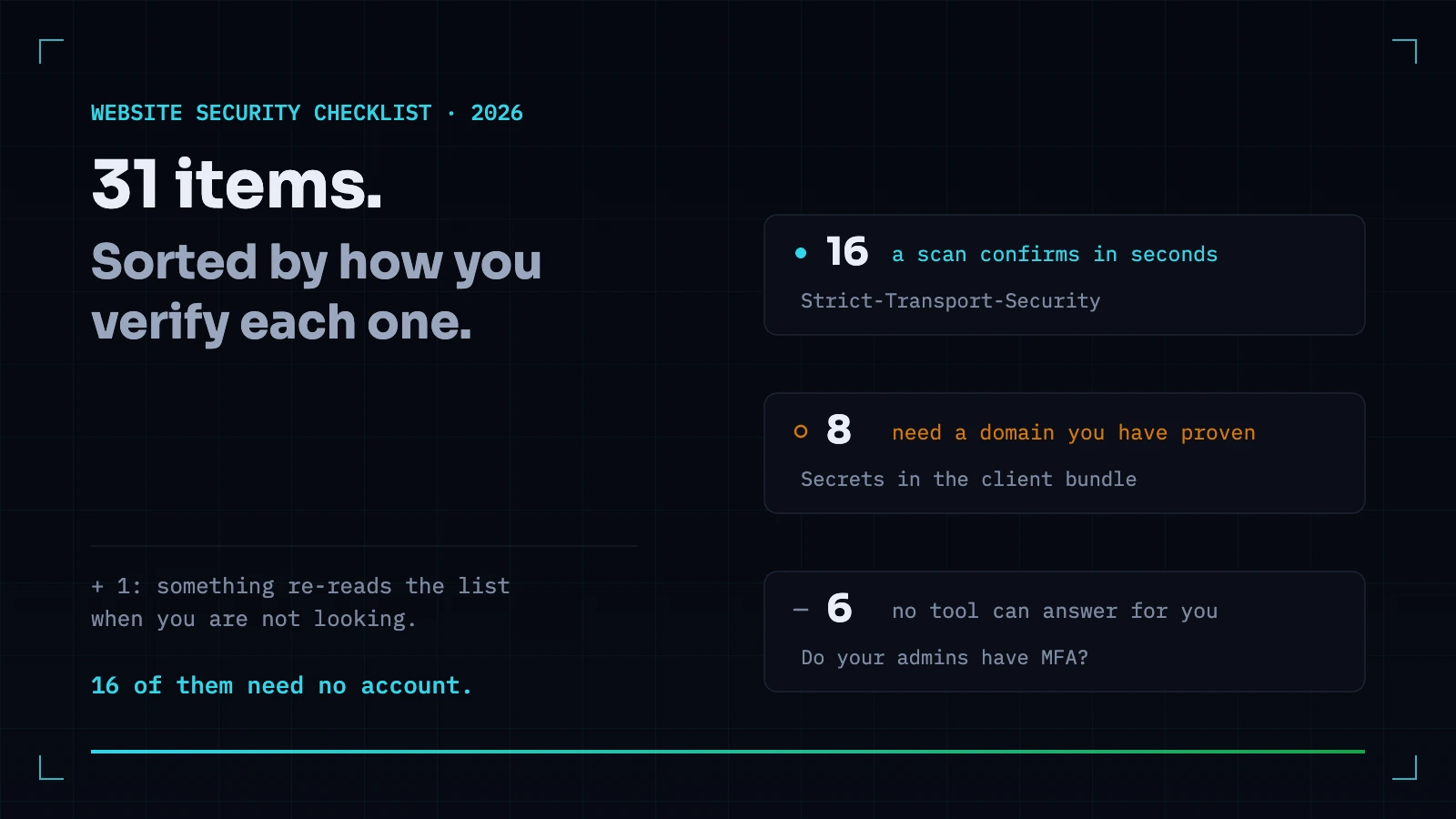
The Website Security Checklist for 2026 — Sorted by How You Actually Verify Each Item
Most checklists tell you what to do and leave you no way to know whether it is already done. This one is sorted by how each item is verified: what a scanner confirms in seconds, what needs a person, and what no tool can answer for you.
Everything this article describes is what Webcuris checks continuously — scan one page free, no signup.