A Content-Security-Policy That Reports as Present and Defends Nothing
A script-src carrying 'unsafe-inline' passes every presence check and stops no injection. The theatre policy, the working one, and the war story of a strict CSP that broke sign-up with no error anywhere.

Webcuris Research
Security Engineering
·3 min read
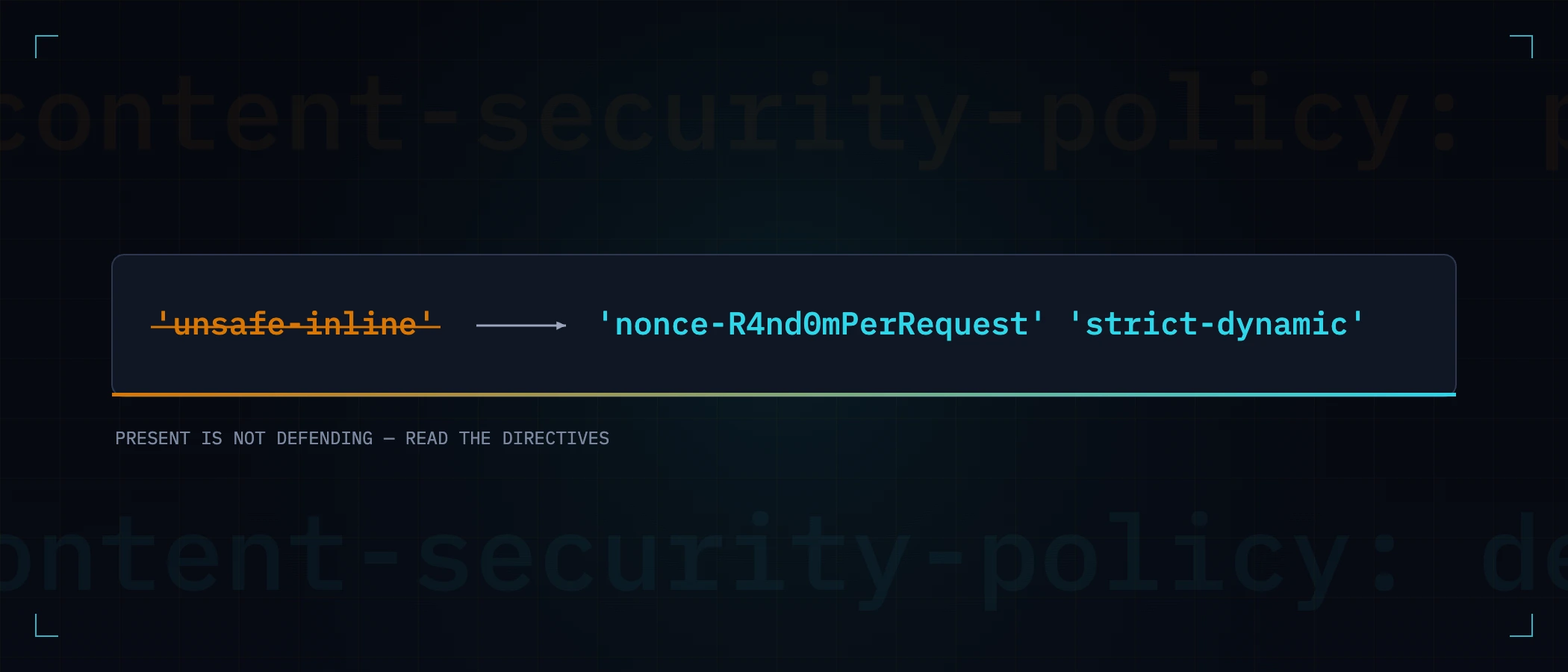
Most sites that have a Content-Security-Policy have one that does nothing. The header is present, every checker marks it green — and an injected <script> still runs, because one directive value quietly switched the protection off. That value is 'unsafe-inline', and it is in more policies than any other, because it is what makes a CSP stop breaking things during rollout. This article is about telling a policy that defends from a policy that merely exists.
The policy that changes nothing
Content-Security-Policy: default-src 'self'; script-src 'self' 'unsafe-inline'The entire point of script-src is that markup an attacker injects into your page cannot execute. 'unsafe-inline' re-permits exactly the thing injections are made of — inline <script> blocks and event handlers — so the policy defends against an attacker polite enough to host their payload on their own domain and load it by URL, and nobody else. XSS payloads are inline almost by definition.
| Policy | What a presence checker says | What an injected <script>alert(1)</script> does |
|---|---|---|
| No CSP at all | Missing — red | Runs |
| script-src 'self' 'unsafe-inline' | Present — green | Runs |
| script-src 'nonce-…' 'strict-dynamic' | Present — green | Blocked |
The policy that works
A defending policy allows scripts by identity, not by location: each response carries a fresh random nonce, legitimate script tags carry it, and anything without it — which includes everything an attacker injects — is refused. 'strict-dynamic' lets your nonced scripts load the chunks a modern framework splits itself into, without enumerating hashed filenames:
Content-Security-Policy:
  default-src 'self';
  script-src 'nonce-R4nd0mPerRequest' 'strict-dynamic';
  object-src 'none';
  base-uri 'self';
frame-ancestors 'none'- The nonce must be per-request and unpredictable. A static one is a password printed on every page; generate it from a CSPRNG in middleware, never at build time.
- A static inline script can be allowed by hash (
'sha256-…') instead of a nonce — right for things like a pre-paint theme snippet that cannot change per request. - Styles are the honest exception. Frameworks inline critical CSS during streaming, and there is no nonce mechanism for it comparable to scripts;
'unsafe-inline'onstyle-srcis a real but far narrower exposure — a style injection can reskin or leak a little via selectors, it cannot execute. Say so in a comment rather than letting someone "fix" it into a broken build.
How a strict CSP breaks things — silently
We run the nonce-based policy above on this site, and it bit us in the most instructive way possible. Our policy said frame-src 'none' — correct, right up until the day sign-up gained a CAPTCHA that renders its challenge in an iframe. The result was not an error. The widget mounted, printed "completing a quick automated check…", and stayed there forever. No console explosion anyone connected to a policy, no failed request with a helpful status — the token simply never arrived, so a perfectly healthy server refused every sign-up, and each half of the system looked innocent on its own.
That is the signature of CSP failures: absence, not error. The defence against it is procedural:
- Roll out with
Content-Security-Policy-Report-Onlyfirst — the browser reports violations without enforcing, so you learn what would break before it does. - When you tighten a directive, exercise the flows that depend on third parties: payments, CAPTCHAs, embedded video, support widgets. They are where the frames and remote scripts live.
- Widen by named origin, never by scheme.
frame-src https:fixes the same symptom by letting any site on the internet be framed into yours.
How to verify beyond presence
Reading the header is the start, not the verdict — the same rule that applies to every security header you check:
curl -sI https://example.com | grep -i content-security-policy
# then actually look for: 'unsafe-inline' in script-src, wildcards,
# a missing object-src, a missing frame-ancestors
Then prove behaviour once, in staging: paste an inline alert(1) into any page that reflects input, with devtools open. A working policy produces a loud, satisfying refusal in the console. A theatre policy produces a dialog box and an action item.
This distinction is why a Webcuris scan reads your policy's directives rather than its presence — 'unsafe-inline' in script-src is reported as the finding it is, with the working replacement in the fix, not as a green tick for having sent a header. It sits alongside the HSTS check in the same free assessment.
Keep reading
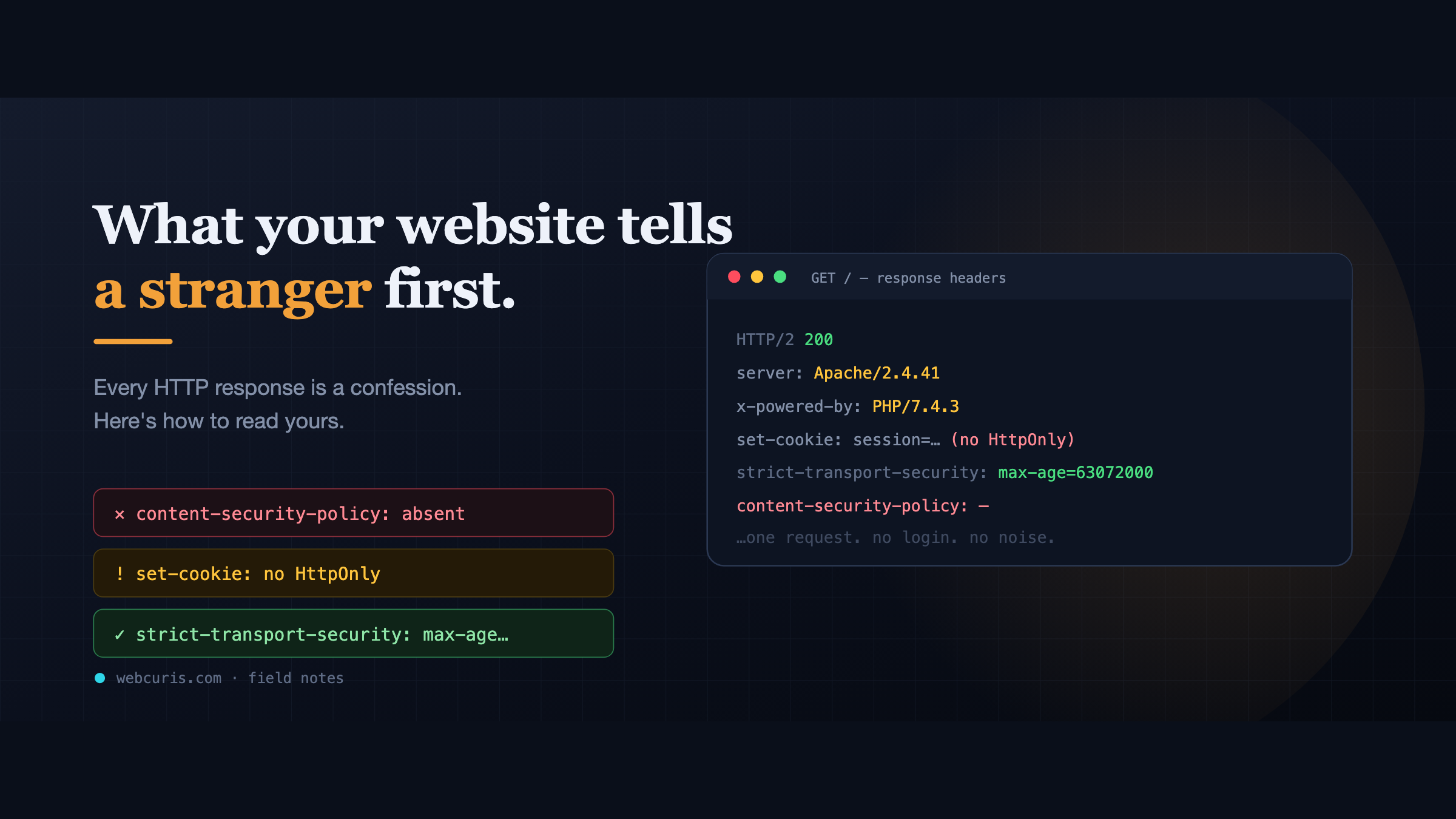
What your website tells a stranger before they load the page
Before a single pixel appears, your server has already made a statement about how seriously it takes security. Attackers read it first — here's how to read yours.
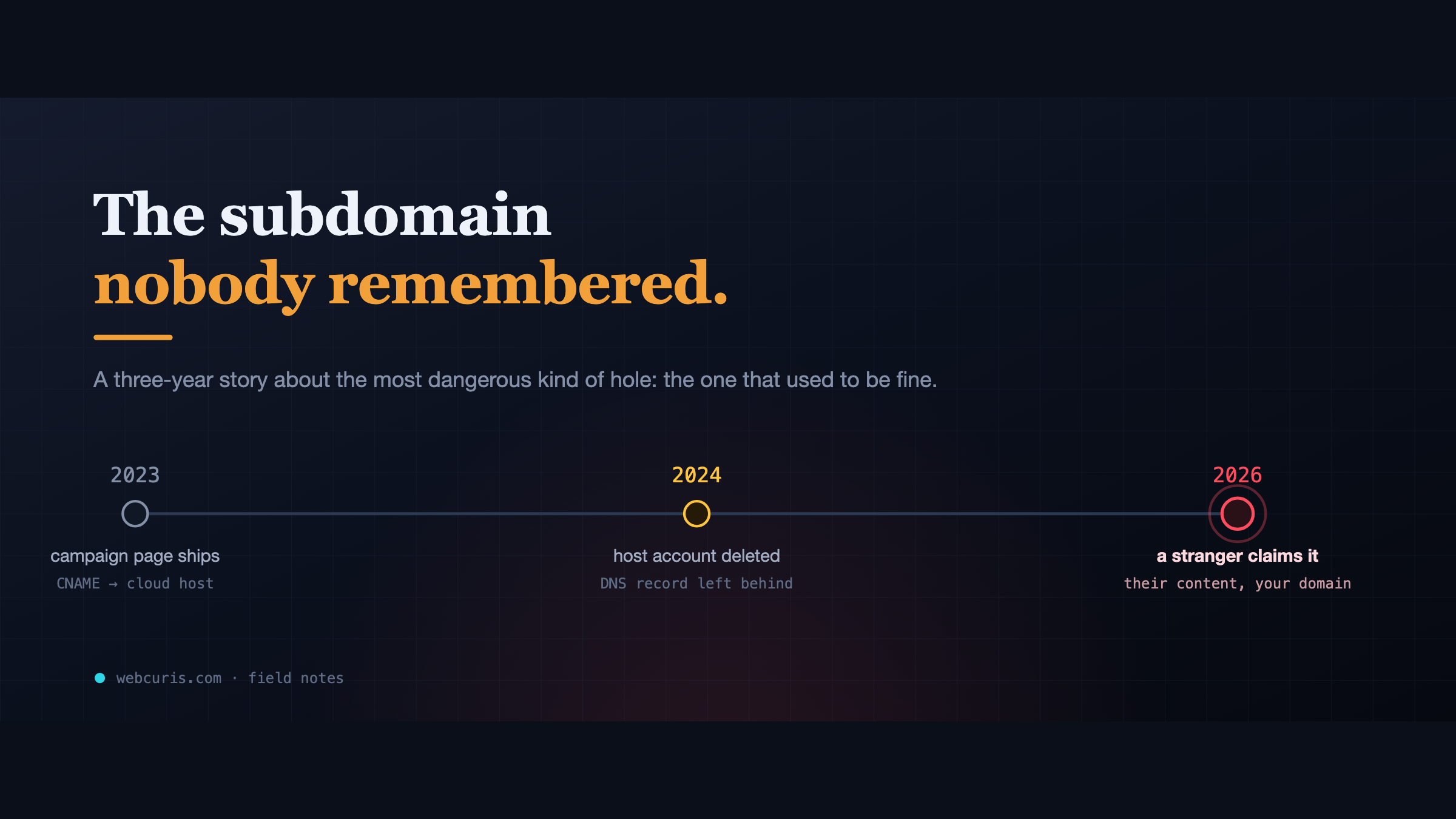
The subdomain nobody remembered
In 2023 a marketing team pointed a subdomain at a cloud app. In 2024 the app was deleted. The DNS record wasn't. In 2026, a stranger claimed it.
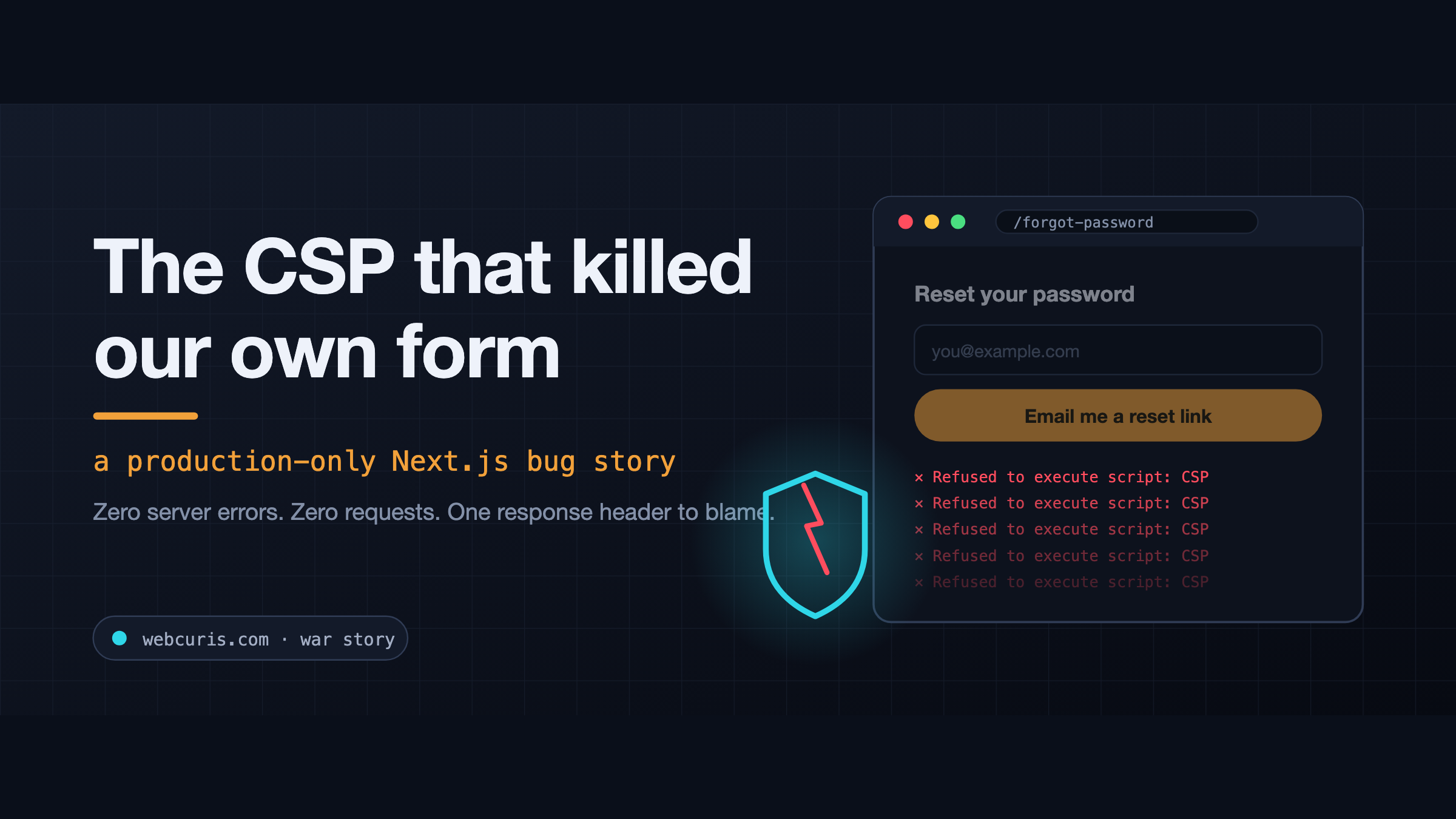
The CSP that killed our own form (a production-only Next.js bug)
The forgot-password form is not working at all. Not "it's slow." Not "I got an error." Not working at all. So we did what you do. Checked the error tracker: clean. Checked the…
Everything this article describes is what Webcuris checks continuously — scan one page free, no signup.