Missing HSTS Header: What It Means, How to Fix It, and How to Prove You Fixed It
The cheapest finding on your report to fix — one header — and the easiest to get wrong in three specific ways. The exact fix for nginx, Apache, Caddy and Next.js, and how to prove it worked.

Webcuris Research
Security Engineering
·5 min read
A scanner, a pentest report, or a compliance checklist just told you your site is missing the HSTS header, and the finding probably read like boilerplate. It is worth taking seriously anyway — not because it is dramatic, but because of everything on that report, this is the cheapest item to fix, the easiest to prove fixed, and one of the few with a well-documented way to break your own site while fixing it. This guide covers all three.
What HSTS actually stops
When somebody types your domain into a browser without the https://, the browser's first request goes out as plain HTTP. Your server answers with a redirect to HTTPS, and everything after that is encrypted — so it is tempting to conclude the redirect already solved the problem.
The gap is that first request. It travels in plaintext, and anyone positioned between the user and you — the classic example is a hostile network they happened to join — can answer it before your redirect does. From that moment the attacker holds the connection: they can keep the user on HTTP, proxy your real site through themselves, and read everything including session cookies. This is SSL stripping, and the user sees nothing unusual except a missing padlock most people never check.
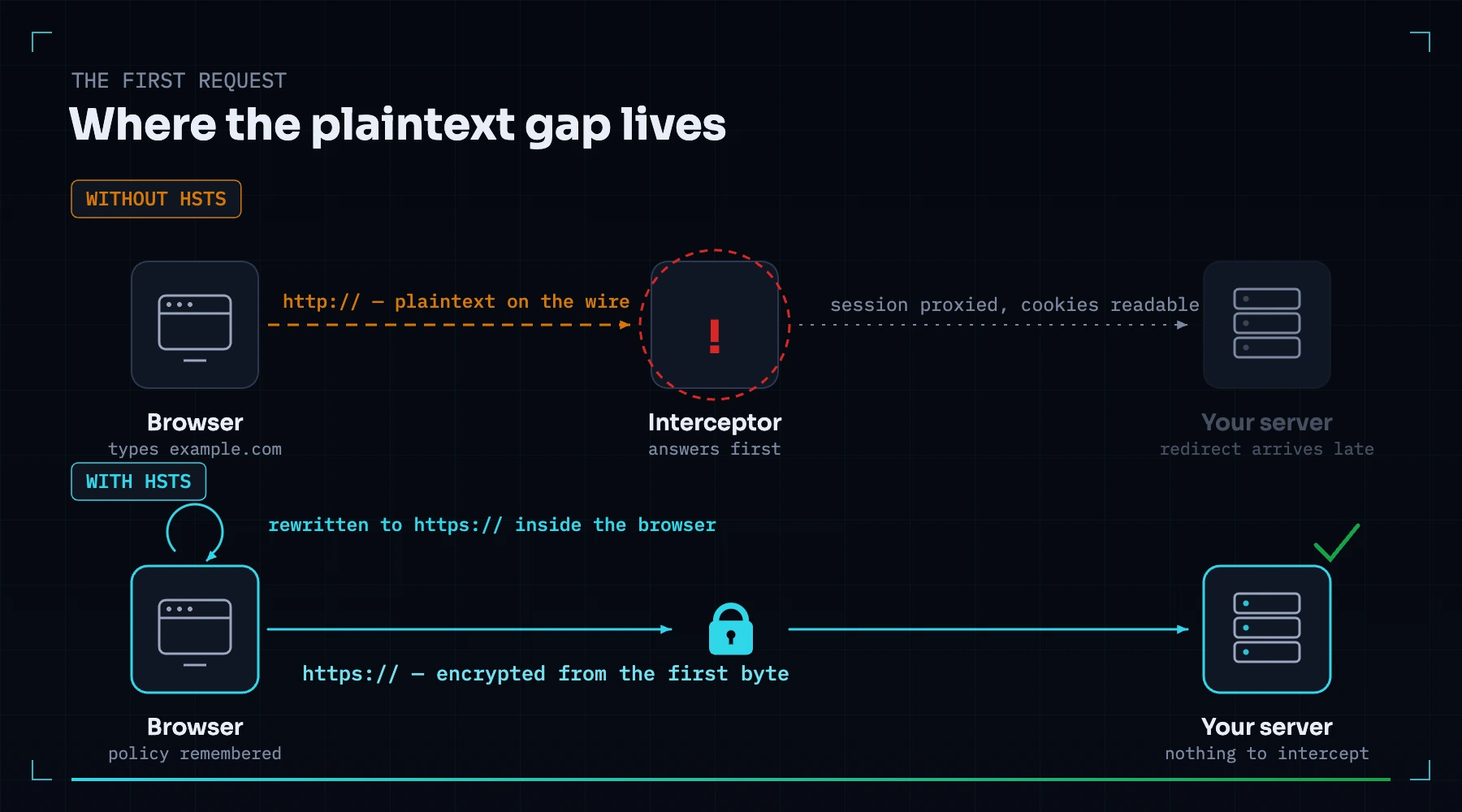
HTTP Strict Transport Security closes the gap by removing the plaintext request entirely. The header is one line, sent over HTTPS:
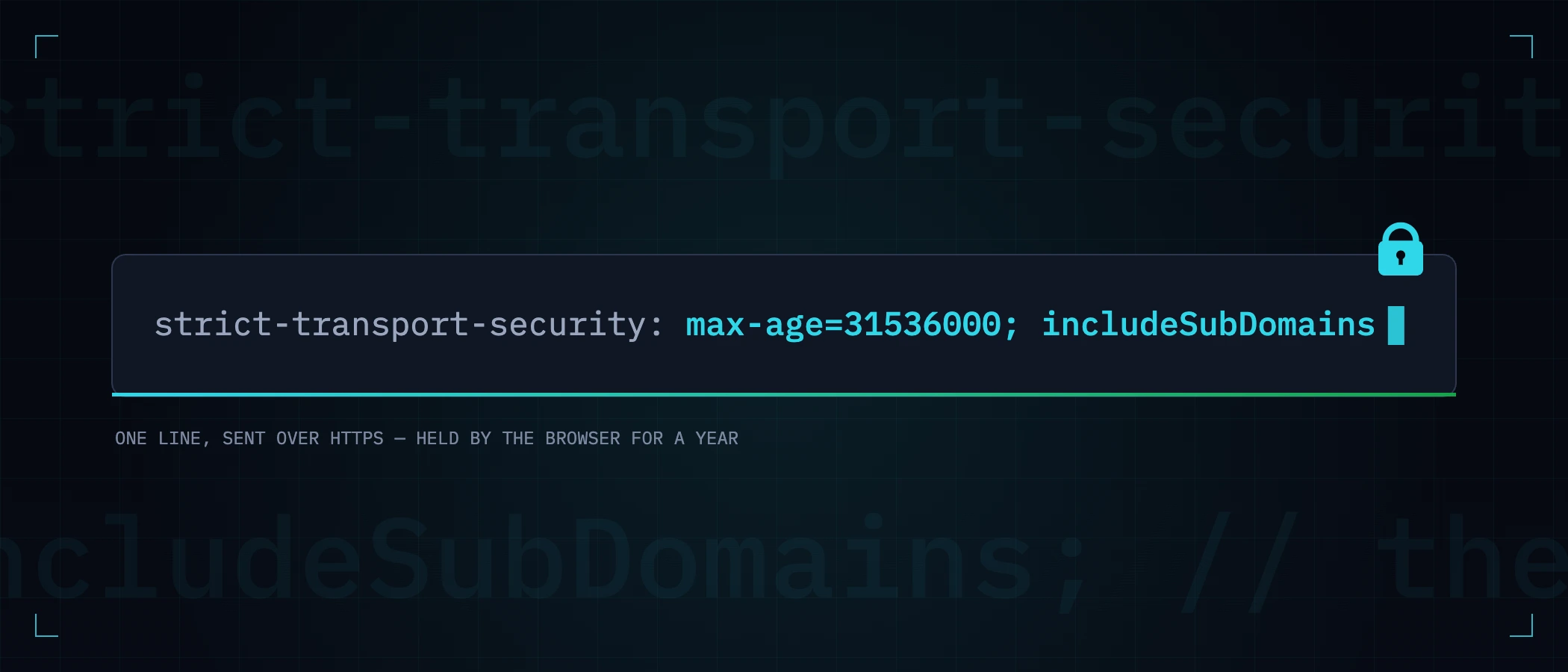
Strict-Transport-Security: max-age=31536000; includeSubDomainsOnce a browser has seen it, it refuses to speak HTTP to your host for max-age seconds — typed URLs, old bookmarks and http:// links are all rewritten to HTTPS inside the browser, before any packet leaves the machine. There is nothing left on the wire for an attacker to intercept.
The fix, per server
Add the header to your HTTPS configuration. A Strict-Transport-Security header on a plain-HTTP response is ignored by every browser, per the specification — putting it there is the most common way to "fix" this finding without fixing anything. Make sure your HTTP-to-HTTPS redirect is in place first, so users actually reach the response that carries the header.
add_header Strict-Transport-Security "max-age=31536000; includeSubDomains" always;The always matters in nginx: without it the header is dropped from error responses, and a browser that first meets your site on a 404 learns no policy.
Header always set Strict-Transport-Security "max-age=31536000; includeSubDomains"example.com {
header Strict-Transport-Security "max-age=31536000; includeSubDomains"
}const SECURITY_HEADERS = [
{
key: "Strict-Transport-Security",
value: "max-age=63072000; includeSubDomains",
},
];
export default {
async headers() {
return [{ source: "/:path*", headers: SECURITY_HEADERS }];
},
};The three mistakes that turn a fix into an outage
1. Starting with a year
max-age is a promise browsers hold you to. If you ship a one-year policy and then discover some corner of your site cannot serve HTTPS, your walk-back options are poor: you can serve max-age=0 to clear the policy, but only browsers that come back to your site over HTTPS ever receive it — everyone else keeps enforcing the old promise until it expires. Roll out in stages instead:
| Stage | max-age | Hold for | What you are confirming |
|---|---|---|---|
| 1 | 300 (5 minutes) | a day | Nothing breaks when HTTPS is forced at all |
| 2 | 86400 (1 day) | a week | Every page, asset and subdomain path works over HTTPS through real traffic |
| 3 | 31536000 (1 year) | ongoing | The policy you actually want, committed to with evidence |
2. includeSubDomains, three weeks later
includeSubDomains applies the policy to every subdomain of the host that served it. The failure arrives on a delay: somebody adds the directive on example.com, everything is fine, and weeks later an internal tool on staging.example.com or a vendor CNAME that only speaks HTTP stops loading — for exactly the people who visited the main site recently, which makes it maddening to reproduce. Inventory your subdomains before adding the directive, not after. Include the ones that only exist on the office network.
3. Preload on day one
The preload directive plus a submission at hstspreload.org bakes your domain into the browsers themselves, closing the first-visit gap. It is also close to irreversible: removal takes months to propagate through browser releases, and until it does, any part of your domain that needs HTTP is simply broken for everyone. Preload is the right end state for many sites — after a long, uneventful period of running includeSubDomains at a full-year max-age. It is a decision to schedule, not a checkbox to tick while fixing a finding. (For what it is worth: this site runs a two-year policy with includeSubDomains and has deliberately not preloaded yet, for exactly this reason.)
How to prove you fixed it
A fix you have not verified is a guess. Two checks, from outside your network:
curl -sI https://example.com | grep -i strict-transport-security
# expected:
# strict-transport-security: max-age=31536000; includeSubDomainscurl -sI http://example.com | head -3
# expected: HTTP/1.1 301 Moved Permanently
# Location: https://example.com/Check the apex and www separately — they are different hosts and each learns its own policy. In Chrome you can also query what the browser has actually recorded at chrome://net-internals/#hsts, which settles any argument about whether the policy arrived.
How this finding comes back
Almost every missing-HSTS finding we see on established sites is a regression, not an omission: the header was there until a config refactor rewrote the server block, a CDN migration moved header responsibility to a layer nobody configured, or a new load balancer quietly stopped passing custom headers through. The fix took one line; noticing it vanished took a customer, an audit, or luck.
That is the honest argument for checking continuously rather than once. This header is one of the checks in a free Webcuris scan — it reads what your site actually sends, flags the max-age if it is too short to protect anyone, and if you turn on monitoring, tells you the day a deploy drops the header instead of the month an auditor does.
Keep reading
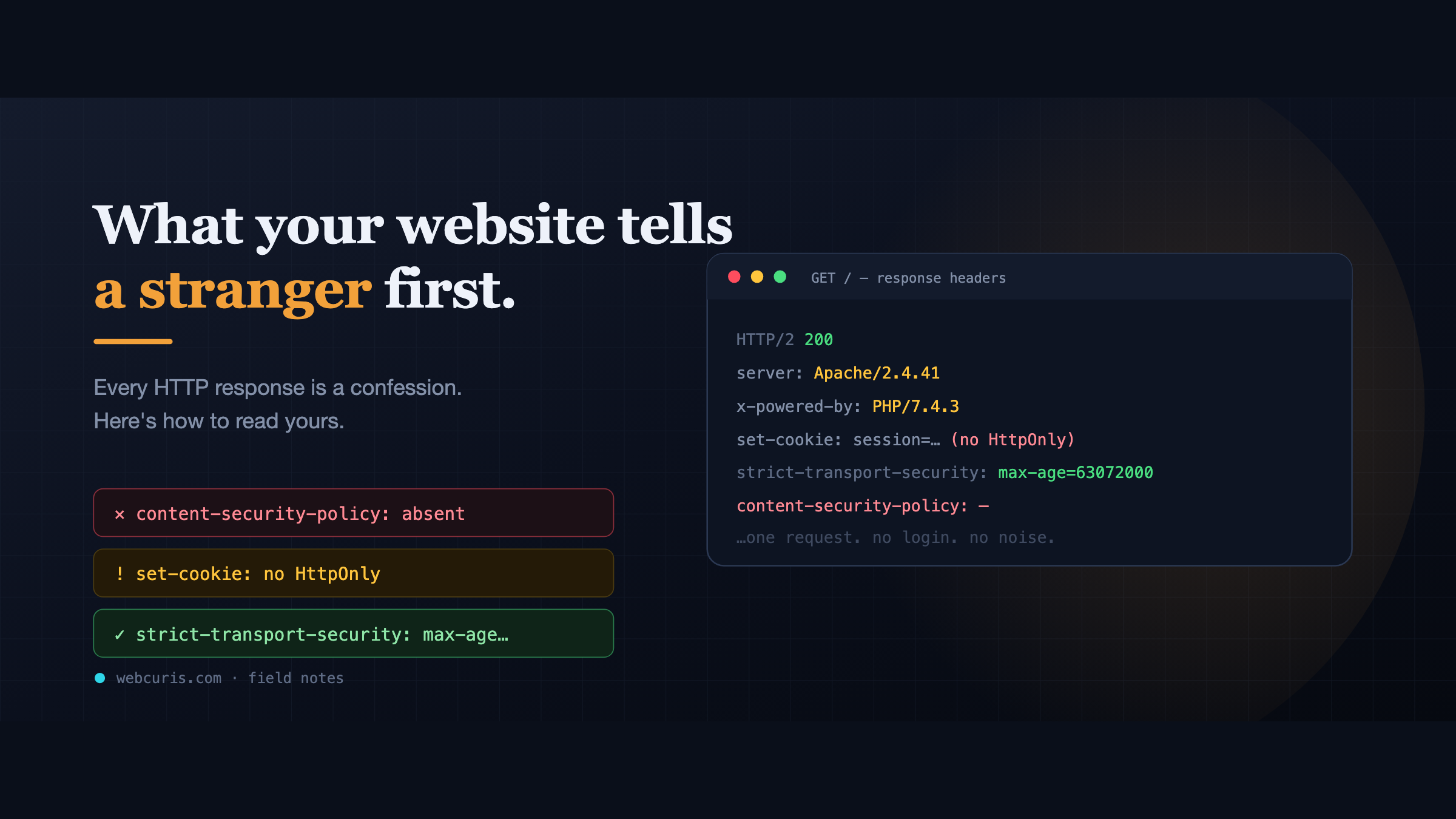
What your website tells a stranger before they load the page
Before a single pixel appears, your server has already made a statement about how seriously it takes security. Attackers read it first — here's how to read yours.
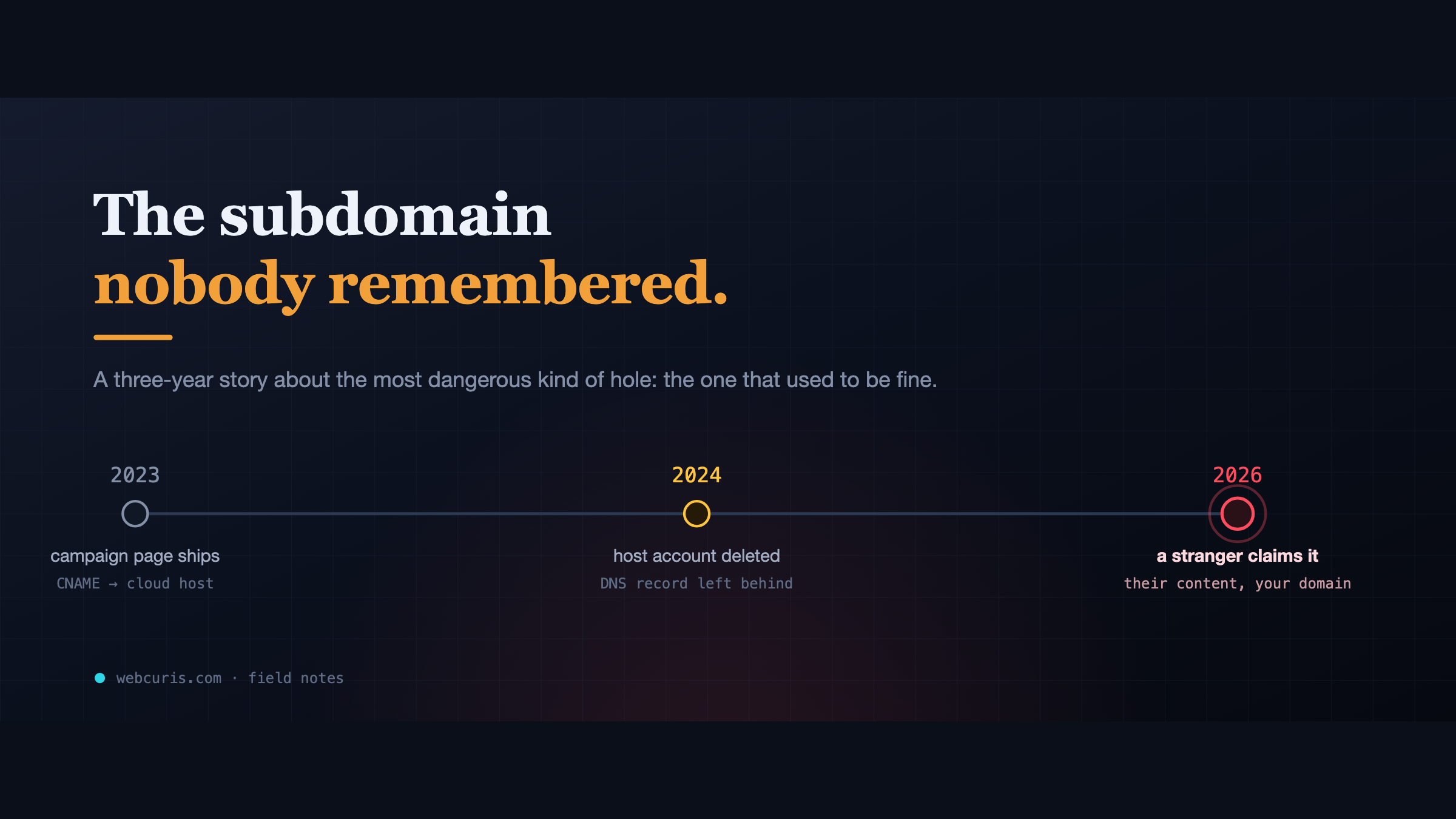
The subdomain nobody remembered
In 2023 a marketing team pointed a subdomain at a cloud app. In 2024 the app was deleted. The DNS record wasn't. In 2026, a stranger claimed it.
The CSP that killed our own form (a production-only Next.js bug)
The forgot-password form is not working at all. Not "it's slow." Not "I got an error." Not working at all. So we did what you do. Checked the error tracker: clean. Checked the…
Everything this article describes is what Webcuris checks continuously — scan one page free, no signup.