Vulnerability Scanning vs Security Monitoring: You Probably Need the One You Don't Have
A scan answers what is wrong now. Monitoring answers what changed since it was right. Most teams buy the first and need the second — because the expensive incidents are almost always something that used to be correct.
Webcuris Research
·5 min read
Every comparison of these two things is a table with two columns and a conclusion that you need both. You do need both. That sentence has never once helped anybody decide what to buy on a Tuesday afternoon with a fixed budget, because it does not say which one you are currently missing.
The useful distinction is not features. It is the question each one is built to answer, and the failures each is therefore structurally unable to see.
A scan answers: what is wrong with this, right now? Monitoring answers: what changed since it was right?
Those are different questions, and the second one is where the expensive incidents live. Not because scans are bad — the same checks run in both — but because a scan is a photograph, and almost every serious security failure is a thing that used to be fine.
The failure mode a scan cannot see
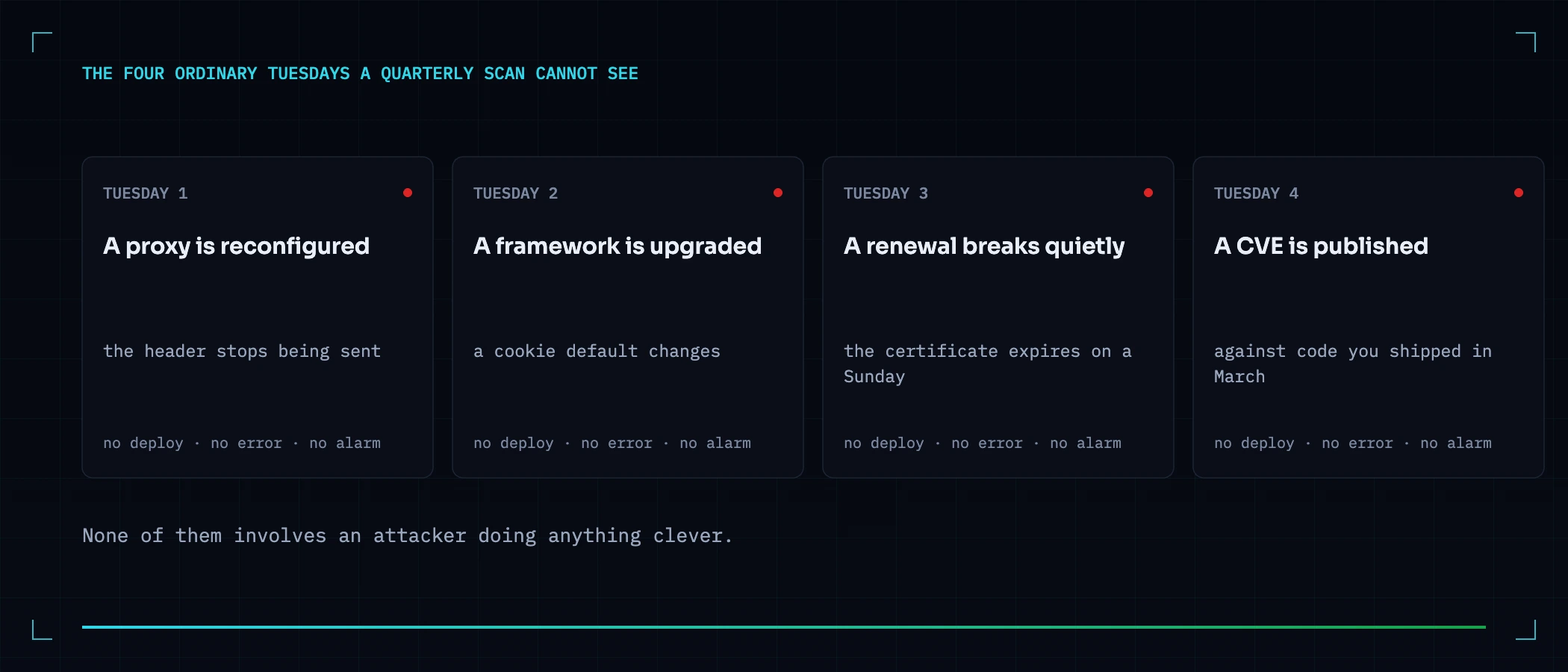
Consider four ordinary Tuesdays. None of them involves an attacker doing anything clever, and all four are invisible to a scan run last quarter.
- A proxy is reconfigured and a header disappears. Somebody moves TLS termination, the new config does not carry the old
add_headerlines, and Strict-Transport-Security silently stops being sent. Nothing breaks. No test fails. The site works perfectly, minus one guarantee. - A framework upgrade changes a cookie default. The session cookie loses
SameSite, or gains it, or the library changes what it does when the value is unset. Your code did not change. Your behaviour did. - A certificate renewal breaks quietly. The automation has worked for two years, so nobody watches it. It stops working in week one and the certificate expires in week thirteen, on a Sunday.
- A dependency you already shipped becomes vulnerable. Nothing about your code changed. A CVE was published against a version you have been running since March, and the clock started when the advisory did — not when you next happen to scan.
Every one of those is a state change with no deploy behind it, no error, and no alarm. A scan will find all four — the next time somebody runs one. The question is how many Tuesdays pass first.
Why the same checks give different answers
This is the part most comparisons miss: monitoring is not a scan on a timer. Running identical checks repeatedly produces something a single run cannot produce, which is a previous value — and a previous value turns a finding into an event.
| What you get | From one scan | From the same checks over time |
|---|---|---|
| This header is missing | Yes | Yes — plus the date it went missing, which usually names the deploy |
| This finding was fixed | No. A scan cannot tell a fix from a check that never failed | Yes, and it stays closed until it is not |
| This finding came back | No — it looks identical to finding it for the first time | Yes. A regression is a different problem from a new issue, and usually a process one |
| This certificate expires in eleven days | Only if you happen to scan inside the window | Yes, on the day the window opens |
| Nothing changed this week | Not expressible | Yes — and on most weeks this is the correct and valuable answer |
That third row is the one worth sitting with. A finding you fixed six weeks ago, appearing again today, is not a vulnerability report — it is a signal that whatever caused it the first time is still in your pipeline. A tool without history reports it as new, and your team fixes it again, at the same cost, having learned nothing.
When a one-off scan genuinely is the right answer
An argument that cannot say where it stops applying is advertising. There are three cases where paying for continuous monitoring would be paying for nothing, and they are not edge cases.
- Before a launch, or before a decision. Due diligence on an acquisition, a pre-launch check, a supplier assessment. You want to know the state of a thing at a moment in time. That is precisely a photograph, and a photograph is the correct instrument.
- A genuinely static site that ships twice a year. If nothing deploys, nothing drifts — with one honest exception below.
- When you cannot act on what you find. Monitoring that emails a mailbox nobody owns is worse than no monitoring: it converts a known gap into a documented, ignored one, which is materially harder to defend afterwards. Fix the ownership problem first; the tooling is the easy half.
What to actually buy, in order
If you have neither: start with the scan. You cannot monitor a baseline you have never established, and the first run usually finds enough to occupy a sprint. There is no argument for buying the second thing first.
If you have scanning and no monitoring — which is where most teams are, because scanning is what gets purchased after an audit — the gap you are carrying is not a coverage gap. Your checks are probably fine. It is a latency gap, and the honest way to size it is to ask: if a header disappeared this afternoon, what would have to happen for anyone to notice, and when?
If the answer is "the next scheduled scan", you already know the number. It is however many days that is.
Where this product sits, stated plainly
Webcuris does both, which means this article was written by an interested party and you should read the previous section with that in mind. The specific thing it is built around is the third row of that table: findings have a lifecycle, so a fixed finding that reappears is counted and labelled as a regression rather than as a new discovery, and the alert lists regressions separately from new findings instead of leaving you to reconstruct which is which. The emailed alert is deliberately limited to high and critical severity — a medium-severity regression is on the scan and in the finding's history, not in your inbox, because an alert that fires on everything is one people learn to archive unread.
You can also test the scanning half without talking to anybody. The free scan runs ten checks against one page and returns the findings on the page — no account, and nothing kept. That gives you the photograph. Whether you need the film is the question this article exists to help you answer, and for some of you the honest answer is no.
Keep reading
Your monitoring is watching the wrong end of the request
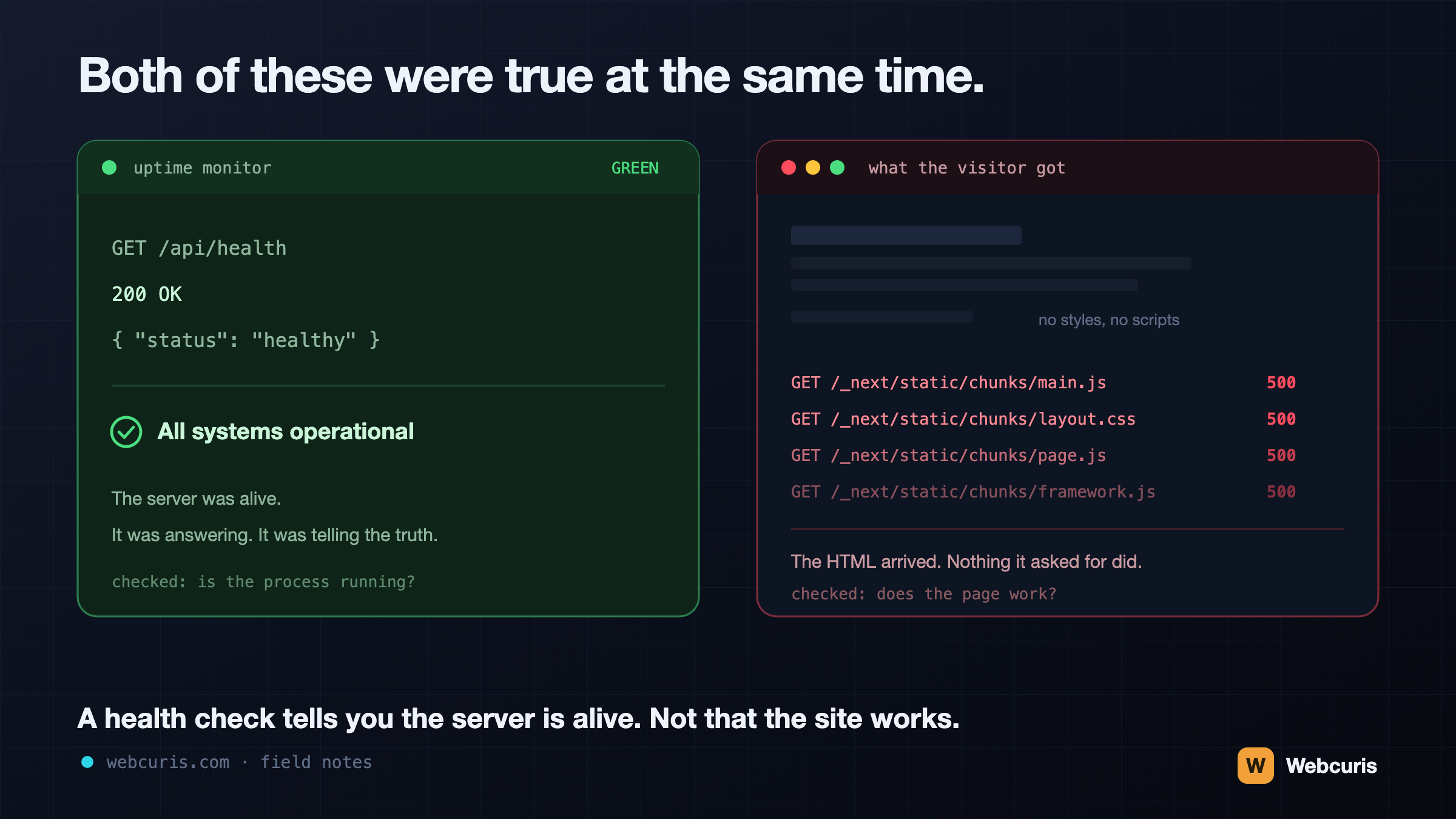
Our uptime monitor was green while every visitor saw an unstyled page. It was the second time every server-side signal agreed the site was fine while the browser disagreed — and the two incidents share a shape worth naming.
Passive vs Active Security Scanning: What a Scanner Should Refuse to Do to Your Site
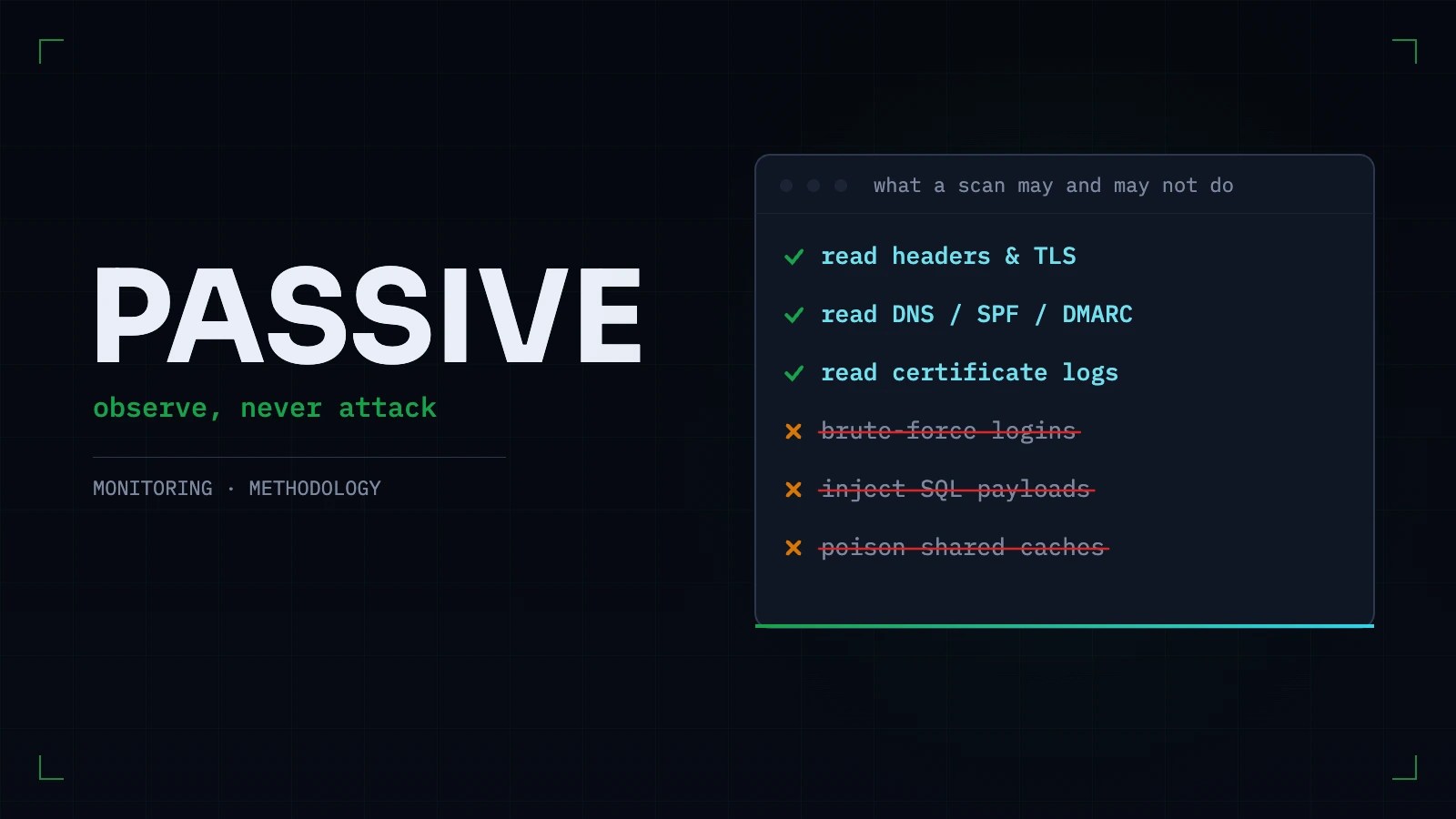
The line between observing a site and attacking one is sharper than vendors make it sound. What passive scanning can honestly find, what genuinely needs active testing, and the tests we refuse to run — with reasons.
What Is Continuous Website Security Monitoring? (And When a One-Time Scan Is Enough)
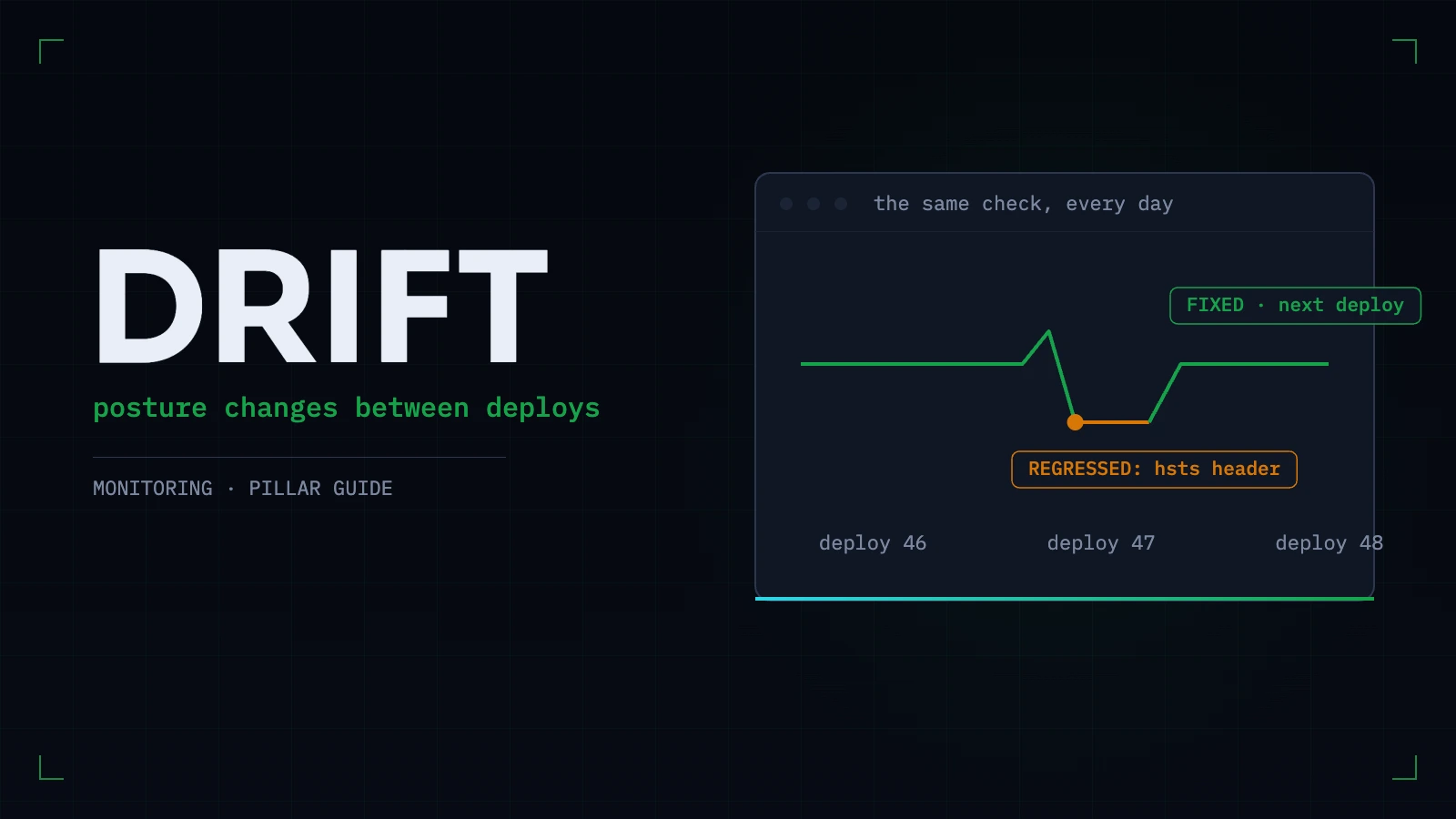
Two very different things are sold under one name. What posture monitoring actually watches, what a regression looks like, which checks belong on a schedule — and the honest cases where a single scan is all you need.
Everything this article describes is what Webcuris checks continuously — scan one page free, no signup.