Security Monitoring for Web Agencies: Every Client Site, One Answer
An agency's security surface is every site it ever shipped, including the ones nobody bills for any more. The risks specific to running many sites with a small team, the per-client baseline worth standardizing, and the honest case for monitoring as a service line.

Webcuris Research
Security Engineering
·3 min read
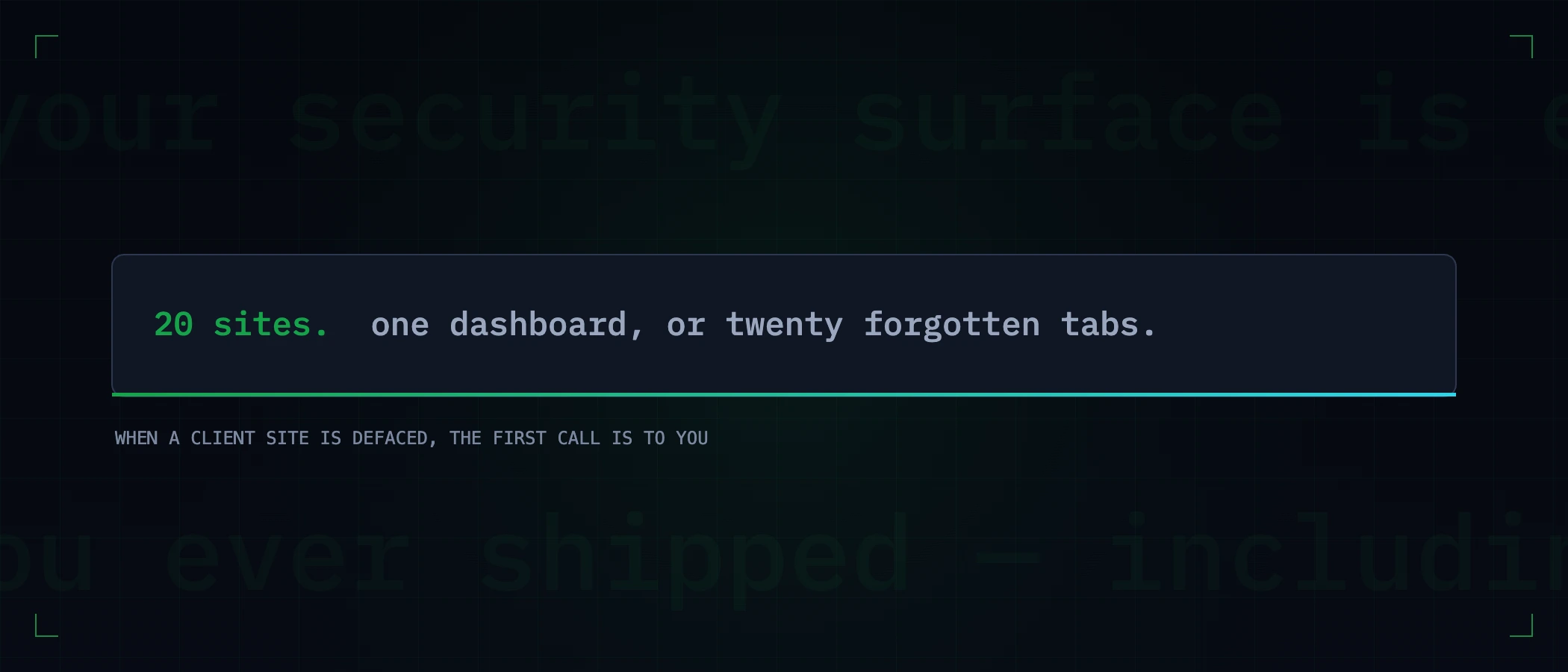
An agency's security surface is not its own website. It is every site it ever shipped — including the campaign microsite from 2023 that nobody bills for, the staging subdomain that still resolves, and the client who "will handle hosting themselves" and never touched it again. When one of those is defaced or blacklisted, the client's first call is to you, and the contract's fine print about who owns security stops mattering to your reputation.
The risks that are specifically an agency's
- Fleet drift. Twenty sites shipped over five years means twenty snapshots of whatever your standards were at ship time. The 2021 sites still run the 2021 headers.
- The offboarding tail. Ended engagements rarely end cleanly: DNS records pointing at deprovisioned hosts are subdomain-takeover candidates, and expired-client certificates still carry your fingerprints in certificate transparency logs.
- Staging that outlives launch.
staging.client.com, indexed, unauthenticated, running the pre-hardening build — a gift to anyone comparing it with production. - Plugin and dependency lag at scale. One advisory against a CMS plugin you standardised on is not one patch; it is one patch times every site that has it, and the list of which sites those are lives in somebody's head.
- A shared blast radius. The same deploy keys, DNS registrar and email domain across clients means one compromised credential is a portfolio event, not an incident.
The per-client baseline worth standardizing
Agencies win on repeatability, and a security baseline is the most reusable artifact you can own. A launch checklist that travels client to client:
| At launch | Why it belongs in the template |
|---|---|
| Security headers, with values not just presence | The HSTS and CSP you set once become the default every future site inherits |
| HTTPS redirect + certificate automation | Renewal is now a several-times-a-year event per site — manual tracking does not scale to a fleet |
| SPF / DKIM / DMARC on every client domain | Client email spoofing becomes your incident the moment their customers get phished |
| A subdomain inventory, written down | The offboarding tail is only cleanable if launch recorded what exists |
| A scan before handover, attached to the invoice | Evidence of the state you delivered — the thing you point at when a later breach was not your build |
One dashboard or twenty tabs
The operational problem is not running one check — it is running forty checks across every client and knowing which of the resulting hundreds of findings is news. That is what monitoring is for: every client site as an asset in one view, re-checked daily, alerting only on new findings and regressions — so the 2021 site dropping its headers in a host migration surfaces the day it happens, attributed to the right client, instead of in next quarter's manual sweep. Ten minutes a week reading deltas replaces the sweep nobody actually did.
The honest case for monitoring as a service line
Most agencies give security away implicitly — clients assume the site you built stays safe, and you absorb the 2 a.m. calls unpaid. Making it explicit is better for both sides: a monthly monitoring line item funds the attention clients already believe they are getting, and the monthly report — findings fixed, drift caught, certificates renewed — is recurring proof of value between projects. The honest part: sell the attention, not invulnerability. Monitoring means someone notices within a day, not that nothing ever breaks.
Start with the site you are proudest of: run the free scan on it and read what a client's security-conscious IT person would see. Then decide whether the rest of the fleet deserves the same look before somebody else gives it one.
Keep reading
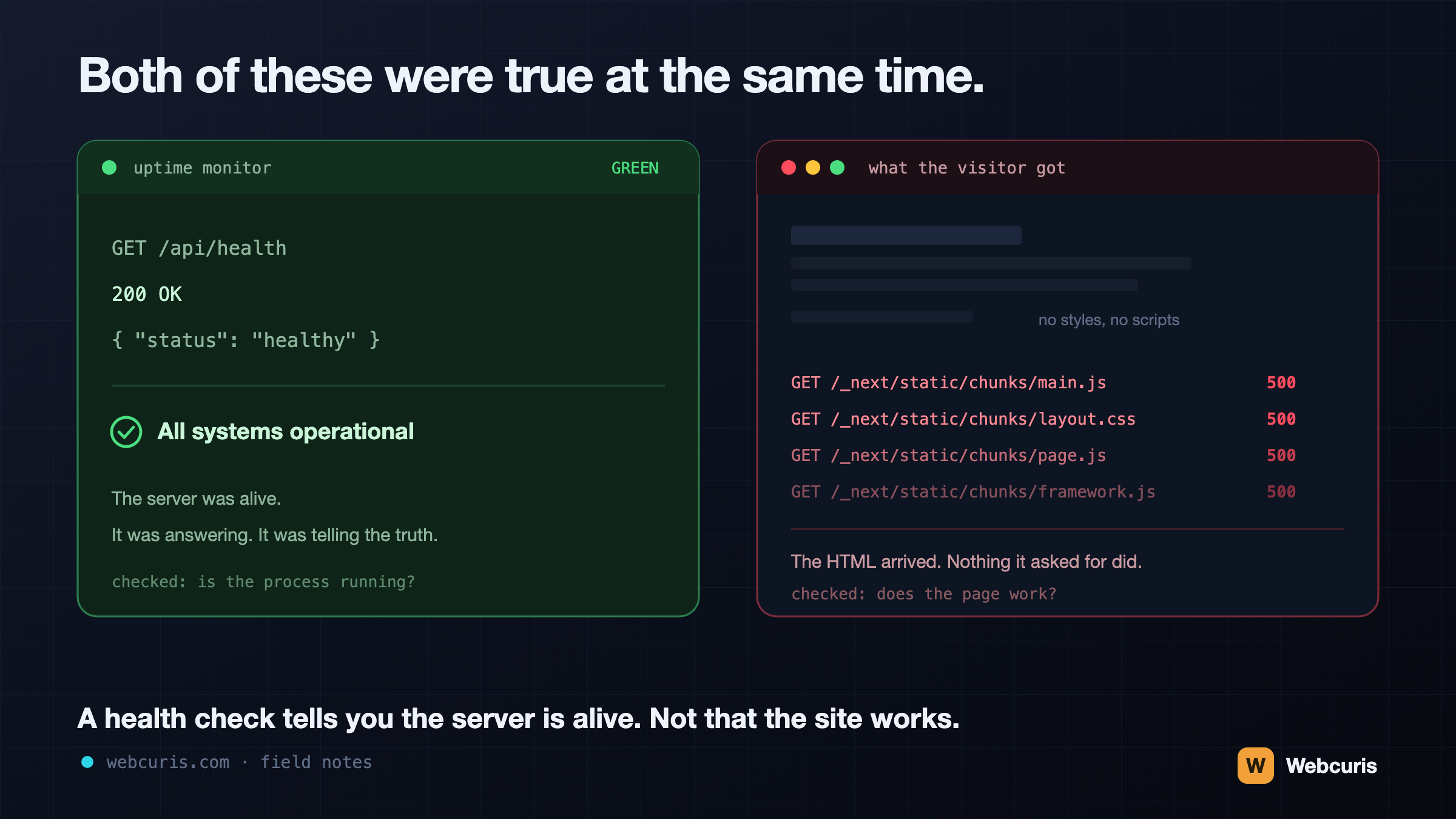
Your monitoring is watching the wrong end of the request
Our uptime monitor was green while every visitor saw an unstyled page. It was the second time every server-side signal agreed the site was fine while the browser disagreed — and the two incidents share a shape worth naming.
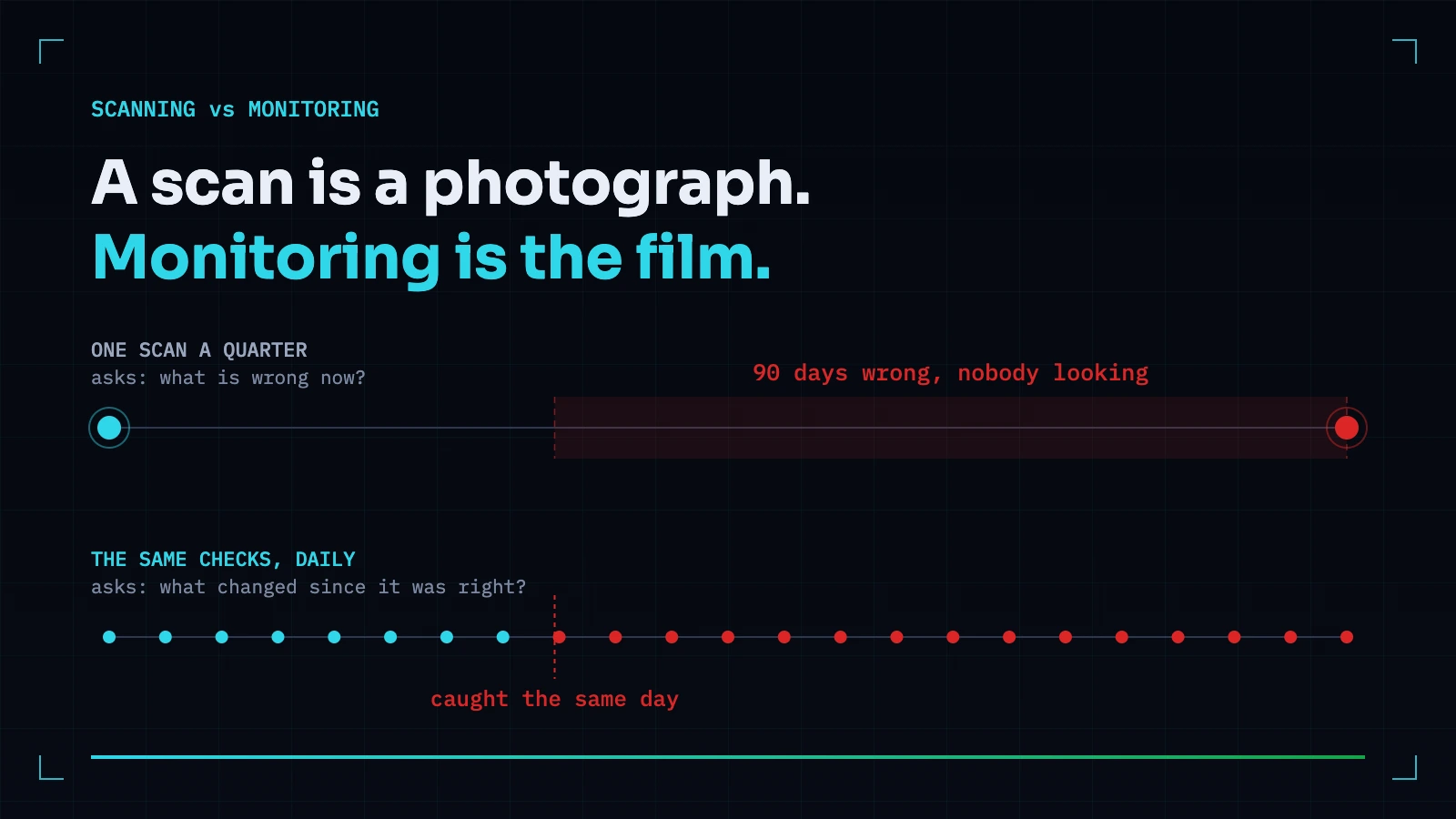
Vulnerability Scanning vs Security Monitoring: You Probably Need the One You Don't Have
A scan answers what is wrong now. Monitoring answers what changed since it was right. Most teams buy the first and need the second — because the expensive incidents are almost always something that used to be correct.
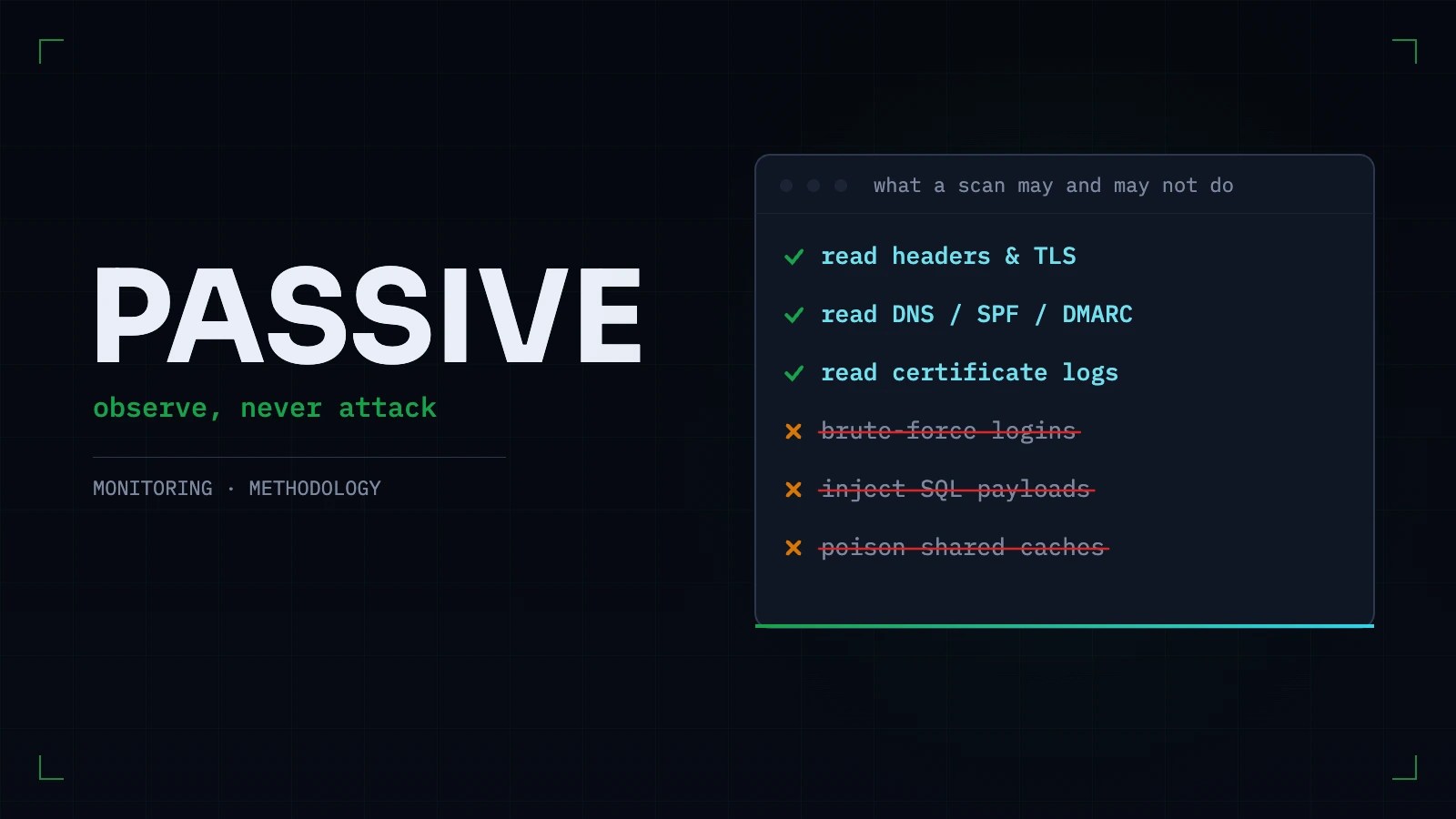
Passive vs Active Security Scanning: What a Scanner Should Refuse to Do to Your Site
The line between observing a site and attacking one is sharper than vendors make it sound. What passive scanning can honestly find, what genuinely needs active testing, and the tests we refuse to run — with reasons.
Everything this article describes is what Webcuris checks continuously — scan one page free, no signup.