Secure, HttpOnly, SameSite: Cookie Attributes Explained by What Goes Wrong Without Them
Three attributes, three specific attacks. What each one stops, what happens on the day it is missing, and the one line of Set-Cookie a session cookie should carry.

Webcuris Research
Security Engineering
·2 min read
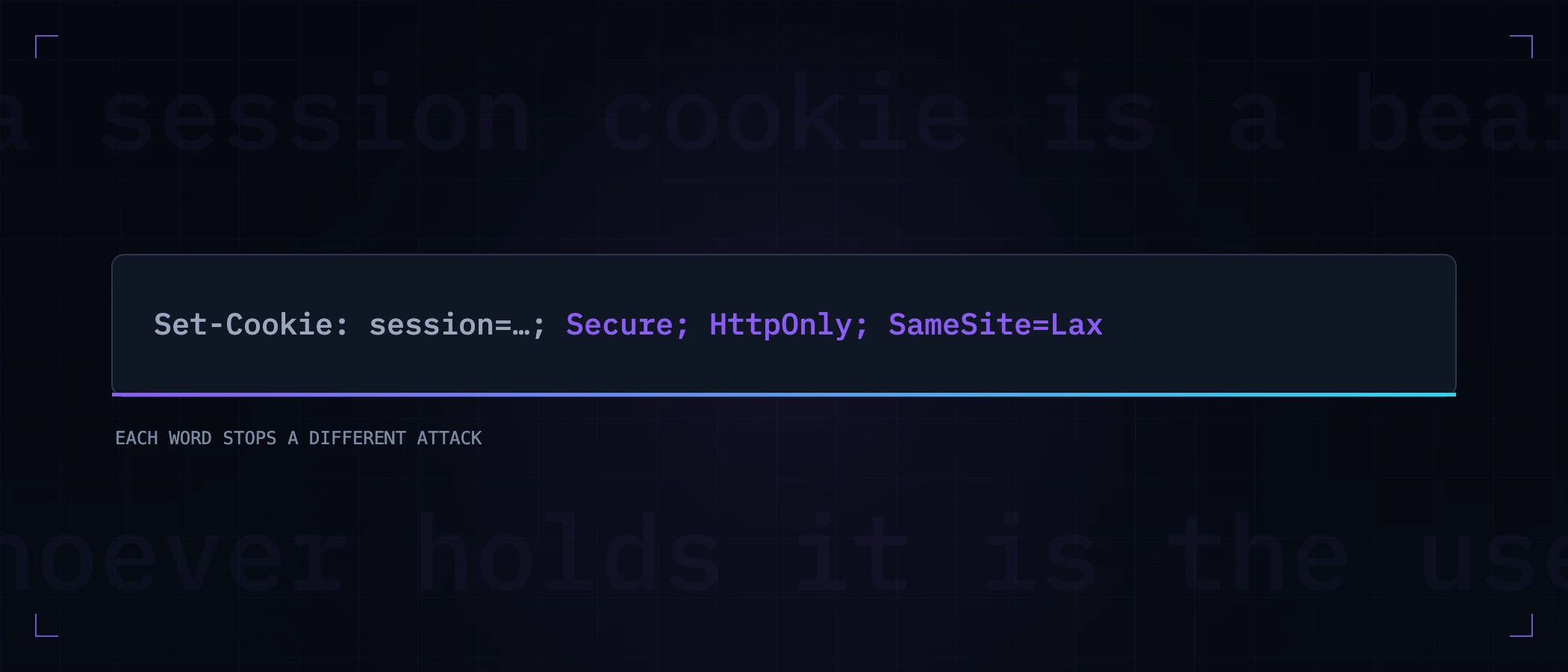
A session cookie is a bearer token: whoever holds it is the user. Three attributes decide how hard it is to take one, and each maps to a specific attack rather than to general good practice. Read them that way and the configuration stops being a checklist item.
Set-Cookie: session=…; Secure; HttpOnly; SameSite=Lax; Path=/Secure — stops the cookie leaving over plain HTTP
Without Secure, the browser attaches the cookie to any request to your domain, including plaintext HTTP. One http:// link, one typed address before the redirect, one asset reference someone forgot to update — and the session travels in the clear past anyone on the network path. Your HTTPS redirect does not save you: the cookie is on the request that gets redirected.
It pairs naturally with HSTS, which removes the plaintext request entirely. Secure is the belt; HSTS is the braces, and both are one line.
HttpOnly — stops JavaScript reading it
This is the attribute that decides how bad your next XSS is. With HttpOnly, injected script cannot read document.cookie, so a script bug stays a script bug. Without it, the same injection reads the session token and posts it elsewhere — and the attacker no longer needs your page at all, because they have the user. The difference between those two outcomes is one word in a header.
SameSite — stops other sites spending your session
SameSite controls whether the cookie rides along on requests originating from other sites. Without it, a form on attacker.example can POST to your endpoint and the browser helpfully attaches the victim's session — cross-site request forgery. The values differ in how strictly they refuse:
| Value | Sent cross-site? | What it costs you |
|---|---|---|
| Strict | Never | A user following a link from email or another site arrives logged out — often surprising |
| Lax | Only on top-level GET navigations | The sensible default: links work, cross-site POSTs do not |
| None | Always — and requires Secure | Only for cookies that genuinely must work in a third-party context, e.g. an embedded widget |
Check what your site actually sends
curl -sI https://example.com | grep -i set-cookieRead each line attribute by attribute. The common failure is not a site with no attributes anywhere — it is a site where the session cookie is correct and an auxiliary one is not, or where a framework default was overridden in one code path. This is one of the checks in reading all your security headers, and it is worth doing per cookie rather than per site.
Then keep it true. Cookie attributes are set in application code, which means they regress the way code regresses — a refactor, a new endpoint, a library upgrade that changes a default. A free scan reads the attributes on every cookie your site sets, and monitoring tells you the day one of them drops.
Keep reading
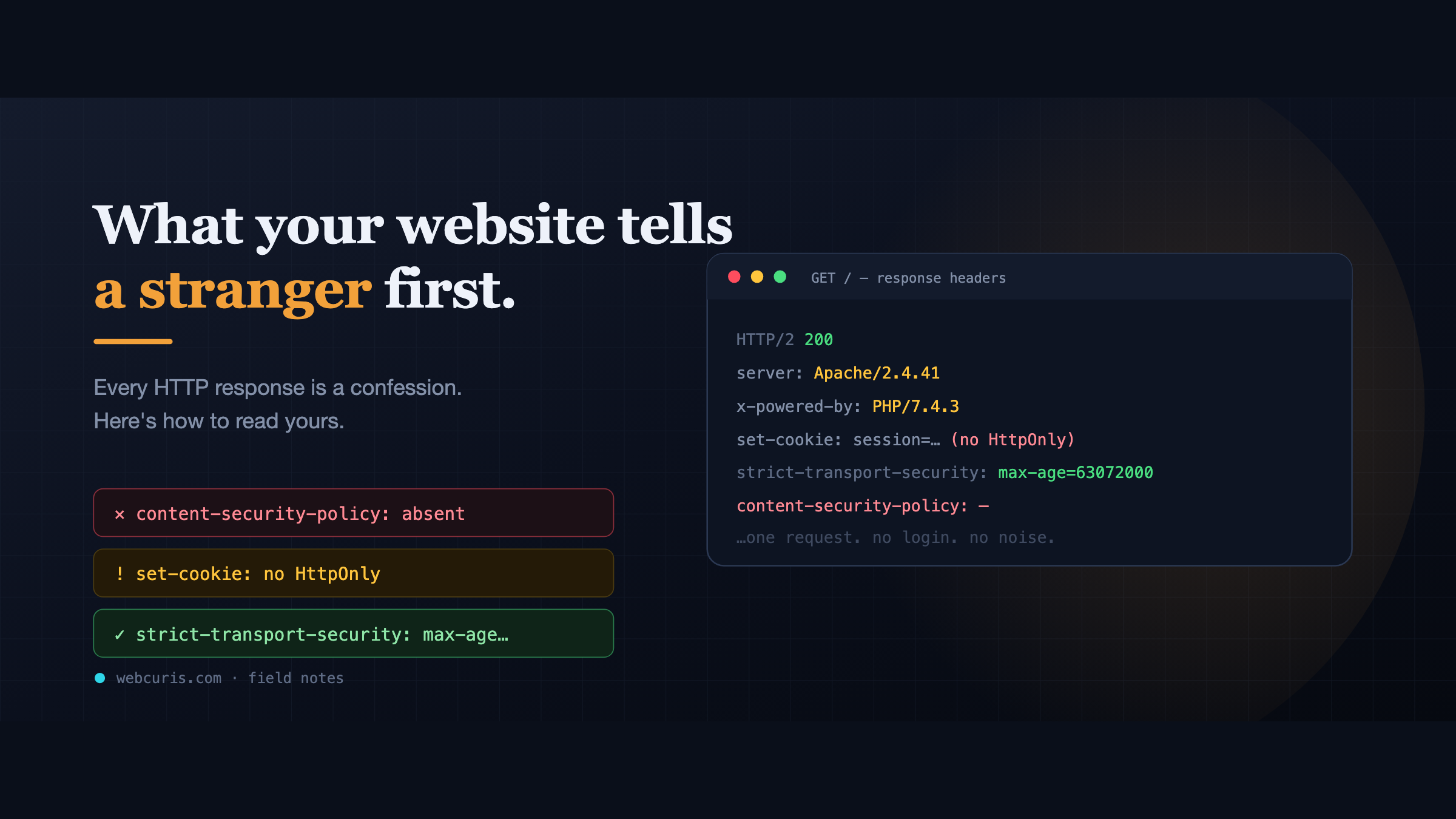
What your website tells a stranger before they load the page
Before a single pixel appears, your server has already made a statement about how seriously it takes security. Attackers read it first — here's how to read yours.
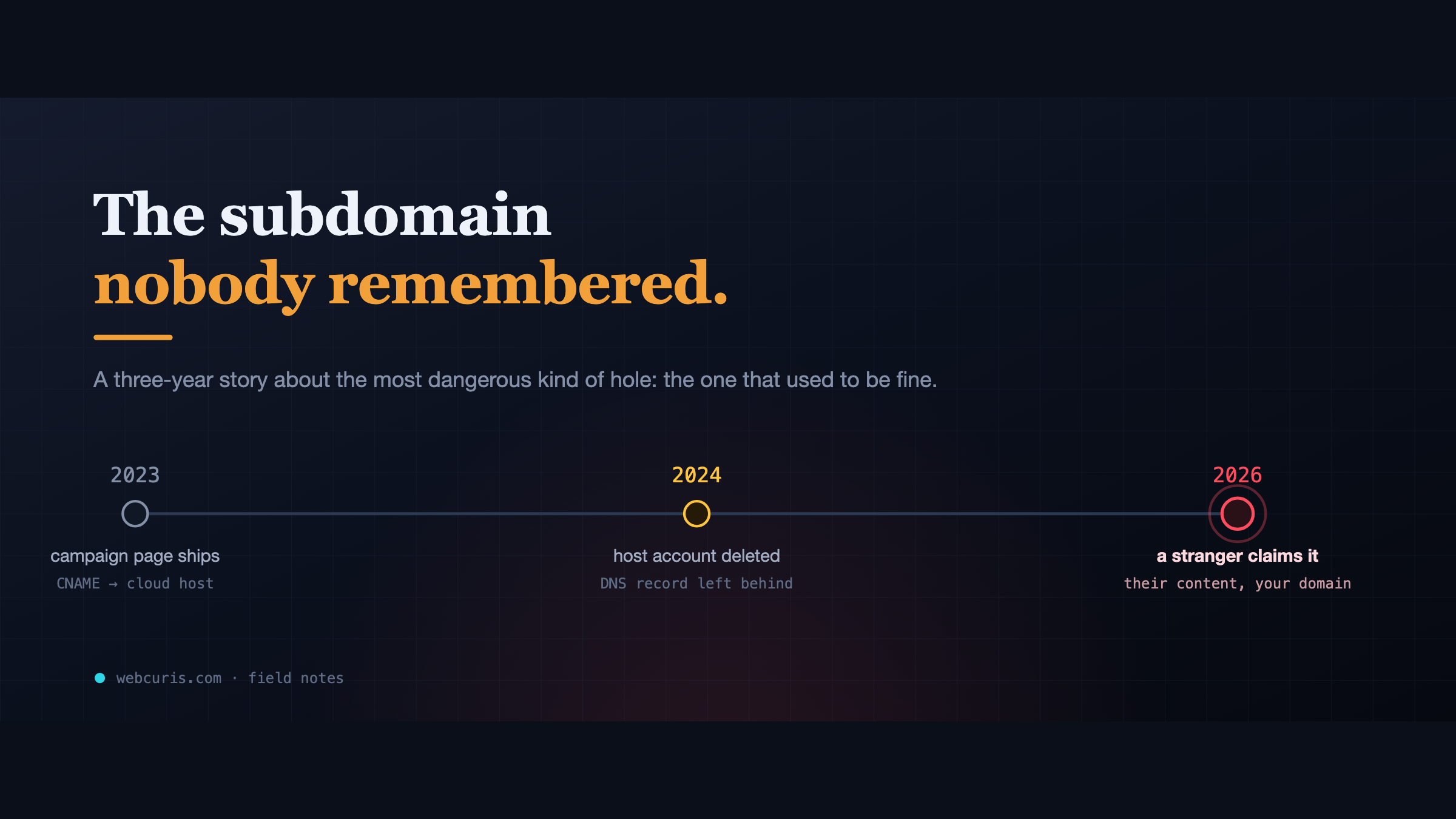
The subdomain nobody remembered
In 2023 a marketing team pointed a subdomain at a cloud app. In 2024 the app was deleted. The DNS record wasn't. In 2026, a stranger claimed it.
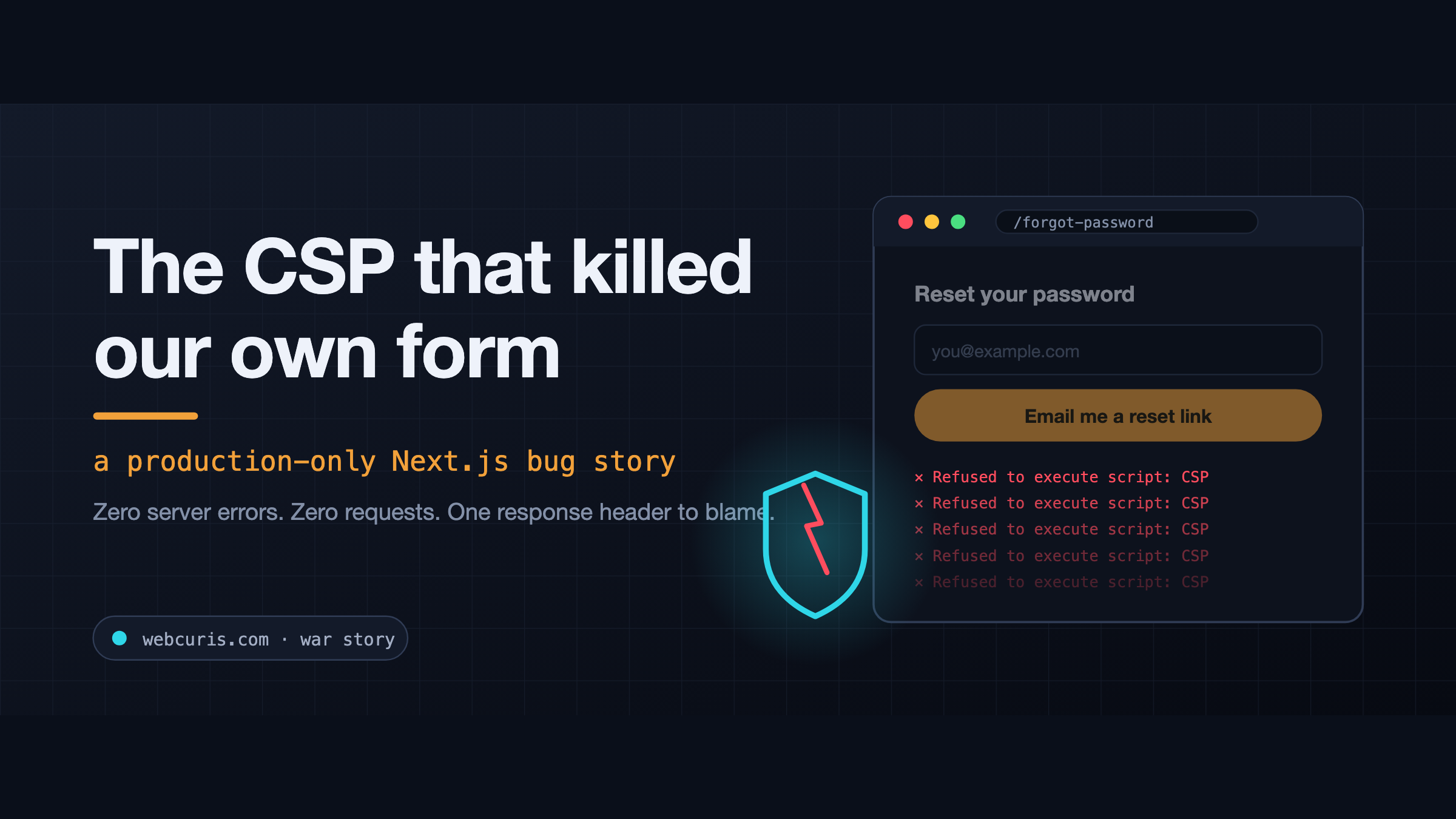
The CSP that killed our own form (a production-only Next.js bug)
The forgot-password form is not working at all. Not "it's slow." Not "I got an error." Not working at all. So we did what you do. Checked the error tracker: clean. Checked the…
Everything this article describes is what Webcuris checks continuously — scan one page free, no signup.