How to Monitor SSL Certificate Expiration (Before Your Customers Do It for You)
An expired certificate is a full outage with a scary error page, and certificate lifetimes just got cut in half — renewals you handled yearly are now a several-times-a-year event. The checks, the automation, and why automation still needs a watcher.

Webcuris Research
Security Engineering
·2 min read
An expired TLS certificate is a total outage with worse optics: every visitor sees a full-screen browser warning that says, in effect, do not trust this site. And the maths of avoiding it just changed — under the CA/Browser Forum's ballot SC-081, certificates issued since March 2026 are capped at about 200 days, dropping to 100 in 2027 and 47 by 2029. The renewal you used to survive once a year is becoming a several-times-a-year event, which means the odds of one slipping through are rising on a schedule.
Check any certificate right now
echo | openssl s_client -connect example.com:443 -servername example.com 2>/dev/null \
  | openssl x509 -noout -enddate -issuer
# notAfter=Nov 12 09:30:00 2026 GMT
# issuer=C=US, O=Let's Encrypt, CN=E7
-servername matters: it selects the certificate for that hostname on servers that carry several. Check the exact names users type — the apex and www are often different certificates, and the one you forgot is the one that expires.
How certificates expire "suddenly"
- The renewal automation broke silently, months ago. An ACME client that lost a DNS credential or a moved webroot fails on schedule — and nothing looks wrong until day zero.
- Renewed, but never deployed. The new certificate landed on disk and the server was never reloaded; it is still serving the old one. This is the classic case automation cannot see, because from the automation's side everything succeeded.
- The forgotten name. A SAN dropped from the renewal, a subdomain on its own certificate, the staging host a customer somehow bookmarked.
- The calendar reminder retired with the person who set it. Institutional memory is not a renewal strategy, and at 200-day lifetimes it decays twice as fast.
Automate renewal — then watch the automation
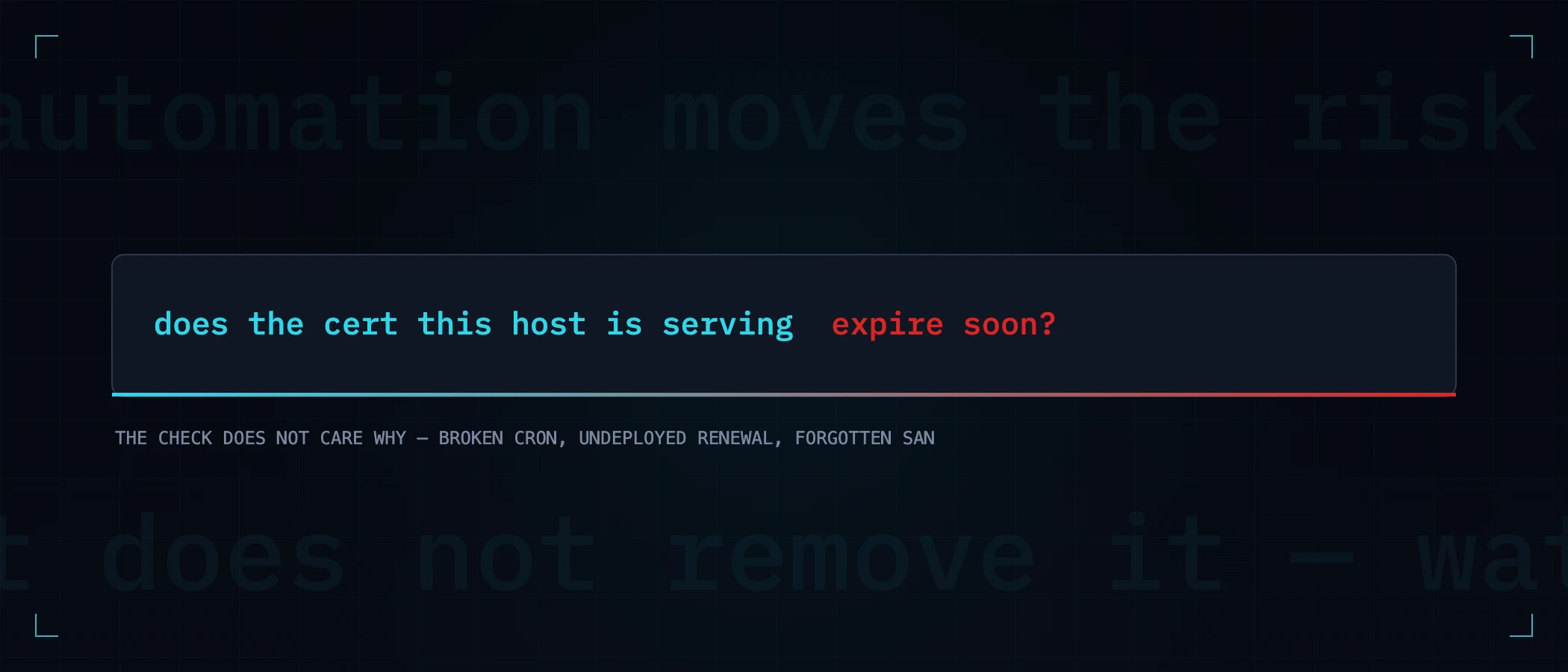
ACME automation (Let's Encrypt and friends, or a server like Caddy that renews internally) is unambiguously the right default. But automation moves the risk; it does not remove it. The check that catches every failure mode above is embarrassingly simple: from outside, does the certificate this host is actually serving expire soon? That question does not care why — broken cron, undeployed renewal, forgotten SAN — it just answers.
exp=$(echo | openssl s_client -connect example.com:443 -servername example.com 2>/dev/null \
      | openssl x509 -noout -enddate | cut -d= -f2)
[ $(( ($(date -d "$exp" +%s) - $(date +%s)) / 86400 )) -lt 14 ] \
  && echo "certificate on example.com expires in under 14 days"
Multiply that by every hostname, add the subdomains you have forgotten about — certificate transparency logs remember them even when you do not — and keep the thresholds maintained as lifetimes shrink. That is the point where a script becomes a chore, and the chore is the argument for continuous monitoring: the same outside-in expiry check, daily, on every asset, with the alert arriving while the fix is still a calm afternoon instead of an incident bridge.
A free scan reads your certificate the way a browser does — validity window, chain, and the TLS configuration around it — and monitoring re-checks it every day so the next renewal that silently fails is a notification, not a screenshot from a customer.
Keep reading
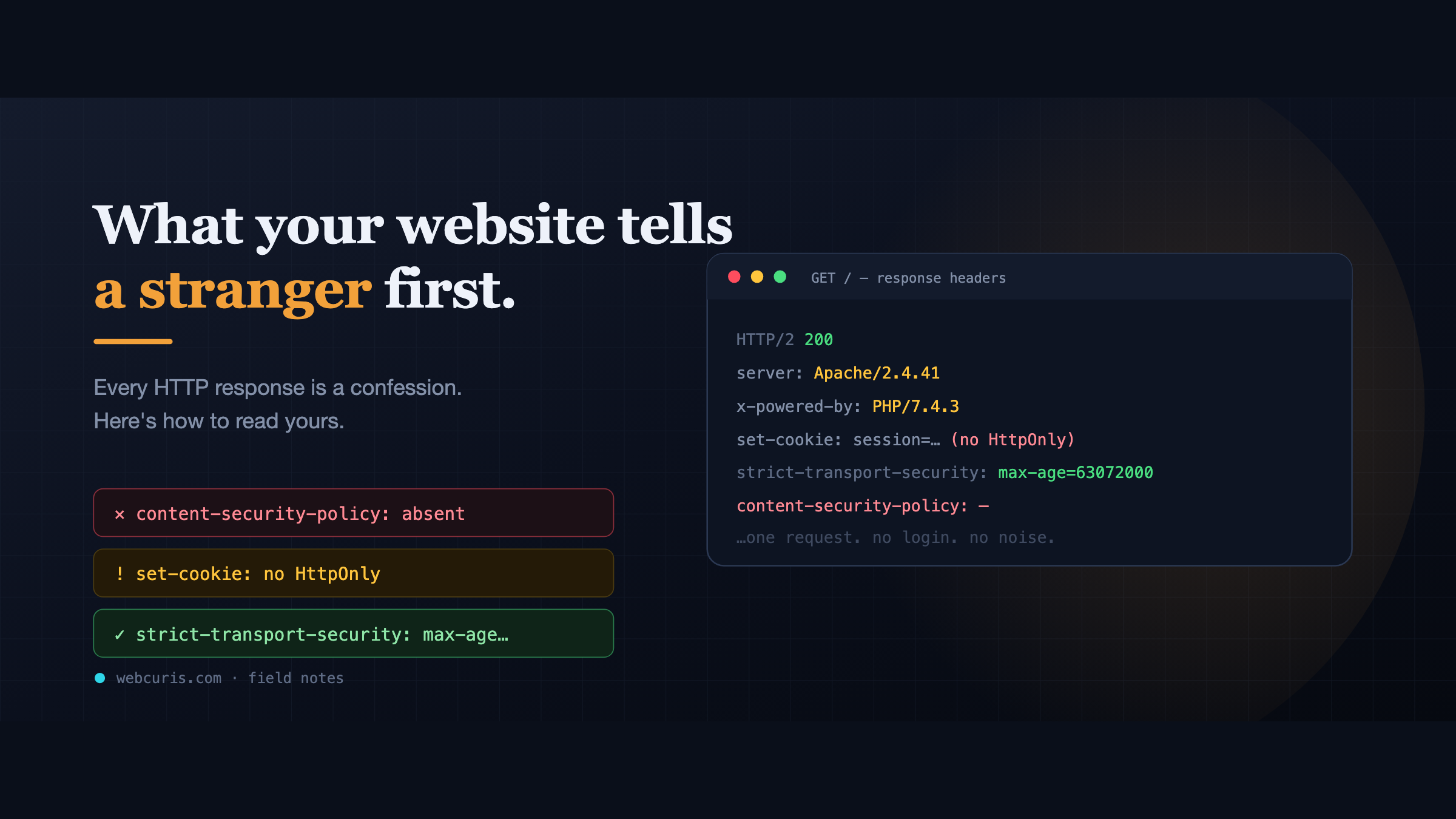
What your website tells a stranger before they load the page
Before a single pixel appears, your server has already made a statement about how seriously it takes security. Attackers read it first — here's how to read yours.
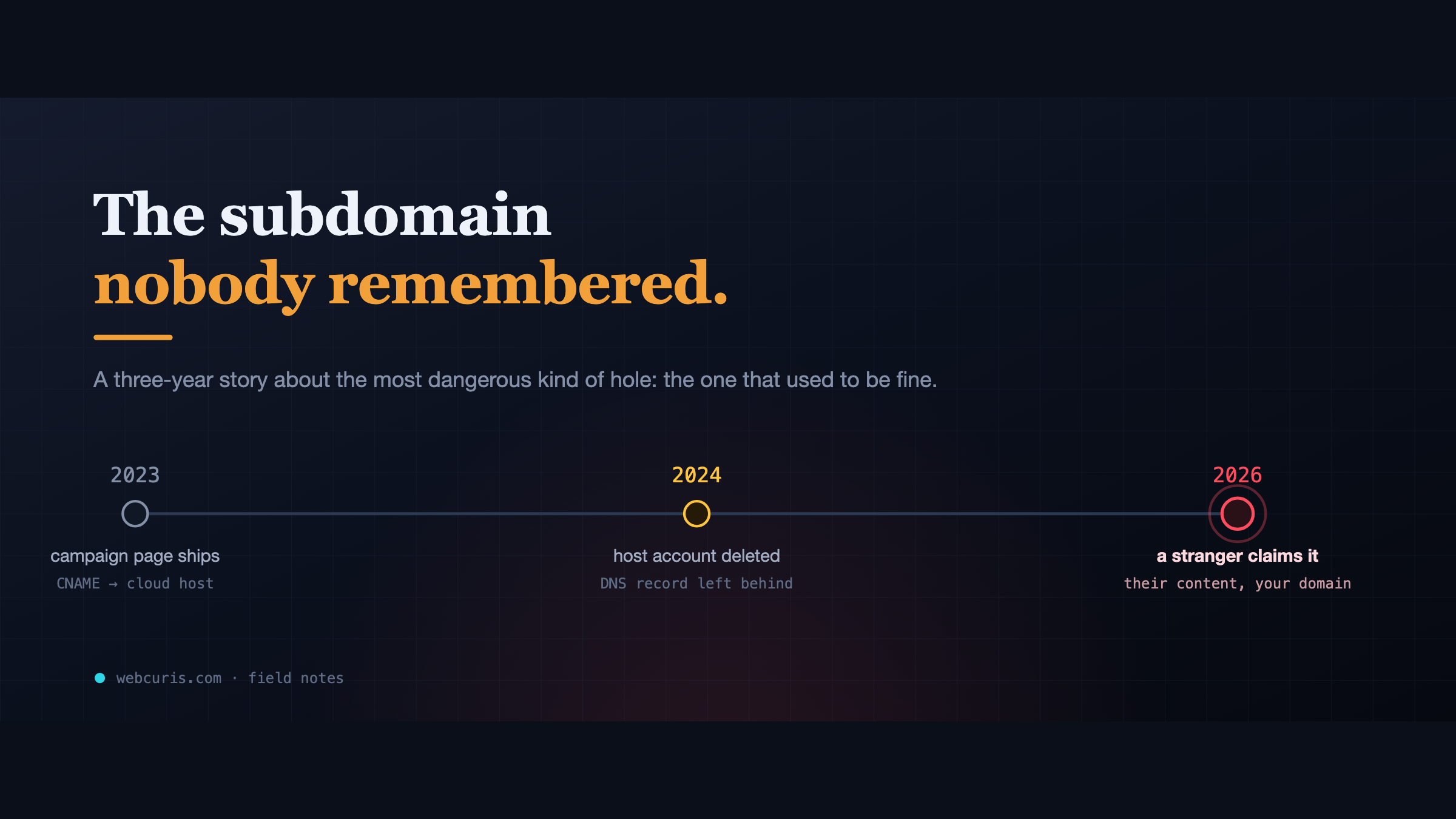
The subdomain nobody remembered
In 2023 a marketing team pointed a subdomain at a cloud app. In 2024 the app was deleted. The DNS record wasn't. In 2026, a stranger claimed it.
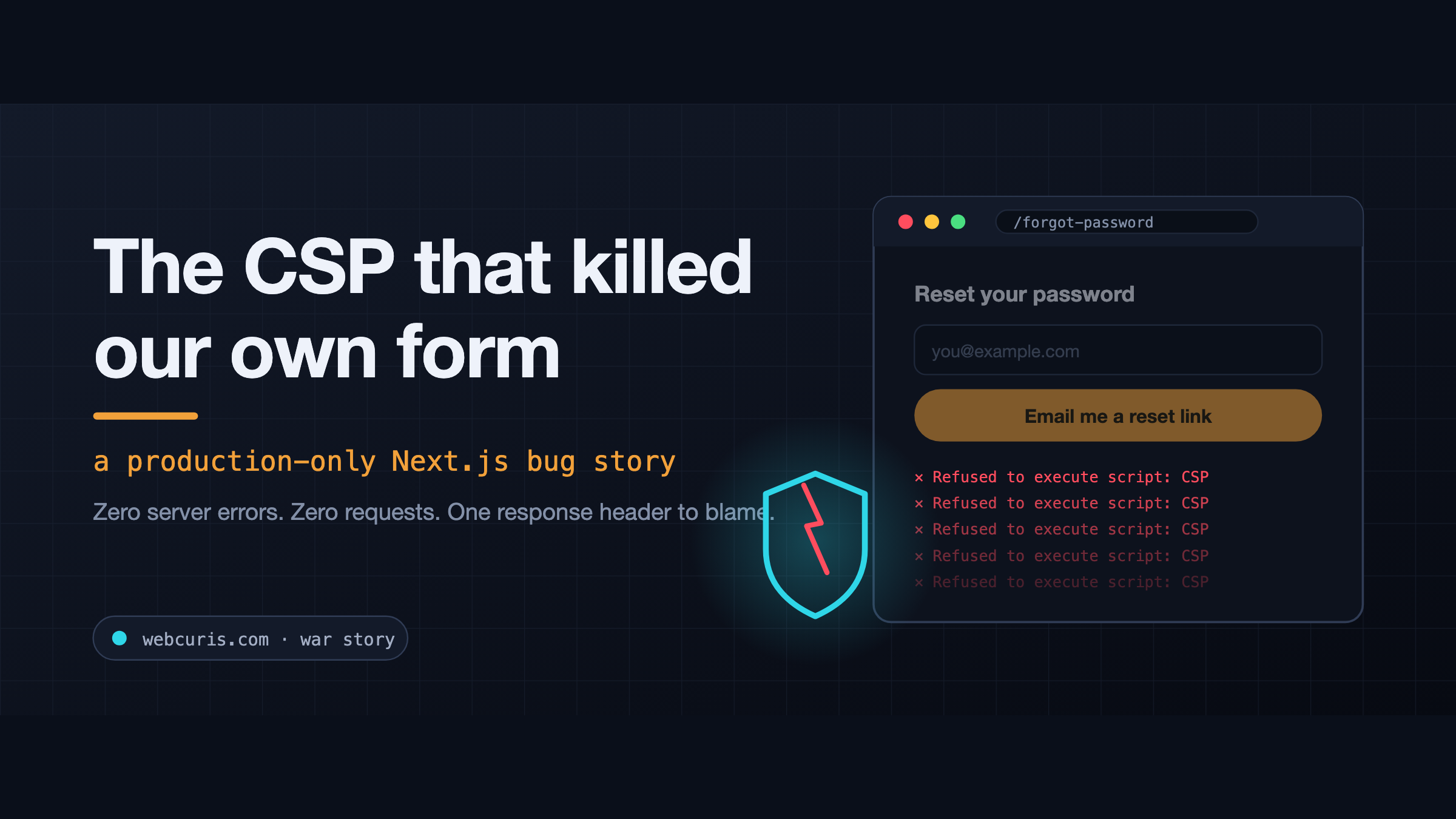
The CSP that killed our own form (a production-only Next.js bug)
The forgot-password form is not working at all. Not "it's slow." Not "I got an error." Not working at all. So we did what you do. Checked the error tracker: clean. Checked the…
Everything this article describes is what Webcuris checks continuously — scan one page free, no signup.