Missing DMARC: What Actually Happens to Your Email
Without DMARC, anyone can send mail that says it is from your domain and no receiving server has instructions to stop them. The three records, the rollout that does not break your own mail, and the duplicate-record trap that silently disables the whole thing — which we walked into ourselves.

Webcuris Research
Security Engineering
·2 min read
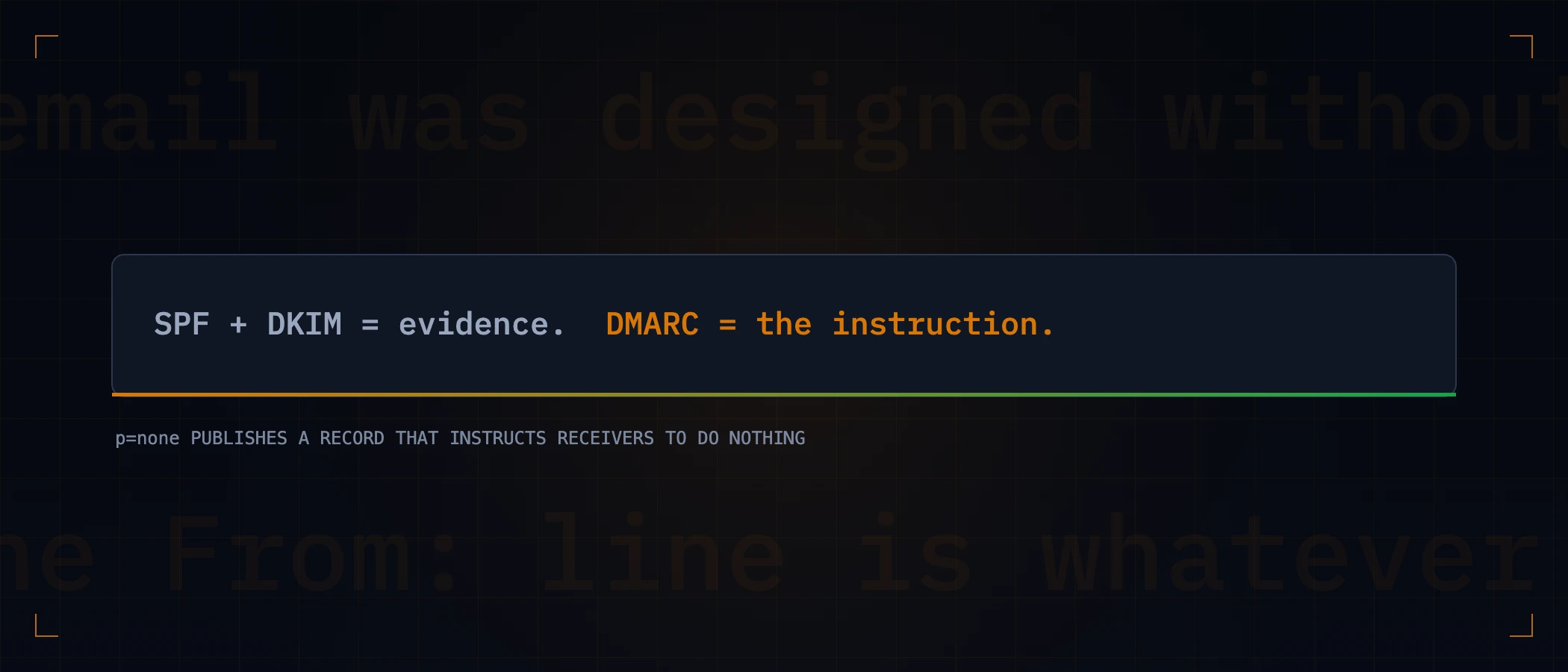
Email was designed without authentication. The From: address a recipient sees is, by default, whatever the sender typed — which means anyone can send mail claiming to be your domain, and unless you have published instructions to the contrary, receiving servers have no basis to refuse it. DMARC is those instructions. Missing it does not mean your email is insecure in the abstract; it means your domain is impersonable in a specific, testable way.
Three records, one job
| Record | Answers | On its own |
|---|---|---|
| SPF | Which servers may send mail for this domain | Checks the envelope sender, which the visible From: can differ from |
| DKIM | Was this message signed by the domain, unaltered? | Proves a signature exists — says nothing about what to do if it is absent |
| DMARC | Does the visible From: align with SPF or DKIM, and what should happen if not? | The only one that gives receivers an instruction, and the only one that reports back |
That last column is why DMARC is the record that matters most: without it, a message that fails SPF and has no DKIM signature is suspicious, and each receiver decides for itself what suspicious means. With it, you decide.
The record, and what each tag does
v=DMARC1; p=none; rua=mailto:dmarc-reports@example.com; pct=100; adkim=r; aspf=r- p — the policy:
none(monitor only),quarantine(spam folder),reject(refuse outright). - rua — where aggregate reports go. This is the whole value of
p=none: reports tell you who is sending as you before you enforce anything. - pct — what percentage of failing mail the policy applies to, for gradual enforcement.
- adkim / aspf — alignment strictness, relaxed (
r) or strict (s). Relaxed permits subdomains, which is almost always what you want.
The rollout that does not break your own mail
The reason to stage this is that almost every organisation sends legitimate mail from more services than it remembers — a helpdesk, a billing provider, a marketing platform, an old server nobody decommissioned. Going straight to p=reject blocks whichever of those you forgot, and the symptom is invoices silently not arriving.
| Stage | Policy | Stay here until |
|---|---|---|
| 1 | p=none with rua | Reports show every legitimate sender, and all of them align |
| 2 | p=quarantine; pct=25 → 100 | Nothing legitimate lands in spam for a full billing cycle |
| 3 | p=reject | This is the destination — anything else leaves the door open |
Two DMARC records is not a stronger policy. It is no policy.
This is the failure we walked into on our own domain, and it is worth more space than most guides give it — which is usually none. If a receiver finds more than one DMARC record at _dmarc.yourdomain.com, RFC 7489 tells it to ignore DMARC for that domain entirely. Not to pick the stricter one. Not to pick the first. To behave as though you had published nothing at all.
The way people arrive here is completely reasonable: your registrar or mail host quietly published a default DMARC record when you set up email, you later add your own — correctly — and now there are two. Adding a security control made the domain less protected than it was five minutes earlier, and nothing warns you. The registrar's control panel happily shows both.
# ask the authoritative nameserver, not a cache and not the control panel
ns=$(dig +short NS example.com | head -1)
dig +short TXT _dmarc.example.com @"$ns" | grep -c 'v=DMARC1'
# 1 = correct     0 = no policy     2+ = policy ignored entirely
If the count is two, decide which to keep by asking where the reports go. A default record from a registrar usually sends rua to the registrar's own address — reports you will never read, from a policy you therefore cannot safely advance. Keep the record whose rua is a mailbox you own, delete the other, and re-run the count.
Check any domain in one command
dig +short TXT _dmarc.example.com   # the policy
dig +short TXT example.com | grep spf  # who may send
dig +short TXT selector._domainkey.example.com  # the signing key
Check the root domain even if you only send from a subdomain. A root with no SPF and no DMARC is impersonable regardless of how well mail. is configured, and attackers spoof the address people recognise.
These records live in DNS, which means they change outside your deploy pipeline — a registrar migration, a new sending provider, an expired record nobody noticed. A free scan reads all three from outside and reports what a receiving server would conclude; monitoring re-checks them daily, so a record that disappears is a notification rather than a discovery.
Keep reading
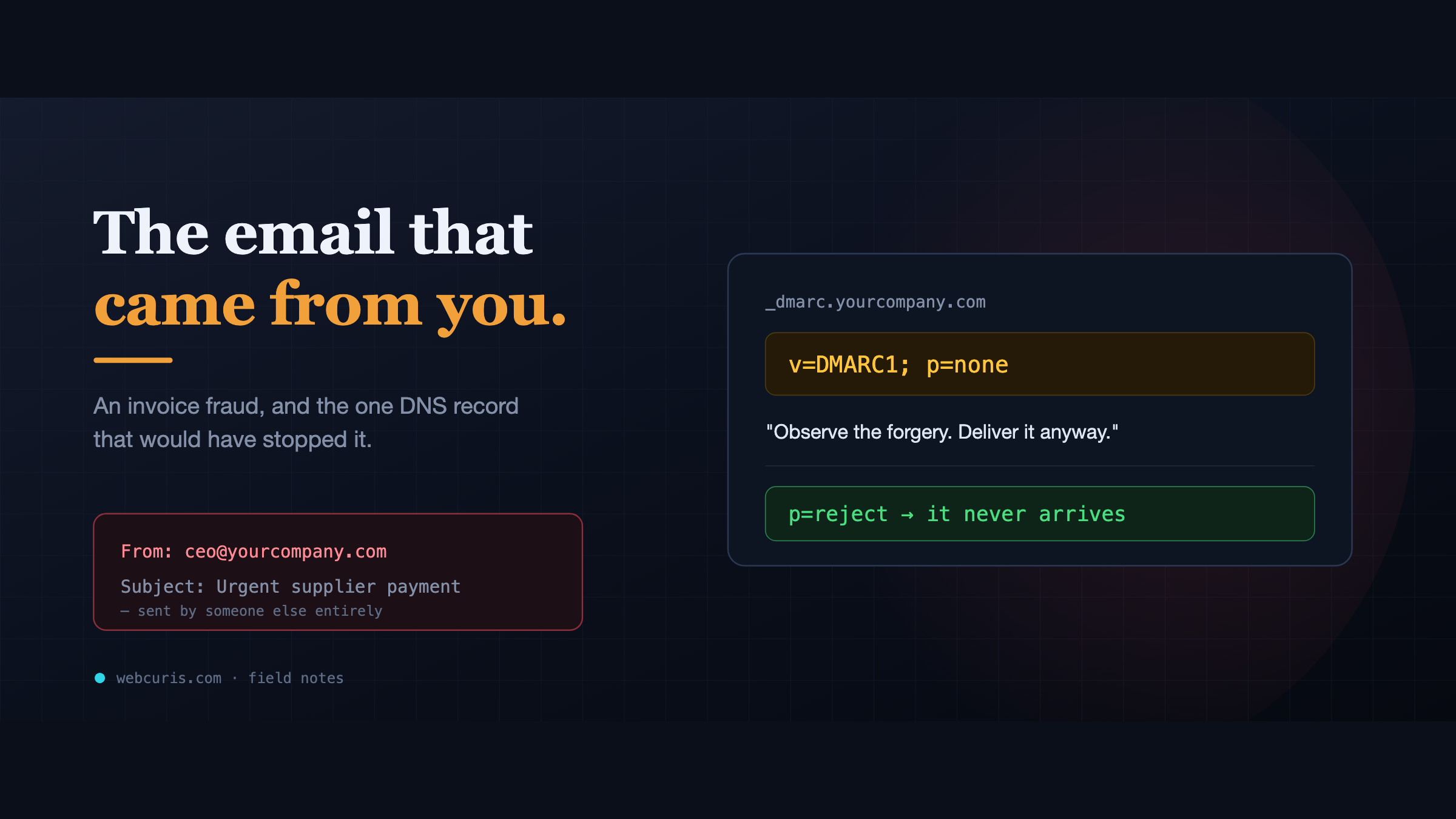
The email that came from you
No account was hacked. No password was stolen. The attacker simply sent an email that said it came from the CEO — and the company's own DNS let it through.
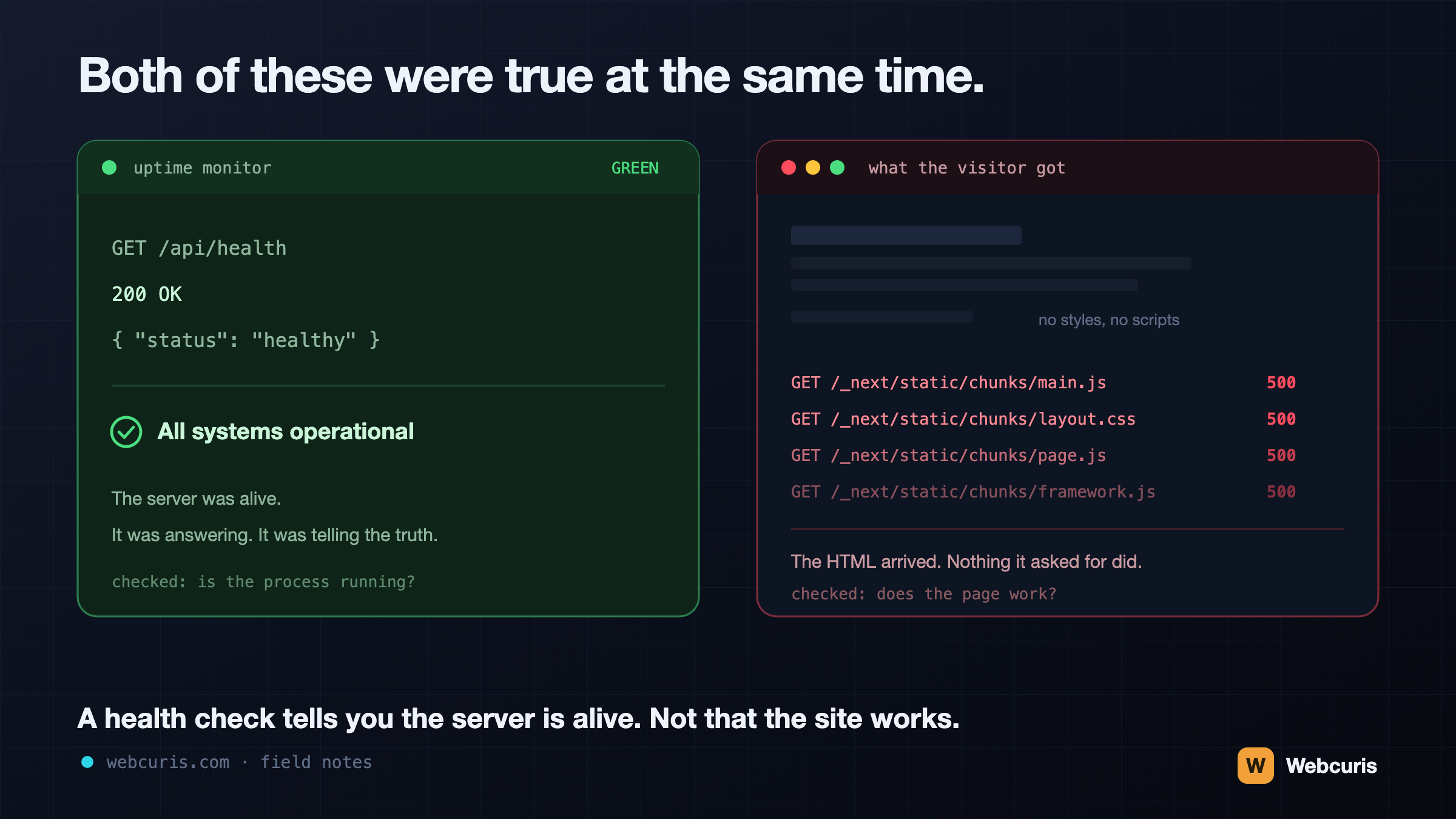
Your monitoring is watching the wrong end of the request
Our uptime monitor was green while every visitor saw an unstyled page. It was the second time every server-side signal agreed the site was fine while the browser disagreed — and the two incidents share a shape worth naming.
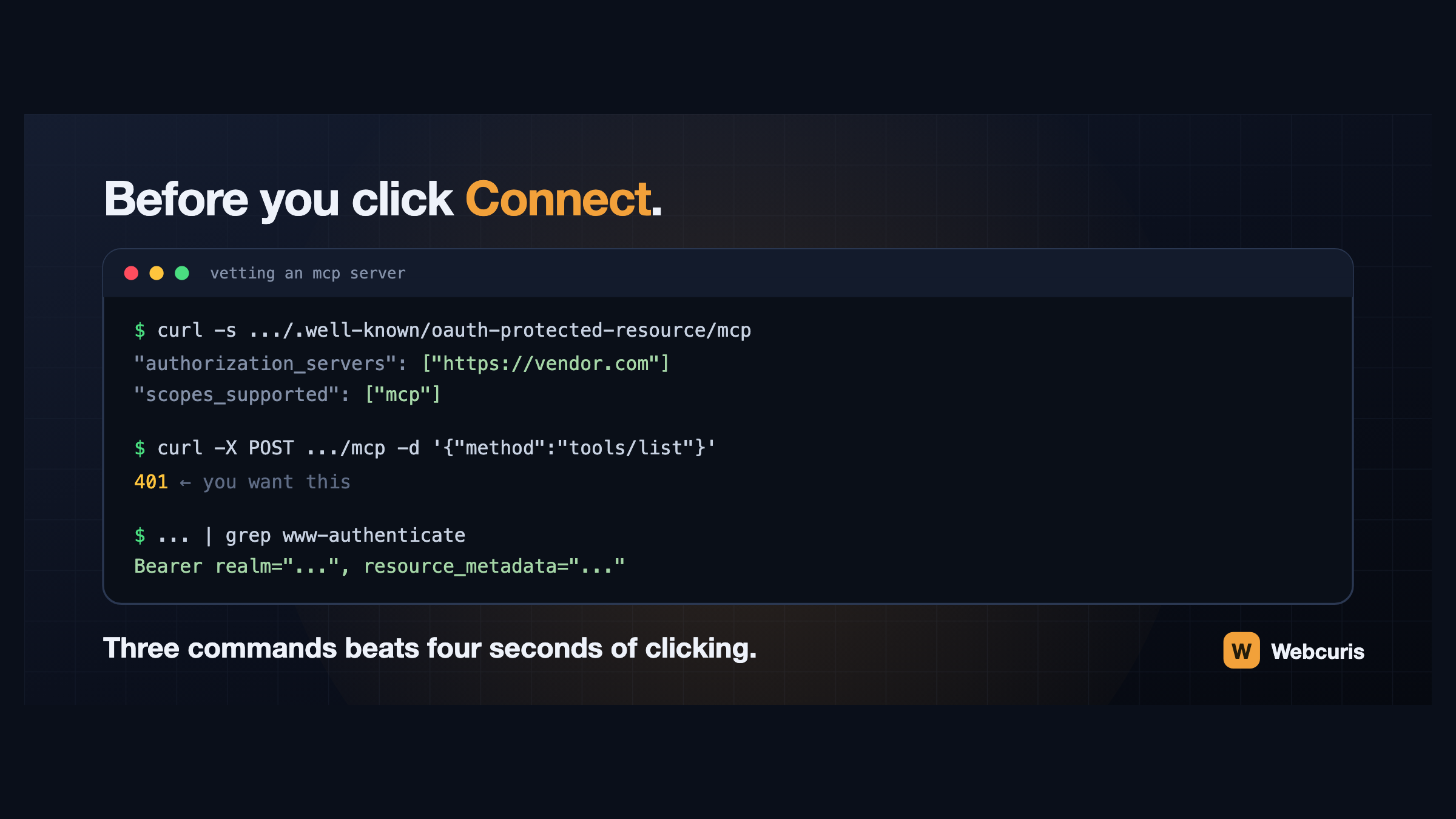
Before you connect that MCP server, run these three commands
Connecting an AI assistant to a tool takes four seconds and grants a language model your permissions. Three commands, run first, tell you how the server authenticates and whether it follows the specification at all.
Everything this article describes is what Webcuris checks continuously — scan one page free, no signup.