The email that came from you
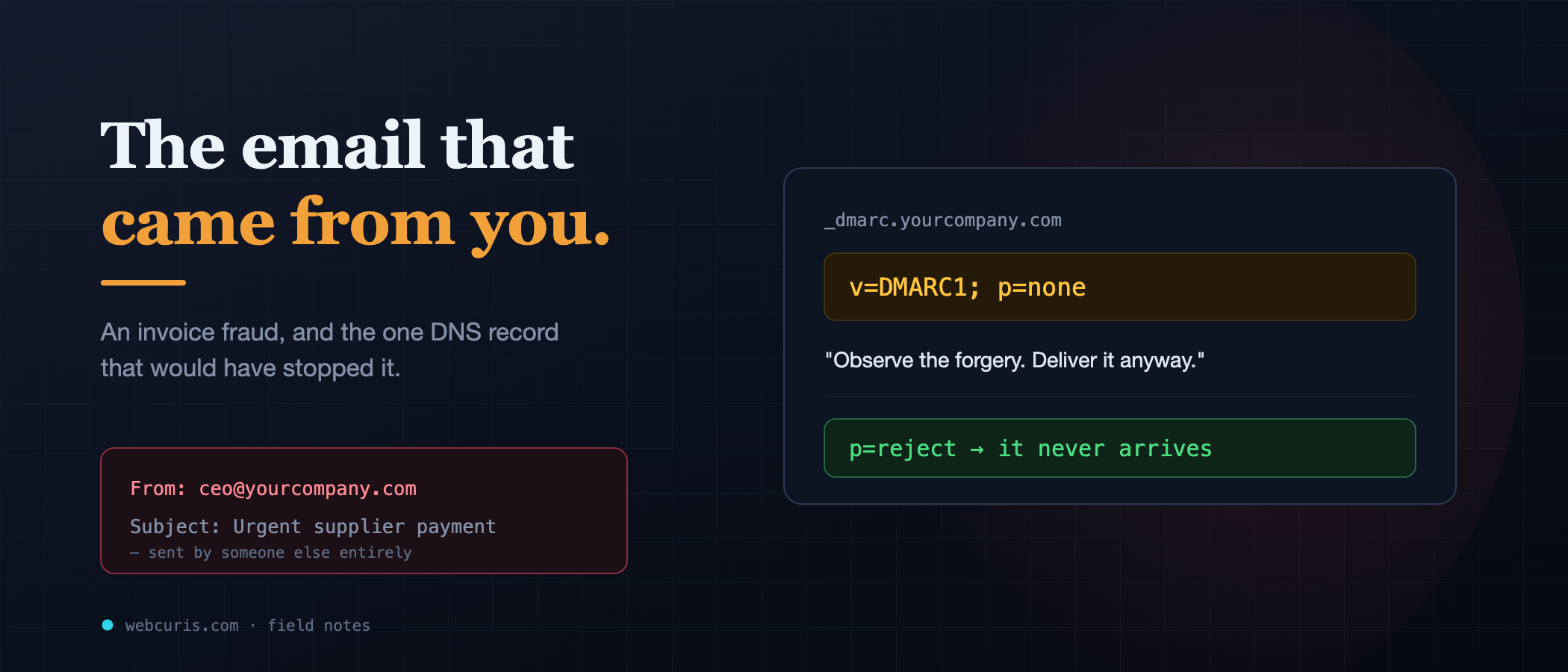
No account was hacked. No password was stolen. The attacker simply sent an email that said it came from the CEO — and the company's own DNS let it through.
Webcuris Research
Security Engineering
·4 min read
The finance manager did everything right, and it didn't matter.
The email was from the CEO. She checked — the address was correct, ceo@theircompany.com, not a lookalike, not a typo, the real domain. The tone was the CEO's. It referenced a real supplier and a real project. It asked her to expedite a payment that was, the message said, already late. She paid it. €48,000, gone before lunch.
Nobody had hacked anyone's account. No password was stolen. The CEO's mailbox was never touched. The attacker simply sent an email that said it came from the CEO — and the company's own DNS let it through.
Here is how that happens, and why it is almost certainly possible against your domain right now.
Email was built on trust, in an era that had none to spare
When email was designed, the network was small and everyone was, roughly, a friend. So the protocol has a quietly astonishing property: the From: address is just text the sender types. Nothing verifies it. My server can connect to your recipient's server and announce that this message is from ceo@yourcompany.com, and by default, the recipient's server has no reason to disbelieve me.
That's it. That's the whole trick. It isn't a vulnerability in the usual sense — it's the absence of a check that was never built into the foundation.
Three DNS records were invented, years apart, to bolt that check on afterward. The failure the finance manager fell for was not that these records are hard. It's that most domains configure them halfway and stop.
SPF: the guest list
The first record, SPF, is a line you publish in your DNS that says, in effect: these are the mail servers allowed to send email for my domain. Google's servers, maybe. Your marketing tool's servers. Your own.
When a receiving server gets a message claiming to be from you, it can look up your SPF record and check whether the server that actually sent it is on the list. If it isn't, that's a strong signal of forgery.
The catch: SPF checks the invisible "envelope" sender, not the From: address the human reads. An attacker can pass SPF for a domain they do control while still showing your domain in the visible From:. SPF alone, then, is a guest list for the wrong door.
DKIM: the wax seal
The second record, DKIM, is cleverer. Your legitimate mail server signs each outgoing message with a private cryptographic key, and you publish the matching public key in DNS. The receiver recomputes the signature. If it matches, two things are proven: the message genuinely came from something holding your key, and it wasn't altered in transit.
An attacker doesn't have your private key. So they can't produce a valid DKIM signature for your domain. Good.
But — and this is the gap the fraud drove straight through — nothing so far forces the receiver to care. A message can simply have no DKIM signature at all, or fail the check, and still land in the inbox. SPF and DKIM describe how a legitimate message proves itself. Neither says what to do with a message that doesn't.
DMARC: the instruction nobody finishes
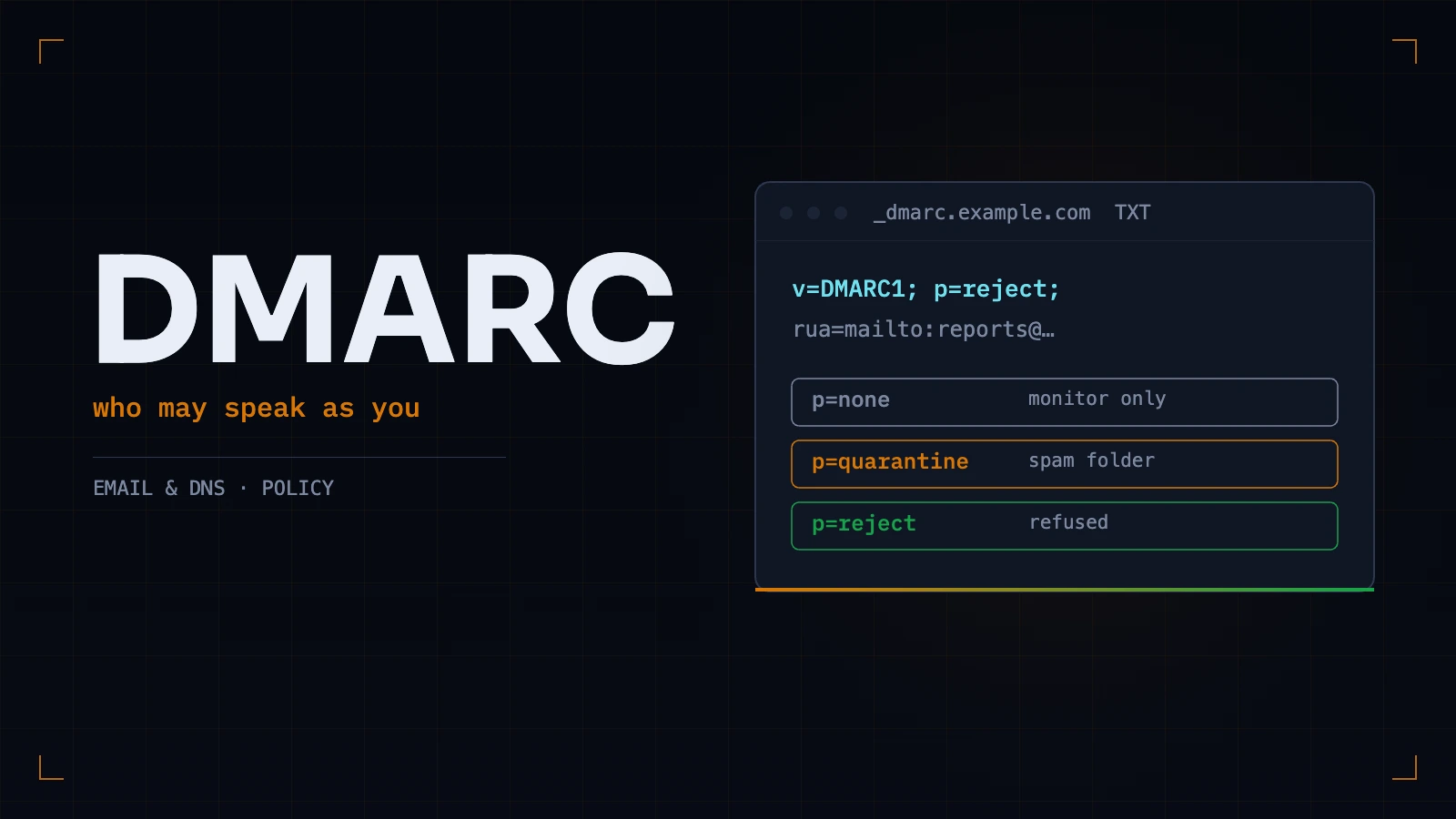
That's the third record's job. DMARC ties SPF and DKIM to the visible From: address, and — critically — tells the receiver what to do when a message fails both. It has three settings:
p=none— observe the failure and deliver the message anyway. Send me a report about it.p=quarantine— put failures in the spam folder.p=reject— refuse failures outright. They never arrive.
p=none is meant to be temporary — a monitoring phase, where you watch the reports to make sure your legitimate mail all passes before you turn on enforcement. It is meant to last weeks.
Survey after survey finds that most domains with DMARC at all are sitting on p=none, often for years. They did the hard part — published the record — and never flipped the one setting that turns observation into protection. It's a smoke detector wired to a notepad instead of an alarm.
What to actually do, in order
- Check what you have. Look up your domain's TXT records for SPF (
v=spf1 …) and DMARC (_dmarc.yourdomain.com,v=DMARC1 …). Any DNS lookup tool shows them. Many domains discover they have no DMARC record at all — which is the same asp=nonefor an attacker's purposes: nothing is refused. - If DMARC is p=none, start reading the reports. They tell you which of your own senders would break under enforcement. Fix those first — usually a marketing or invoicing tool that needs adding to SPF or DKIM.
- Move to p=quarantine, then p=reject. This is the step that ends the attack. It's one edit to one DNS record, and it is the difference between "we log invoice fraud" and "invoice fraud never reaches anyone."
- Re-check periodically. A new tool added to your stack, a DNS migration, a typo in a record — any of these can silently reopen the door.
Email authentication — all three records, and the DMARC policy specifically — is one of the checks [Webcuris](/) reads on every scan, because it is one of the most consequential and most commonly half-finished. You can [check your domain free, no signup](/scan). But you don't need us for the important part today: look up your DMARC record. If it says `p=none`, or if there's no record at all, you now know exactly what the finance manager's company didn't.
Keep reading
Missing DMARC: What Actually Happens to Your Email
Without DMARC, anyone can send mail that says it is from your domain and no receiving server has instructions to stop them. The three records, the rollout that does not break your own mail, and the duplicate-record trap that silently disables the whole thing — which we walked into ourselves.
Your monitoring is watching the wrong end of the request
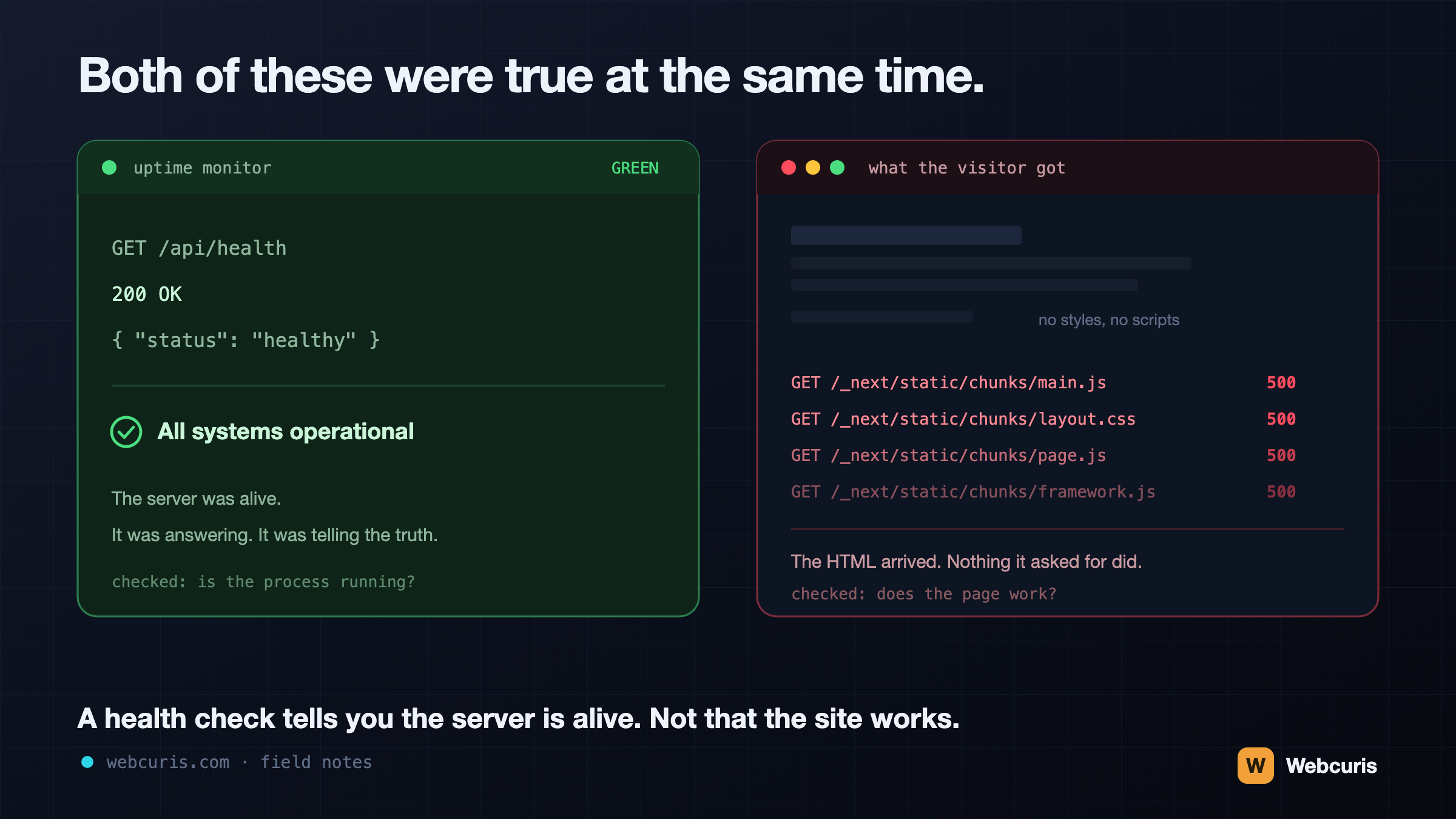
Our uptime monitor was green while every visitor saw an unstyled page. It was the second time every server-side signal agreed the site was fine while the browser disagreed — and the two incidents share a shape worth naming.
Before you connect that MCP server, run these three commands
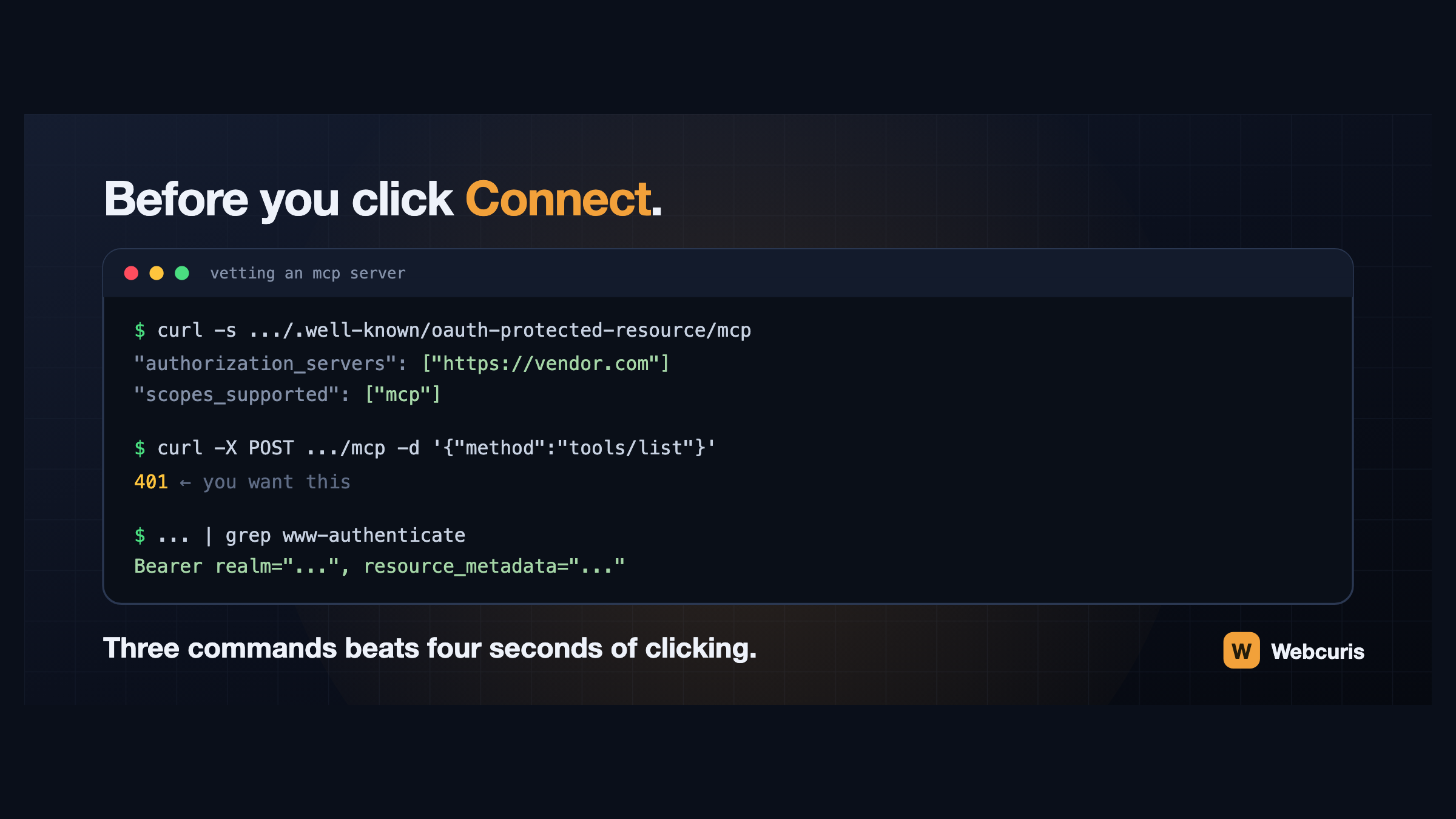
Connecting an AI assistant to a tool takes four seconds and grants a language model your permissions. Three commands, run first, tell you how the server authenticates and whether it follows the specification at all.
Everything this article describes is what Webcuris checks continuously — scan one page free, no signup.