What Is Slopsquatting? How AI-Invented Packages End Up in Real Codebases
Attackers register the package names AI assistants invent. What the research measured, how to find a hallucinated dependency already sitting in your repo, and why a one-time cleanup is not a control.

Webcuris Research
Security Engineering
·4 min read
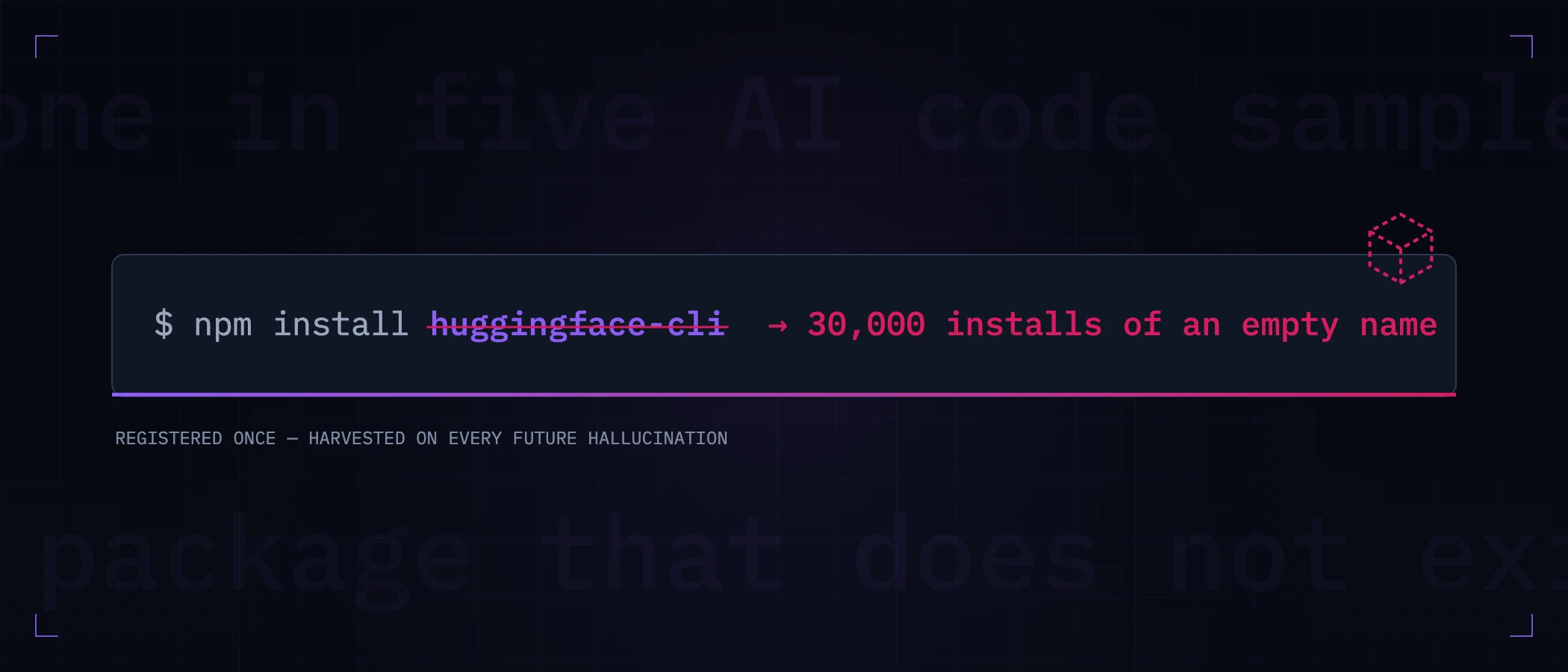
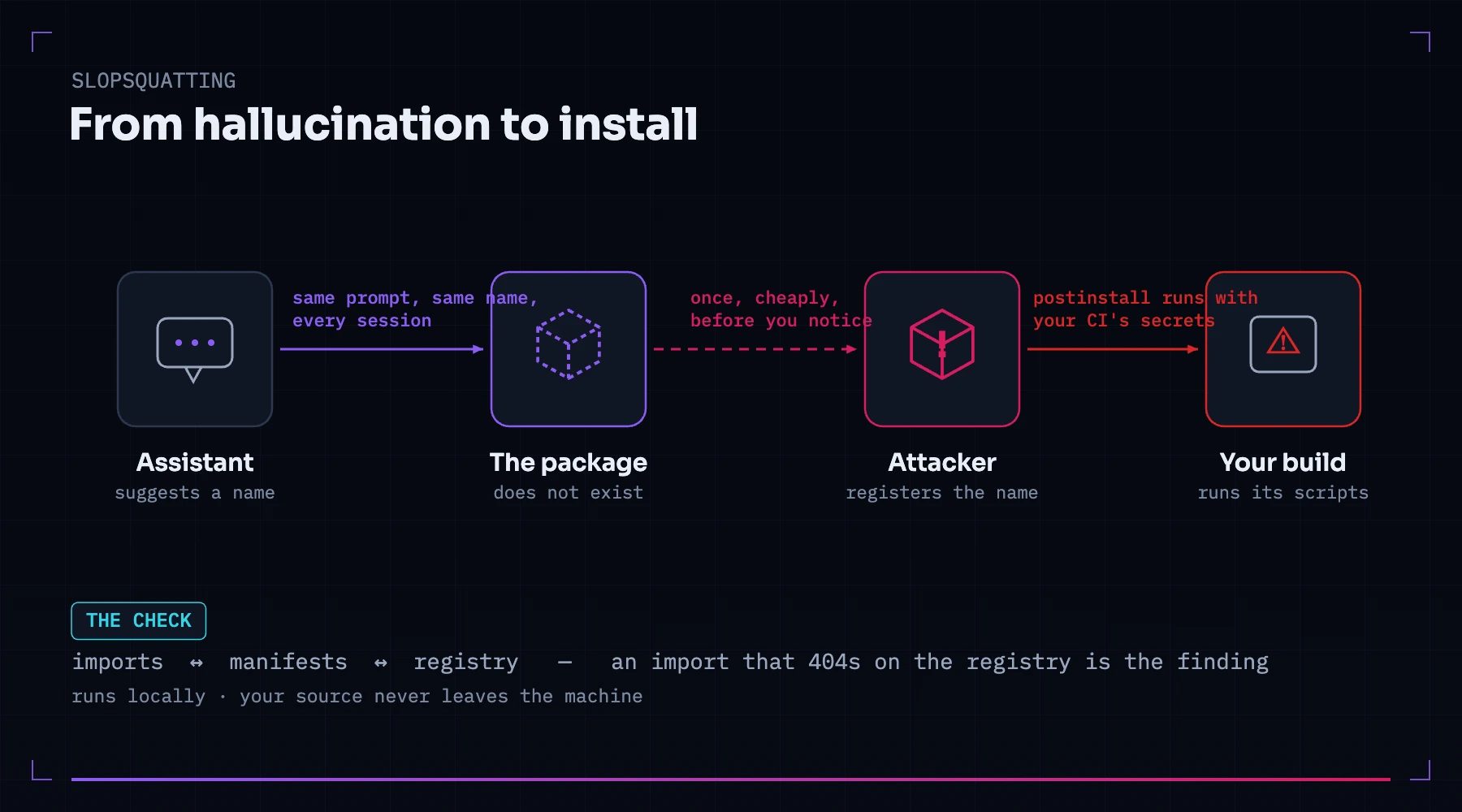
Slopsquatting is a supply-chain attack aimed at the package names AI coding assistants invent. Language models routinely recommend installing packages that do not exist. Attackers register those names on npm, PyPI and other public registries — and wait. The next developer whose assistant hallucinates the same name, and who runs the install command it helpfully formats for copying, pulls the attacker's code into their build. The term was coined by security researcher Seth Larson, by analogy with typosquatting: instead of betting on human typos, the attacker bets on machine hallucinations.
How big is this, measured
This is one of the few new attack classes that arrived with real numbers attached. A study presented at USENIX Security 2025 tested sixteen code-generating models across 576,000 samples and found that roughly one in five generated code samples referenced packages that do not exist — over 205,000 unique hallucinated names across the runs (the paper).
And the names get used. In one widely-reported experiment, a researcher registered an empty package under huggingface-cli — a name models kept inventing for Hugging Face's real tool, which actually installs as huggingface_hub. With no code, no README, and no promotion, it was downloaded more than 30,000 times in three months (recounted by Trend Micro). Every one of those installs would have executed a hostile postinstall script if the package had carried one.
| Hallucination pattern | What it looks like | Why it lands |
|---|---|---|
| Mashup of real names | huggingface-cli, openai-tools | Sounds exactly like something the vendor would publish |
| Near-variant of a real package | python-dotenv vs dotenv-python | Indistinguishable from memory; both orderings feel right |
| Pure fabrication | A plausible name for a function the model wishes existed | The model presents it with the same confidence as a real one |
Why this works so well
Hallucinations are not random noise. The same prompts reproduce the same invented names across sessions and even across models — the study found a large share of hallucinated names recurred consistently. That repeatability is the entire business model: an attacker registers a name once, and every future developer who asks a similar question becomes a potential install. Add the delivery mechanism — an authoritative-sounding answer with a ready-to-paste npm install line — and the usual moment of skepticism never happens.
How to find one already in your codebase
There are two shapes to look for, and they carry different levels of alarm.
An import with no manifest entry (a phantom dependency): code imports a package that appears in no package.json, requirements.txt or lockfile. It arrived by paste, works by accident — through a transitive dependency, or a globally installed tool — and nobody ever vetted it.
A dependency that 404s on its public registry: the name your code depends on is not published at all. This is the alarming one — the name is sitting unclaimed, or worse, was claimed after your code started referencing it.
You can check any single suspect by hand:
# npm — a 404 here means the name your code references is claimable by anyone
npm view some-package name

# PyPI
pip index versions some-package

# and is it actually declared, or just working by accident?
npm ls some-package
By hand does not scale to a real repository, which is why this check is part of Webcuris's local repository scan — the same one that hunts committed secrets. It walks your imports, compares them against every manifest, and then asks the registry. An import that 404s on the public registry is flagged at high severity with the registry response as evidence; a real-but-undeclared package is flagged as a phantom dependency. The scan runs on your machine — your source never leaves it.
If you find one
- Stop installs first. If the name is unpublished, any
npm installbetween now and the fix is a race against whoever registers it. - Check what it did. If a package by that name was installed, read its
postinstallscripts and network calls before deciding anything else — that is where the payload lives. - Find out when it arrived.
git log -Son the import and the lockfile tells you which change introduced it, which usually tells you how. - Rotate what the build could see. A hostile install script runs with your CI's credentials. Treat every secret in that environment as exposed until proven otherwise.
- Replace it with the real thing — the package the AI was reaching for usually exists under a different name.
Preventing the next one
- Treat AI-suggested installs as untrusted input. Before installing, check the package's age, download count and repository link — a week-old package with no source link answering a years-old problem is the tell.
- Commit lockfiles and install from them (
npm ci,pip install -rwith hashes) so a name resolves the same way twice. - Run installs with scripts disabled in CI (
npm ci --ignore-scripts) where your stack allows it — it removes the most common payload vehicle. - Scan on every change, not once. Every AI session can re-hallucinate. A cleanup is a snapshot; only a check that runs when code changes is a control.
Keep reading
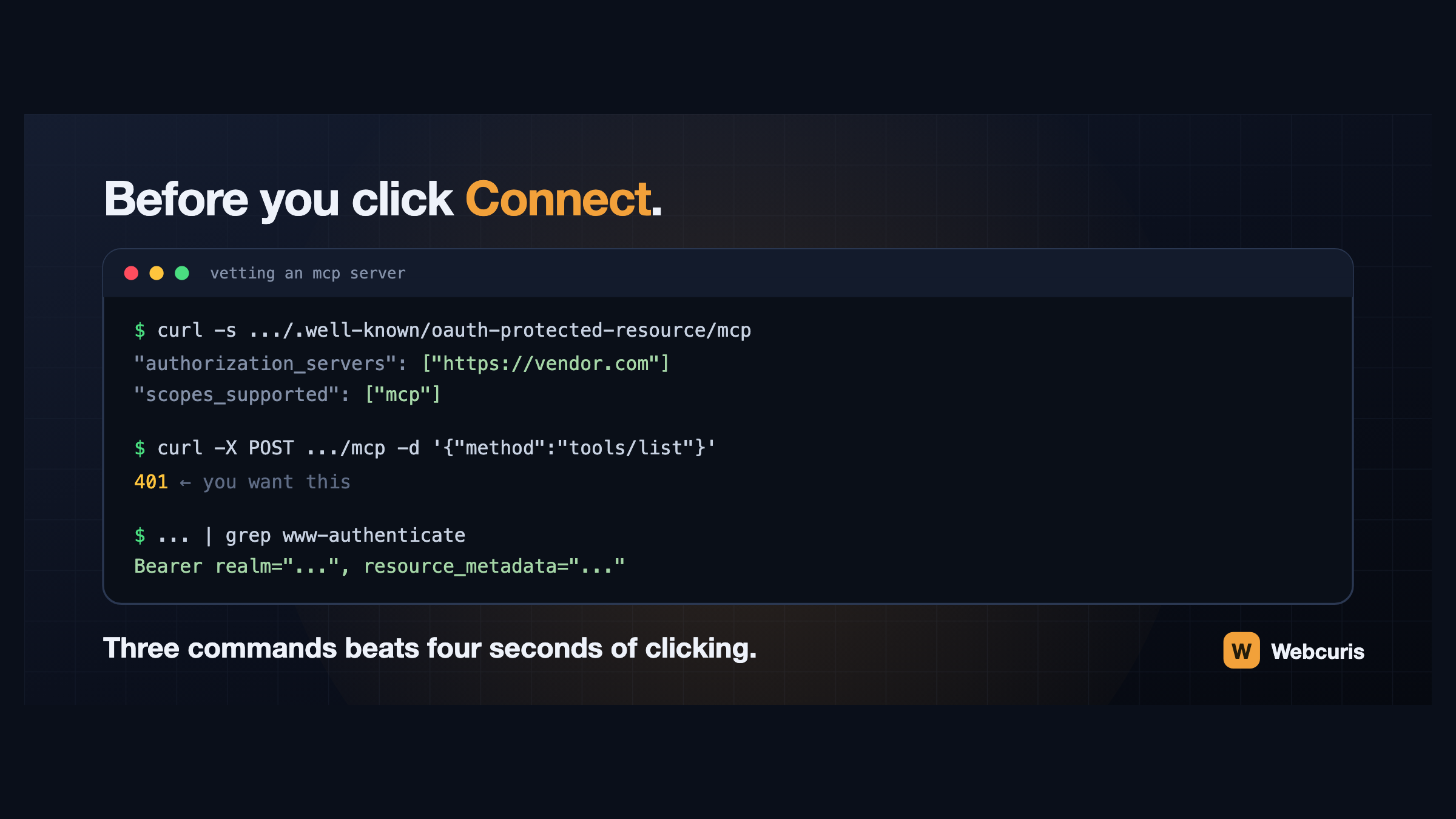
Before you connect that MCP server, run these three commands
Connecting an AI assistant to a tool takes four seconds and grants a language model your permissions. Three commands, run first, tell you how the server authenticates and whether it follows the specification at all.
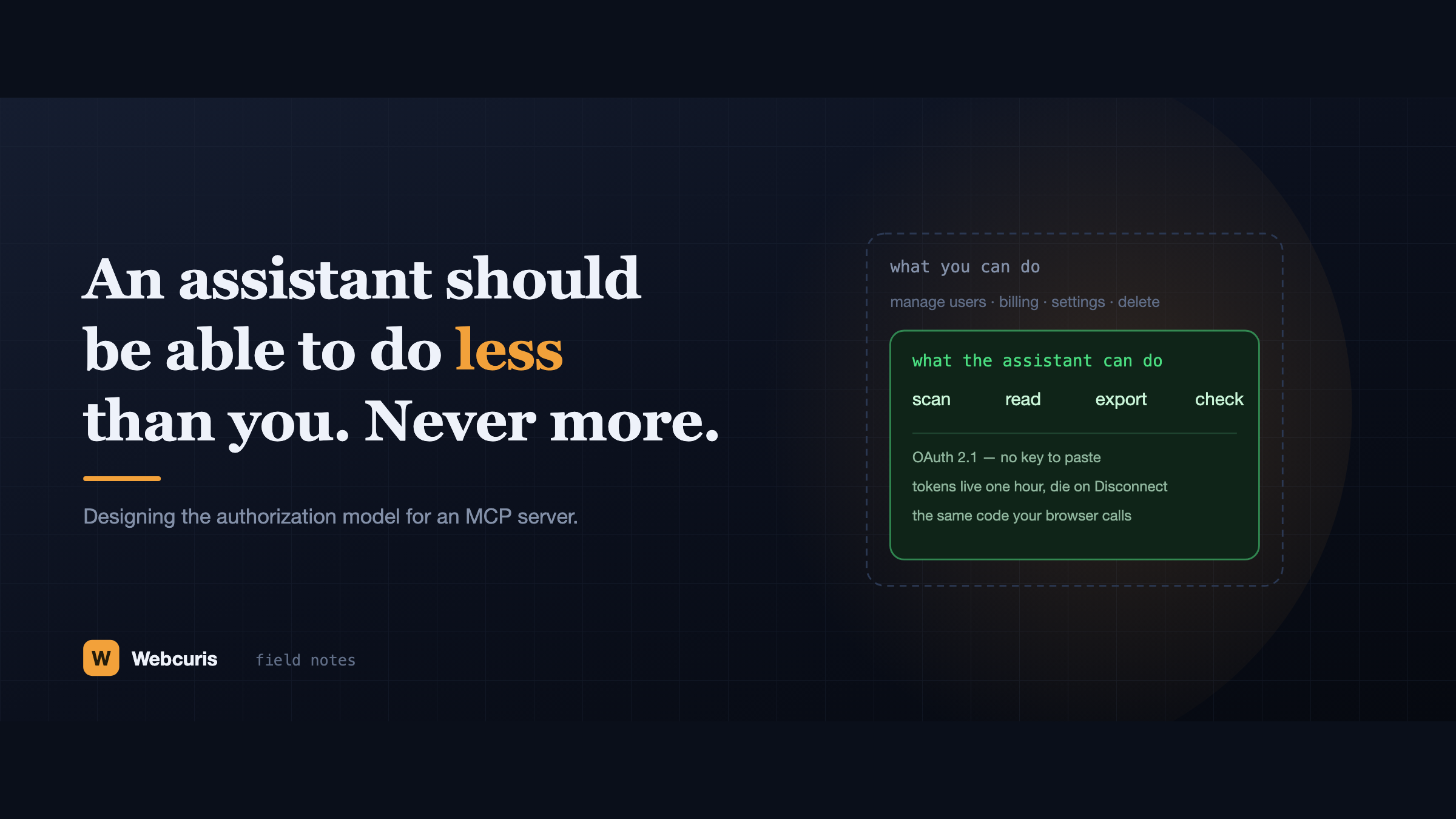
An assistant should be able to do less than you. Never more.
Everyone is connecting AI assistants to their tools by pasting an API key that never expires and isn't scoped to anything. Here is the authorization model we built instead, and the six decisions behind it.
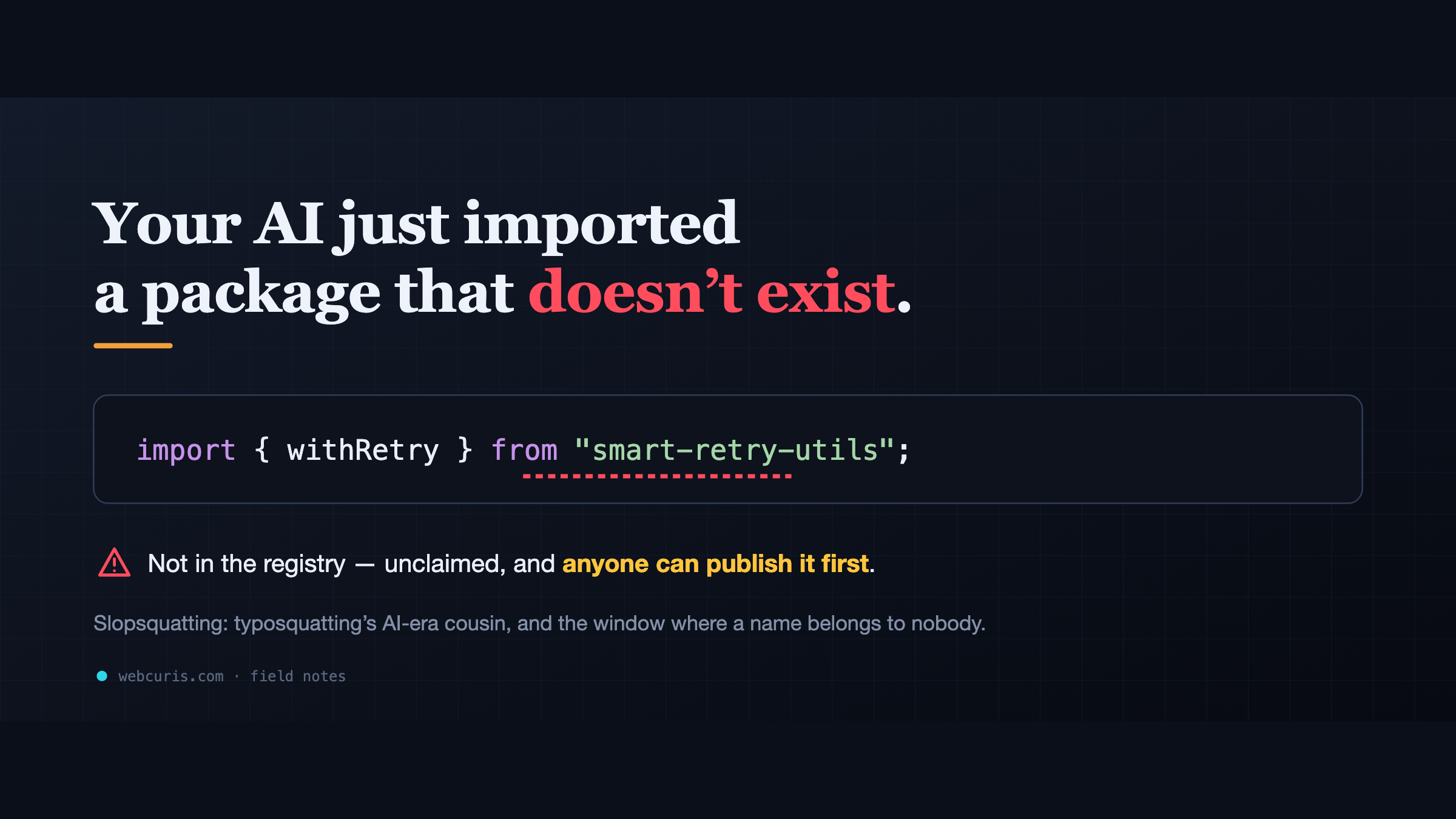
Your AI just imported a package that doesn't exist
LLM assistants keep inventing plausible package names. Unclaimed, those names are an attacker's opportunity — slopsquatting is typosquatting's AI-era cousin, and most teams have no check for it.
Everything this article describes is what Webcuris checks continuously — scan one page free, no signup.