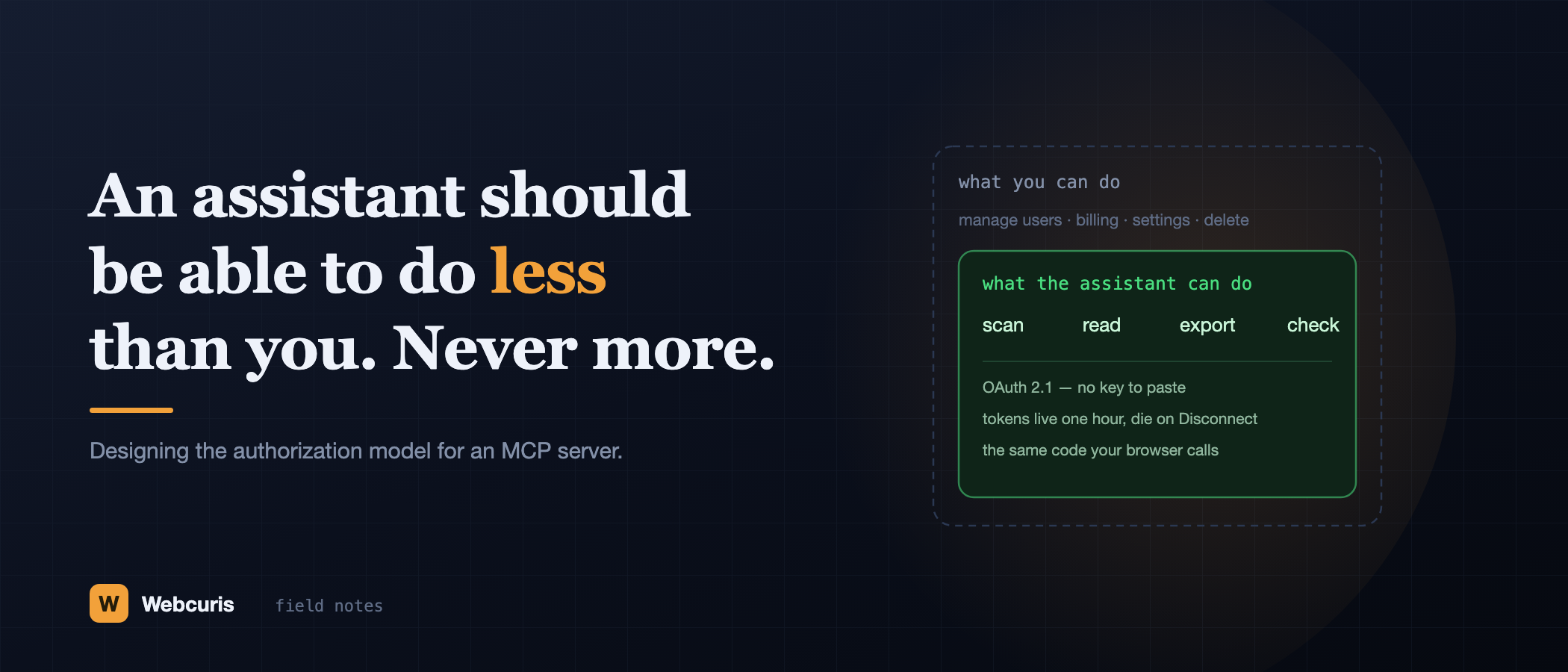
An assistant should be able to do less than you. Never more.
Everyone is connecting AI assistants to their tools by pasting an API key that never expires and isn't scoped to anything. Here is the authorization model we built instead, and the six decisions behind it.
Webcuris Research
Security Engineering
·6 min read
There is a pattern spreading quickly right now, and it is worth looking at squarely before it becomes the default.
You want your AI assistant to use one of your tools. The tool offers you an API key. You copy the key, paste it into a settings box in a chat client, and it works. Everyone is doing this. It is the fastest path from nothing to something, and it is a bad shape for the problem.
That key usually does not expire. It is usually not scoped to anything narrower than "this account". It very often permits things you would never intend an assistant to do — change billing, remove a teammate, delete data. And it now lives, in plain text, in a configuration file and in whatever the client syncs.
We shipped an MCP server this month, which forced us to answer the question properly: what should an AI assistant be allowed to do with somebody's account? Here is the principle we settled on, and the six decisions that fell out of it.
The principle
That sounds obvious. It is not what most integrations do. A pasted API key typically grants the union of everything the key's owner can do, forever, to whatever holds the key — which is strictly more than a careful person would grant, and it is granted by default rather than by decision.
Everything below is what it takes to make the sentence literally true rather than aspirationally true.
1. OAuth, so there is no secret to leak
Assistants sign in through OAuth 2.1 with PKCE. The client opens our site in the user's browser, the user signs in on our domain, and the client receives a token. There is no key to copy, so there is no key sitting in a config file, no key in a screenshot, and no key for a user to paste into the wrong window.
This also puts the password where it belongs: on our sign-in page, typed by the person it belongs to, never passing through the assistant at all.
2. Tokens that are short, bound, and revocable
- Access tokens live one hour. A leaked token is a problem with an expiry date.
- Refresh tokens rotate on every use, and a reused one revokes the whole family — the standard detection for a stolen refresh token, because the legitimate client and the thief cannot both use the same one without one of them tripping it.
- Tokens are bound to this server's address, so a token obtained for us cannot be replayed somewhere else.
- Stored only as a hash. A dump of our token table grants nobody anything.
- Disconnect means disconnect — the token dies on the next request, not at the end of some cache window.
3. No second door
This is the decision I would defend hardest, because it is the one that is easy to get wrong quietly.
Every MCP tool calls the same routes the web application calls, in the same process. Not a parallel API written for assistants. Not a service that talks to the database directly because it was easier. The same code.
Which means plan gates, quotas, domain-ownership checks, organisation scope, the refusal to scan private network ranges, and the audit log all apply without anybody having to remember to reapply them. A scan you cannot open in the browser is a scan the assistant cannot read, and that is true by construction rather than by diligence.
The failure mode this avoids is specific and common: a second interface, written later, that reimplements 90% of the authorization checks. The missing 10% is the incident.
4. A deliberately small surface
There are ten tools. They scan, they read, they export, they check status. There is no tool that manages users, changes billing, edits settings, or deletes anything.
This was a product decision, not a technical limitation — those endpoints exist and could have been exposed. But an assistant that can delete an asset is an assistant that can delete an asset because it misread a sentence. The blast radius of a misunderstanding should be bounded by what the tools can express, not by how carefully the model behaves.
A useful test when you are designing your own tool list: for each tool, finish the sentence "the worst plausible outcome of the model calling this at the wrong moment is…". If the answer is worse than "a wasted scan", think harder.
5. Consent that names names
Every client registers before it may ask for anything. The approval page then shows the user two things that matter and are usually hidden: the client's name, and the exact address the browser will be returned to.
That second one is the defence against a whole family of redirect attacks. A request with a mismatched return address, a missing code challenge, or the wrong scope is refused before the user is ever shown a button — because a consent screen that a user cannot evaluate is theatre, and a consent screen that appears for a malformed request is worse than none.
6. Limits that assume hostility
Requests are capped per user per minute. Bodies are capped in size. Batched calls are refused outright. Authorization codes are single-use and live ten minutes — and a code that is replayed revokes whatever it was exchanged for.
None of this assumes the assistant is malicious. It assumes that something in a long chain — a client, an extension, a proxy, a compromised laptop — eventually will be, and that the server should be the part that does not depend on the rest behaving.
What this costs
Honesty about the trade: OAuth is more work to implement than accepting a header, and considerably more work to implement correctly. Short tokens mean refresh logic. A small tool surface means telling users "no, it can't do that" sometimes — and they are occasionally right that it should.
What it buys is that the answer to "what happens if this assistant is compromised?" is bounded and describable, rather than "it has my API key, so… everything."
If you are shipping one of these
A lot of teams are building MCP servers this quarter, and the ecosystem is young enough that the conventions are being set right now by whoever ships first. Three questions worth asking about yours, or about any integration you are about to authorise:
- Is there a second door? Does the assistant reach your data through the same authorization code as your UI, or through something written alongside it?
- Can it do more than the person who connected it? If the answer is yes anywhere — even one administrative endpoint — that is the whole security model.
- What dies when someone presses Disconnect? If the answer involves a key that still works, nothing was really disconnected.
The interesting part of connecting AI to real systems was never the connection. It is deciding, deliberately and in advance, exactly how much of yourself you are handing over.
The [Webcuris](/) MCP server is live for Claude, ChatGPT, Cursor, Claude Code, Copilot, Windsurf, Gemini CLI and Codex — the setup guide and the full list of what it is allowed to do are on the [MCP server page](/mcp-server).
Keep reading
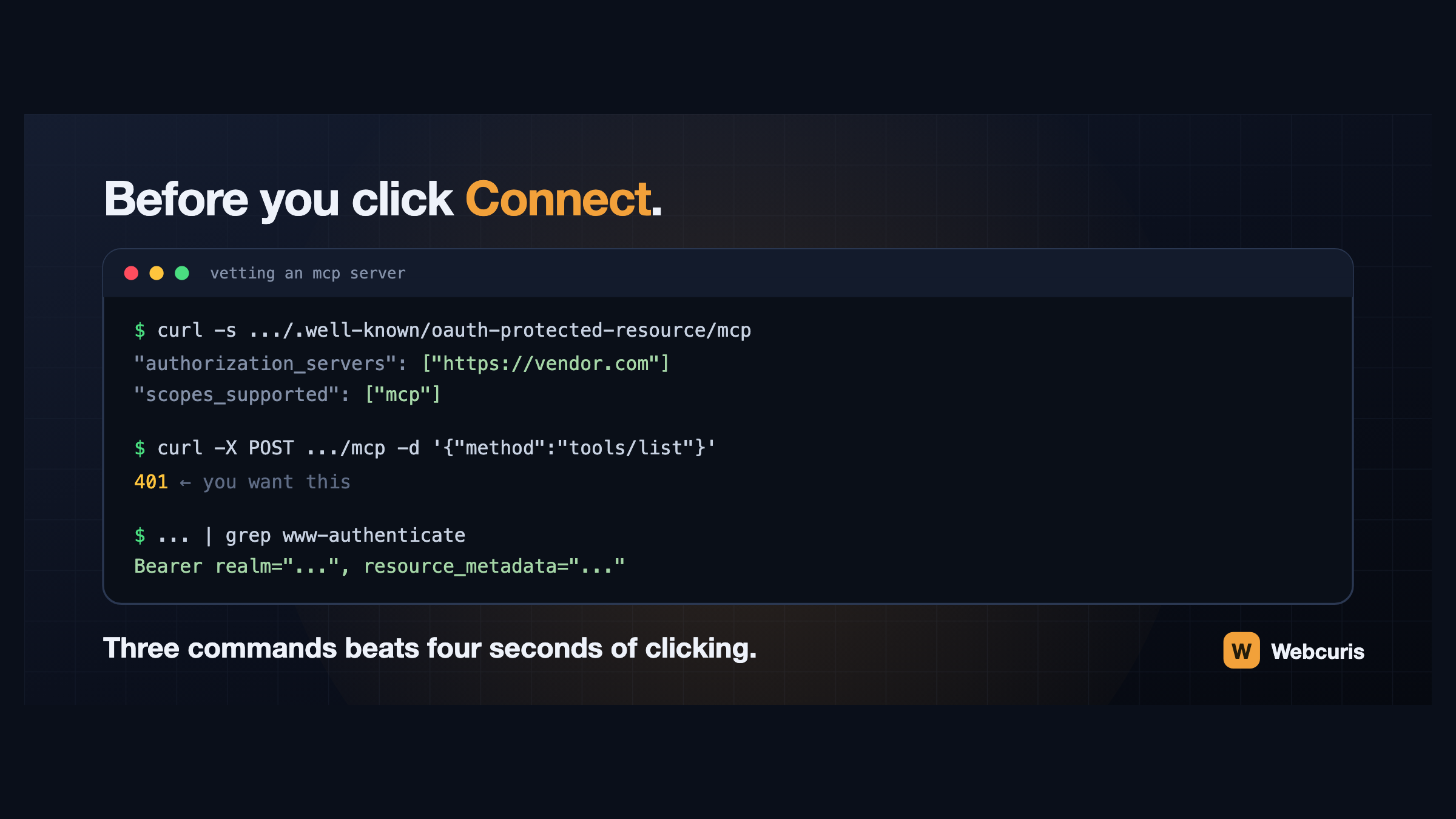
Before you connect that MCP server, run these three commands
Connecting an AI assistant to a tool takes four seconds and grants a language model your permissions. Three commands, run first, tell you how the server authenticates and whether it follows the specification at all.
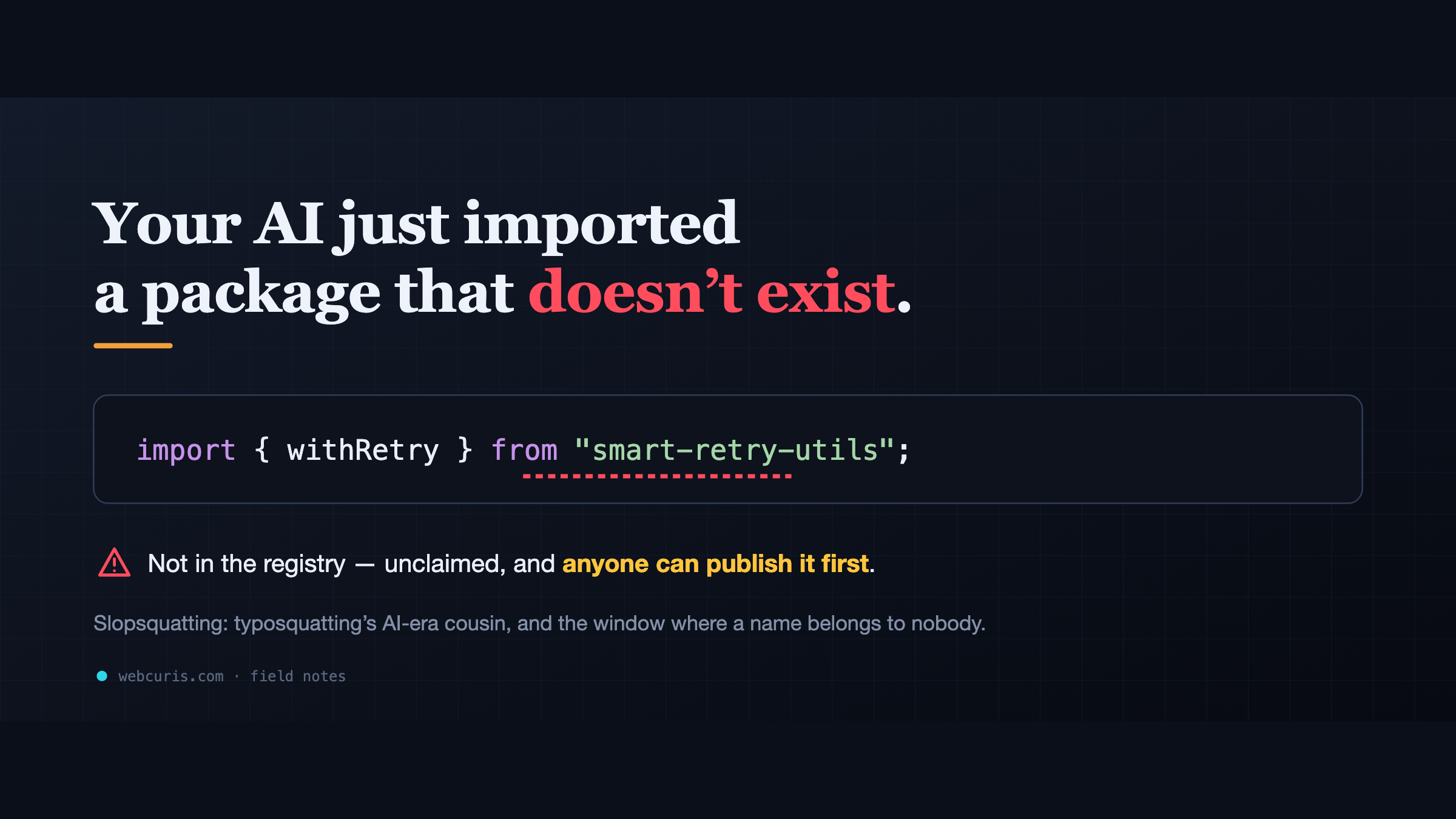
Your AI just imported a package that doesn't exist
LLM assistants keep inventing plausible package names. Unclaimed, those names are an attacker's opportunity — slopsquatting is typosquatting's AI-era cousin, and most teams have no check for it.
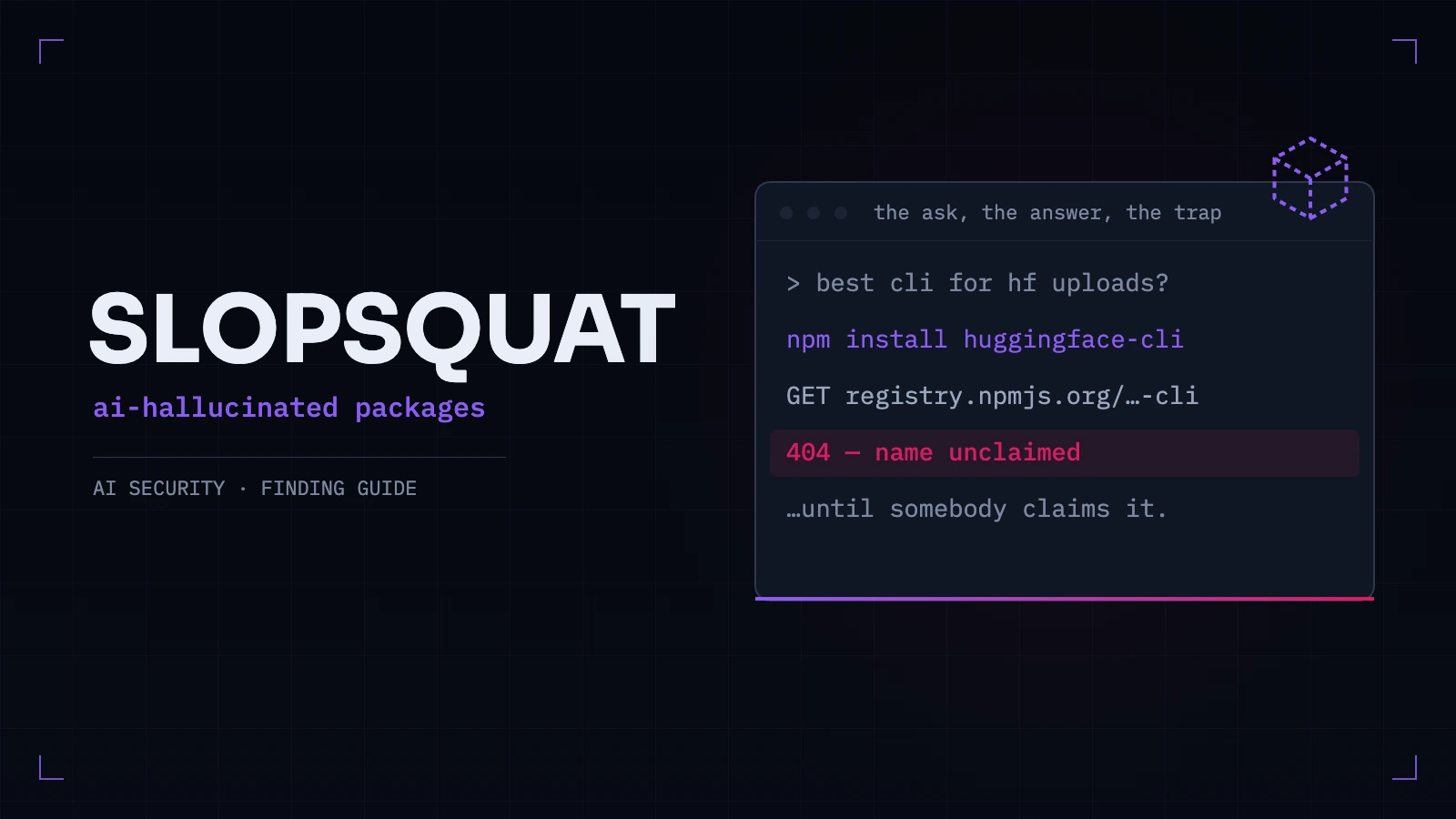
What Is Slopsquatting? How AI-Invented Packages End Up in Real Codebases
Attackers register the package names AI assistants invent. What the research measured, how to find a hallucinated dependency already sitting in your repo, and why a one-time cleanup is not a control.
Everything this article describes is what Webcuris checks continuously — scan one page free, no signup.