How to Find Secrets Already Committed to a Git Repository (and What to Do at 2 A.M.)
Deleting the file does nothing — the secret lives in history, clones, forks and caches. The search commands, the rotate-first order of operations, and how to prove the old credential is actually dead.

Webcuris Research
Security Engineering
·2 min read
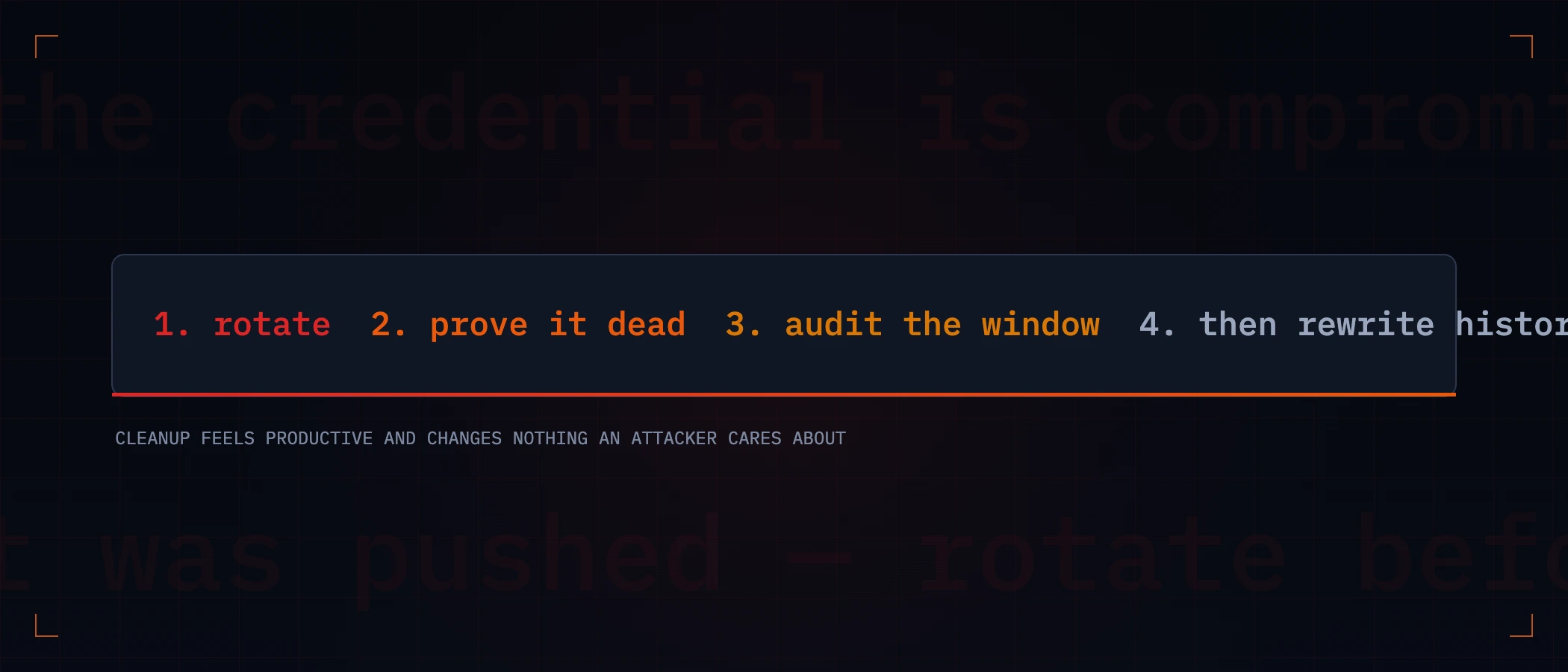
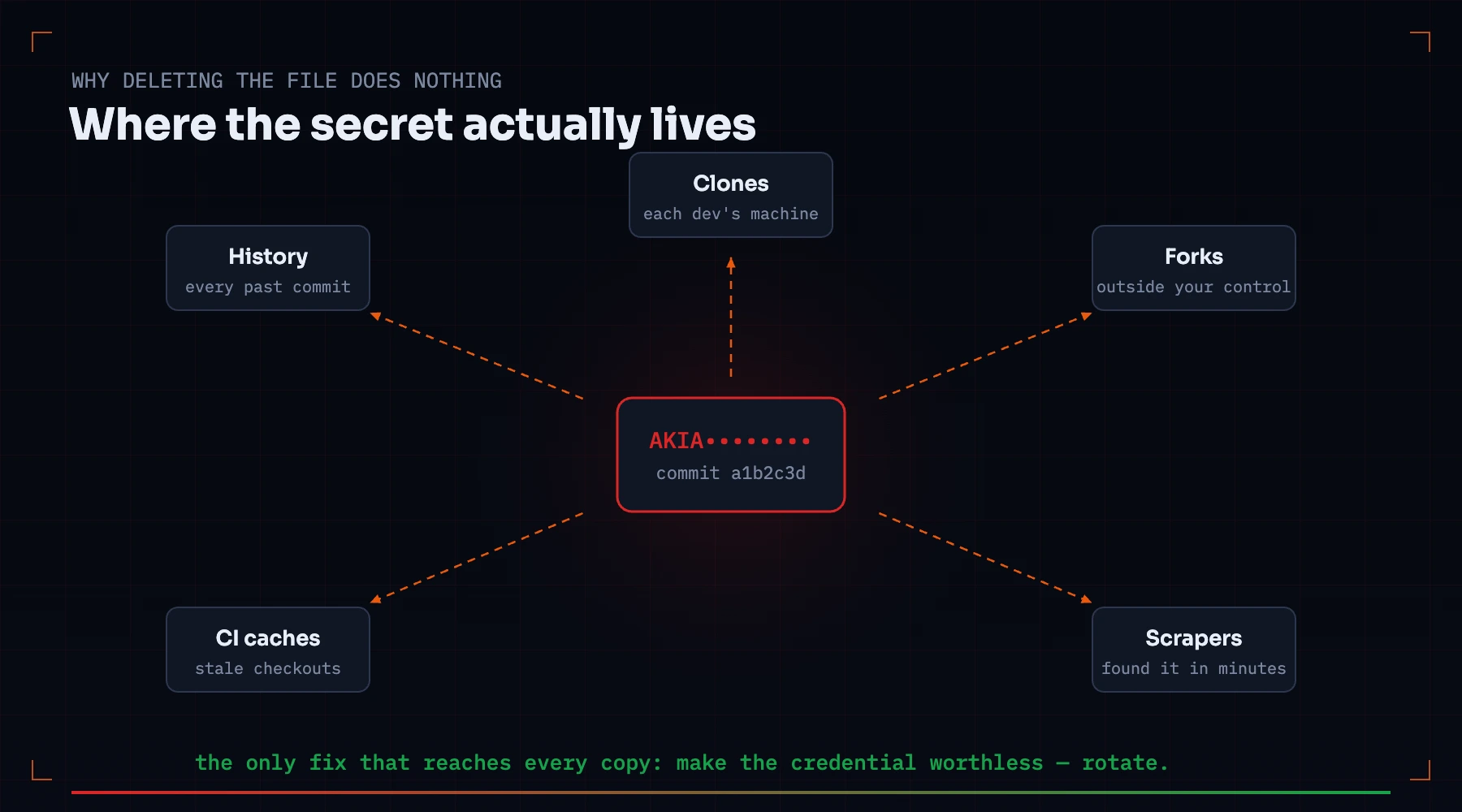
A credential committed to git does not live in a file — it lives in history. Deleting the file and pushing removes it from exactly one place: the checkout of someone who pulls next. It remains in every previous commit, every existing clone, every fork, every CI cache, and possibly in the index of anything that scanned the repo while it was exposed. That is why the response has a strict order, and why the order starts with rotation, not cleanup.
First: find everything
Git itself is a competent secret hunter — history included:
# every commit that ever added or removed a string
git log -S 'AKIA' --oneline --all

# grep the full content of every commit
git grep 'api_key' $(git rev-list --all) -- ':!*.lock' | head

# what a specific commit exposed
git show <commit>:path/to/file
For pattern-based sweeps, dedicated scanners — gitleaks, trufflehog, or the secrets check in a Webcuris local scan — walk history with rules for hundreds of credential shapes, which matters because the secret you remember committing is rarely the only one in there.
The 2 a.m. order of operations
- Rotate first. Now. The credential is compromised the moment it was pushed anywhere non-private; if the repo is public, assume automated harvesters found it within minutes. Issue the replacement, deploy it, then continue.
- Prove the old one is dead. Call the service with the old credential — it must fail. A rotation that was not applied everywhere looks identical to one that was.
- Check what it touched. Provider audit logs (CloudTrail, GitHub audit log, the API's own logs) for the exposure window. You are looking for use that was not yours.
- Then clean history — for hygiene, not for safety. The secret is already dead if step 2 passed; rewriting exists so scanners and future readers stop tripping on it.
- Tell people before you force-push. A rewritten history strands every open clone and PR; cleanup that surprises the team causes its own incident.
Rewriting history, correctly
# remove one file from all of history
git filter-repo --invert-paths --path config/secrets.yml

# or replace the literal value everywhere it appears
printf 'THE_OLD_VALUE==>REDACTED\n' > /tmp/replacements.txt
git filter-repo --replace-text /tmp/replacements.txt
After the rewrite: force-push, have every collaborator re-clone (not pull), invalidate CI caches that hold old checkouts, and if the repository is on GitHub, contact support to drop cached views of the old commits — dangling commits remain fetchable by hash until the provider garbage-collects them.
Preventing the next one
- A pre-commit scan (gitleaks has a hook mode) catches the paste before it becomes history.
- Secrets live in the environment or a manager, never in tracked files — and the ignore rule covering
.envmust itself be committed, or a colleague's clone re-adds the file. - Scoped, short-lived credentials turn a future leak from a breach into an inconvenience.
- Scan the repo on every change — the local repository scan checks working tree and git history for credential shapes, distinguishes tracked from untracked hits, and runs on your machine, so the source being scanned for secrets never leaves it.
Keep reading
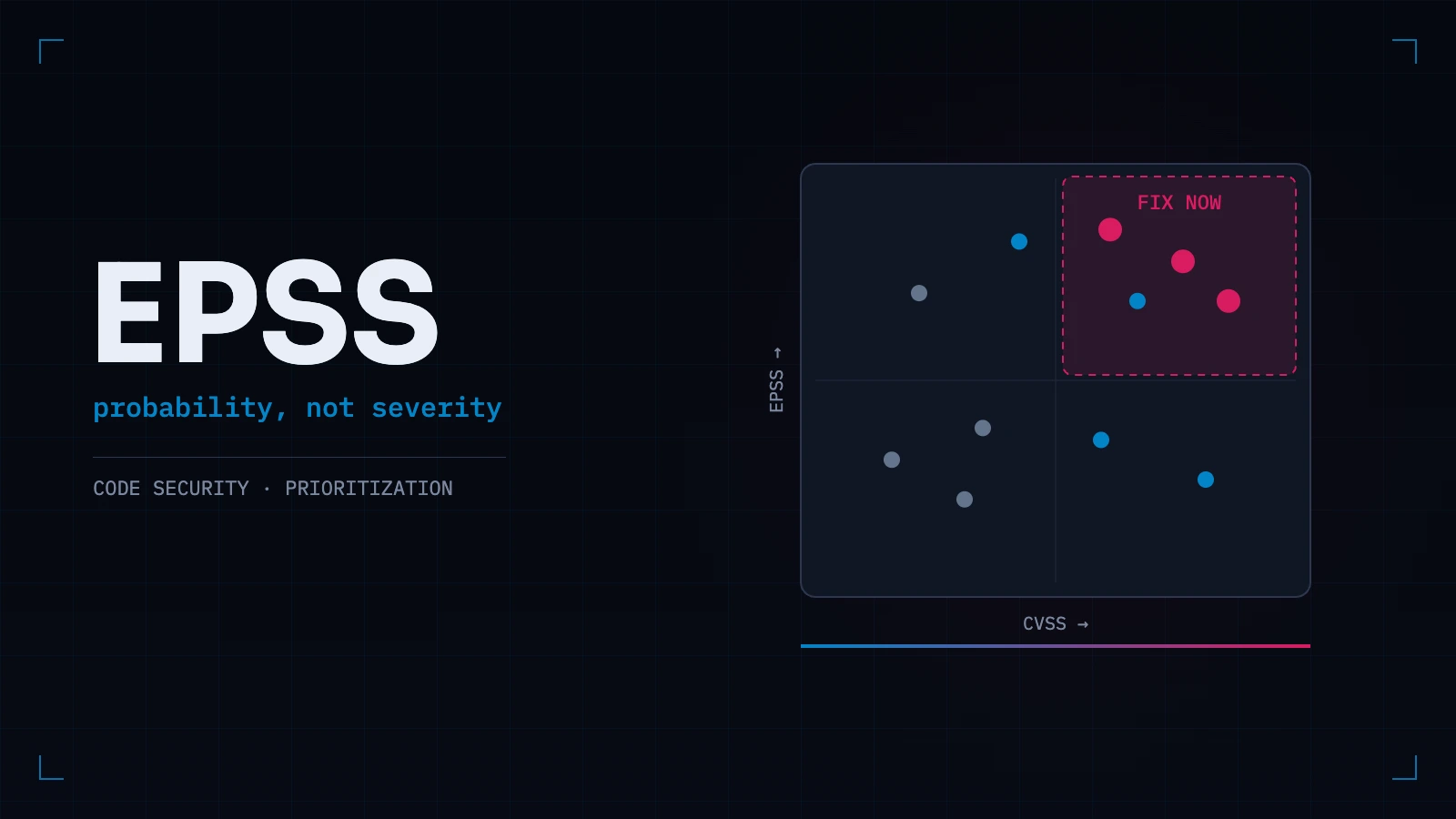
EPSS vs CVSS: Why "Critical" Doesn't Mean "Fix First"
CVSS measures how bad exploitation would be. EPSS measures how likely it is in the next 30 days. Confusing the two is why teams patch alphabetically while the actually-exploited bug waits.
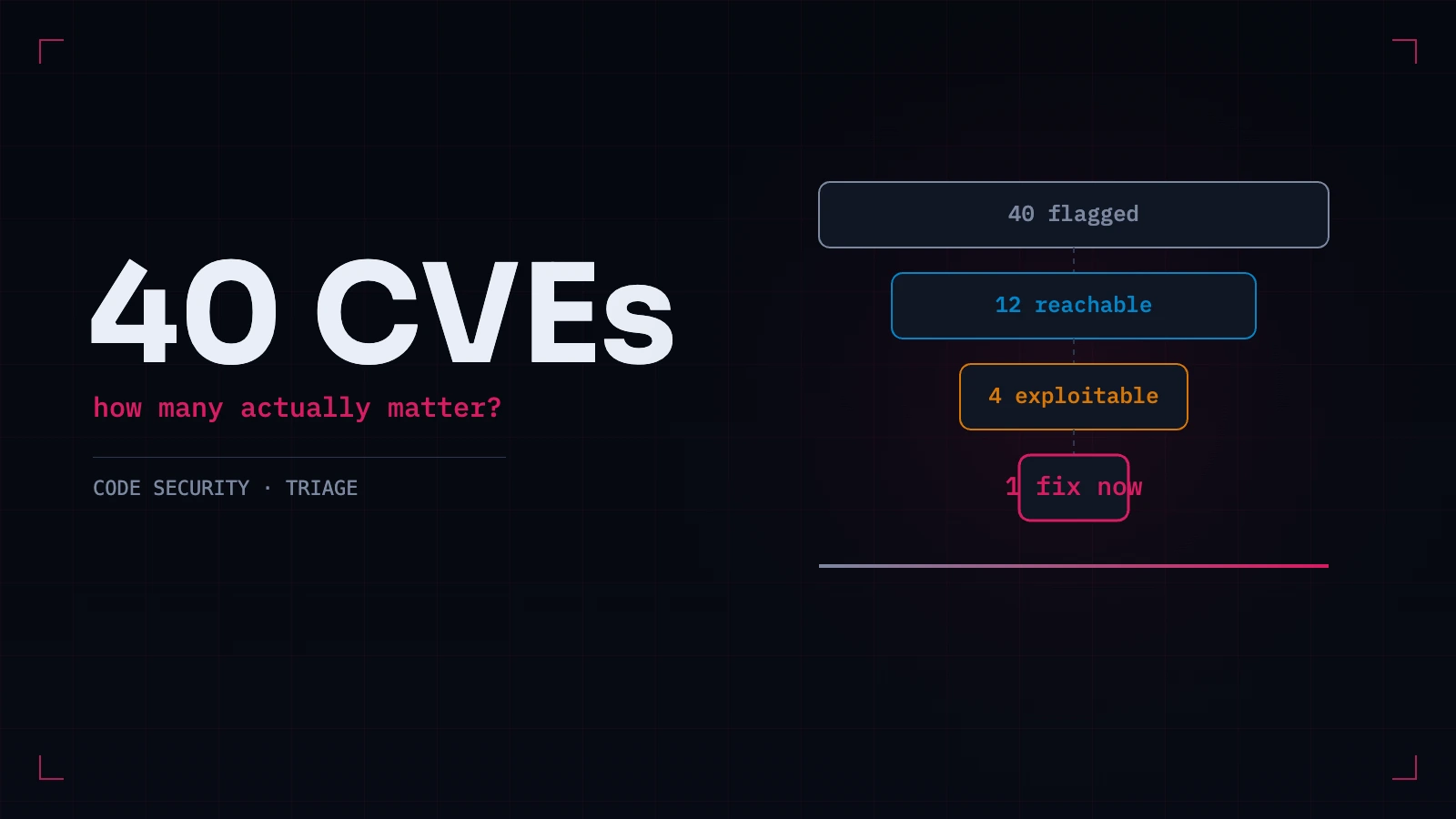
A Vulnerable Dependency Was Found. Does It Actually Matter?
Most flagged dependencies are not exploitable in your application. Five questions that separate the ones that matter from the ones that generate tickets — and what to do when the answer is genuinely no.
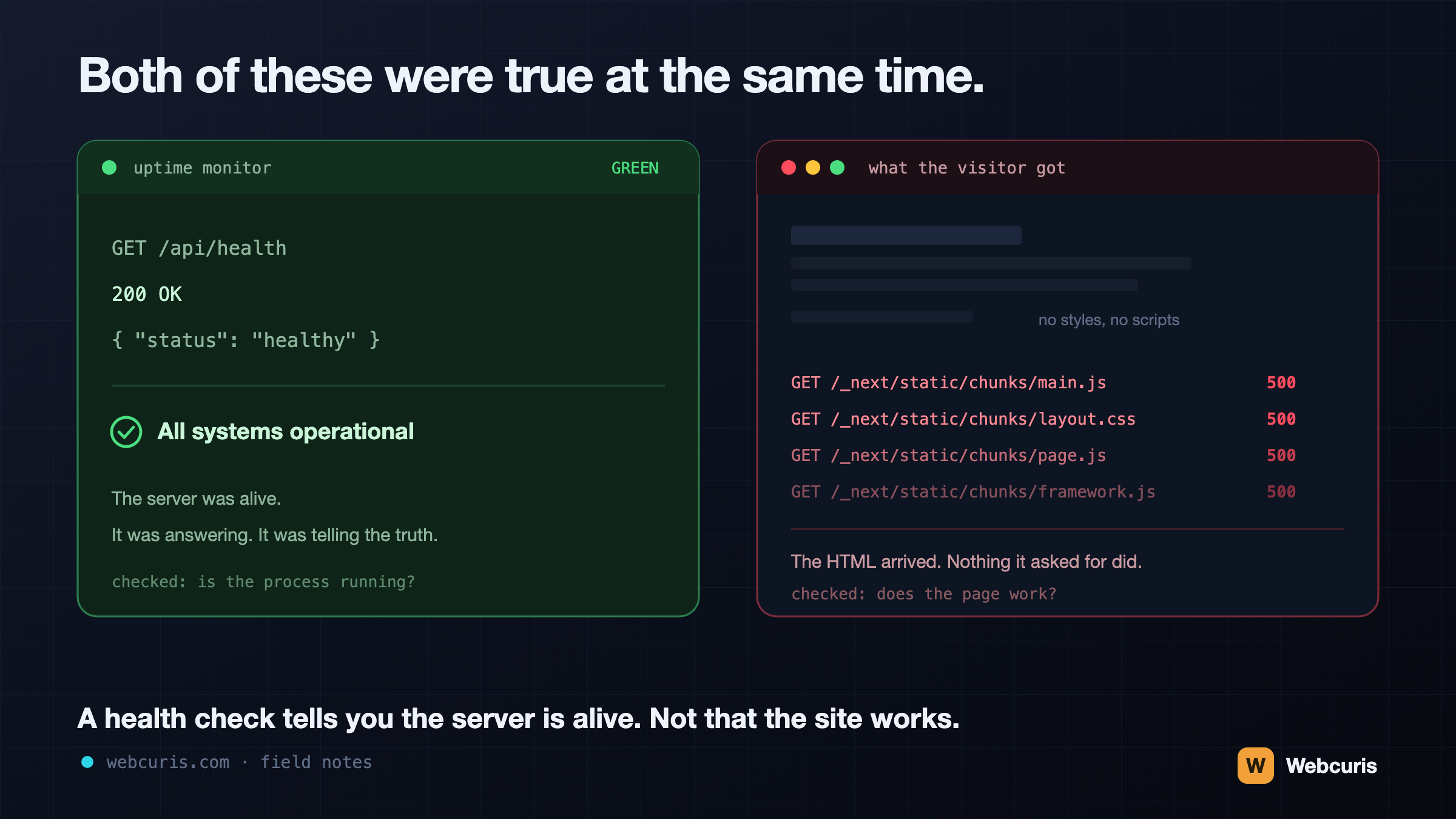
Your monitoring is watching the wrong end of the request
Our uptime monitor was green while every visitor saw an unstyled page. It was the second time every server-side signal agreed the site was fine while the browser disagreed — and the two incidents share a shape worth naming.
Everything this article describes is what Webcuris checks continuously — scan one page free, no signup.